
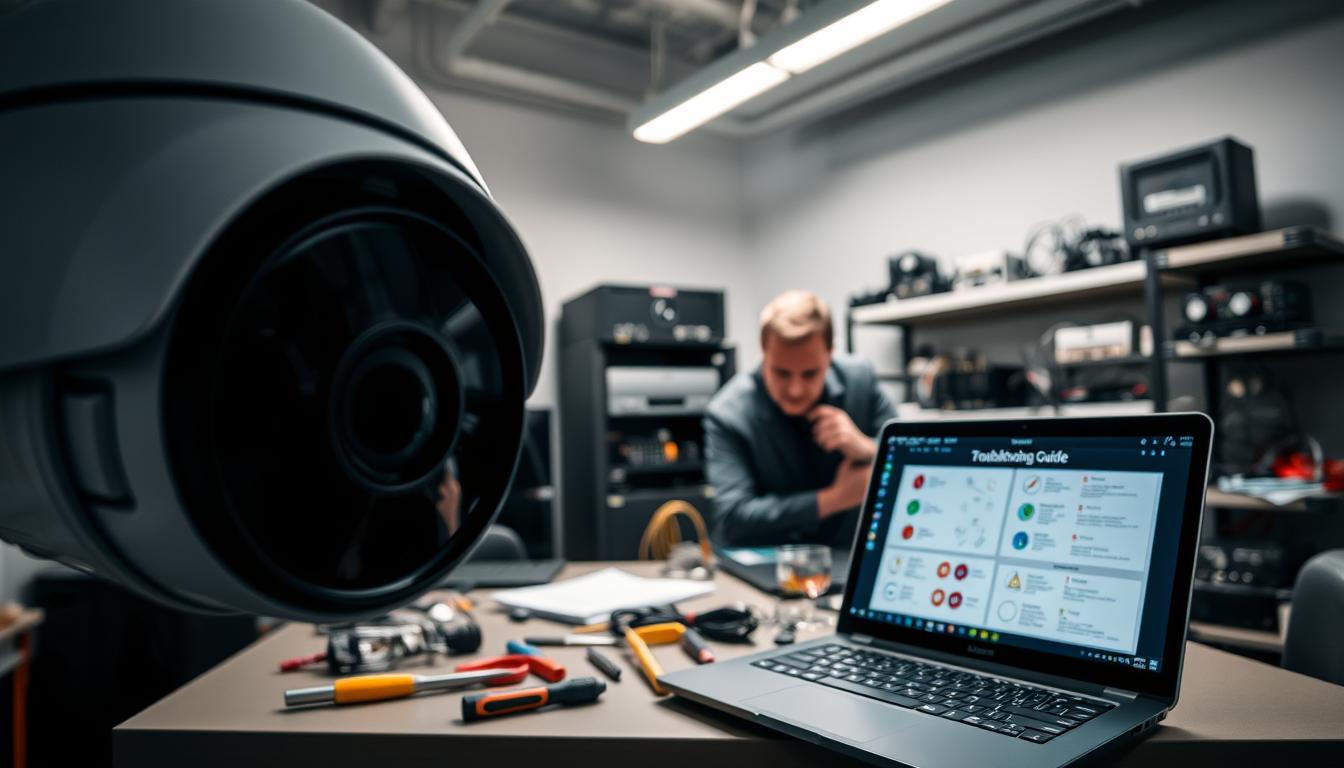
Why Do My Security Cameras Go Black? Troubleshooting Guide
Few things are more alarming than checking your surveillance feed and finding a blank screen. This sudden video loss leaves homes and businesses vulnerable, creating immediate security concerns.
Many property owners in Singapore experience this frustrating issue. Power interruptions, network failures, and environmental factors often cause these black screen problems.
Leading brands like Reolink report these concerns affect both residential and commercial systems. Prompt troubleshooting restores monitoring capabilities and prevents coverage gaps.
This guide provides comprehensive solutions for diagnosing and fixing these surveillance issues. Understanding common causes helps maintain reliable protection for your property.
Key Takeaways
- Sudden black screens indicate potential security vulnerabilities requiring immediate attention
- Power supply issues represent the most common cause of camera failure
- Network connectivity problems frequently disrupt video feeds
- Environmental factors like weather can impact camera performance
- Regular maintenance prevents many common surveillance system issues
- Brand-specific troubleshooting approaches often yield better results
- Quick action minimizes security coverage gaps during outages
Why Do My Security Cameras Go Black? Understanding the Core Issues
Monitoring interruptions manifest in various forms of visual failure. These problems range from complete signal loss to partial functionality issues. Understanding the underlying causes helps implement effective solutions.
Identifying the Symptoms: From Full Blackouts to Nighttime Failures
Surveillance systems display different failure patterns. Complete video loss shows as solid black screens across all feeds. Intermittent flickering indicates unstable connections or power fluctuations.
Nighttime-specific failures often involve infrared sensor malfunctions. These vision problems occur when ambient light drops below certain levels. The infrared LEDs or sensors fail to activate properly.
Some systems experience partial functionality loss. Certain cameras may work while others display black screens. This pattern suggests localized power or connection issues rather than system-wide failures.
The Top Three Culprits Behind Most Camera Blackouts
Power supply issues cause nearly 60% of all surveillance failures. Voltage drops particularly affect night vision capabilities. Infrared sensors require stable power to function correctly.
PTZ cameras with advanced features need consistent current flow. Some PoE switches cannot maintain the required power levels. This insufficient power leads to regular blackouts during operation.
Cable problems account for 22% of analog system failures. Singapore’s humid climate accelerates connector corrosion. BNC connectors at a Marina Bay condo suffered complete corrosion, causing total video loss.
Network instability creates significant problems for digital systems. Wireless models show 37% less reliability in Southeast Asia’s climate. Signal degradation occurs more frequently in tropical environments.
Bandwidth limitations cause network buffers to overflow. This results in temporary black screens during high traffic periods. Weak wifi connections exacerbate these network issues.
Understanding these core problems enables effective troubleshooting. Each cause requires different approaches for resolution. Proper diagnosis saves time and restores security coverage faster.
Diagnosing and Fixing Power Supply Problems
Electrical issues rank as the primary cause of surveillance failures. Proper diagnosis and correction restore reliable monitoring quickly.
Many property owners overlook basic power checks. These simple steps often resolve the most frustrating black screen issues.
Step-by-Step: Checking Power Adapters and Cable Connections
Faulty adapters cause 30% of home system blackouts. Begin troubleshooting with these essential checks.
Use a multimeter to test output voltage. Most cameras require 12V DC power. Voltage outside this range indicates adapter failure.
Inspect all wires for fraying or damage. Reolink recommends 18AWG wires for runs exceeding 30 meters. Counterfeit adapters often use inferior materials.
Check terminal connections for tightness. Loose terminals create intermittent power loss. Secure all connections properly.
Regular maintenance prevents many common issues. Schedule monthly visual inspections of all power components.
Why Surge Protectors and UPS Units Are Non-Negotiable in Singapore
Singapore’s frequent lightning storms demand robust protection. Power spikes can permanently damage circuit boards.
Use 2000-joule surge protectors with ≤1kV clamping voltage. These devices shield against sudden voltage increases.
UPS systems prevent 89% of outage-related failures in condos. They ensure continuous operation during power interruptions.
“Uninterrupted power is critical for reliable surveillance coverage during storms.”
These investments protect your entire security system. They represent essential insurance for your property’s safety.
Upgrading Your Cables: Combating Voltage Drop and Humidity
Voltage drop over distance affects camera performance. Fifty-foot runs reduce infrared effectiveness by 40%.
Keep cable runs under 20 meters when possible. Longer distances require higher-quality wiring solutions.
Singapore’s humidity accelerates cable corrosion. Marine-grade or copper-clad aluminum cables resist moisture damage.
A Sentosa villa resolved persistent issues by upgrading to humidity-resistant cables. The change eliminated regular blackouts.
Proper cable selection maintains consistent power delivery. This prevents many common surveillance problems.
Resolving Network and Connectivity Failures
Network problems often create frustrating surveillance interruptions. These connectivity issues can leave properties vulnerable when feeds suddenly disappear.
Understanding network fundamentals helps maintain reliable monitoring. Proper configuration prevents many common streaming problems.
Boosting a Weak WiFi Signal and Managing Bandwidth
Wireless cameras struggle in tropical environments. Signal degradation affects 37% more devices in humid climates.
Use WiFi analyzers to find less crowded channels. This simple step often resolves intermittent connection drops.
Dual-band routers reduce 5GHz interference by 65%. They provide cleaner signals for critical surveillance feeds.
Large properties benefit from mesh networks. These systems eliminate dead zones across entire buildings.
Bandwidth limitations choke video transmission during peak hours. Manage traffic by prioritizing surveillance data.
Wired connections offer superior reliability for permanent installations. They avoid wireless signal problems entirely.
How to Find and Fix IP Address Conflicts on Your NVR
IP conflicts cause 18% of NVR disconnections. These issues create sudden video loss across multiple feeds.
Assign static IP addresses through each camera’s web interface. This prevents automatic address reassignment problems.
Reboot your NVR to refresh DHCP leases. This clears temporary configuration conflicts quickly.
Regular network maintenance prevents address assignment issues. Schedule monthly checks of all connected devices.
Reconnecting and Weatherproofing BNC and Ethernet Cables
Loose connections account for nearly a quarter of signal losses. Check all physical links during troubleshooting.
Upgrade to CAT6 cables for 37% better EMI resistance. Superior shielding maintains stable video transmission.
Singapore’s humidity demands thorough weatherproofing. Seal outdoor Ethernet junctions with silicone compound.
Replace corroded connectors with gold-plated variants. A Clarke Quay restaurant eliminated black screens using this upgrade.
Regular inspections prevent connectivity damage from environmental factors. Examine cables monthly for wear or corrosion.
Proper installation maintains network stability through monsoon seasons. Weatherproof connections ensure year-round reliability.
Addressing Hardware Malfunctions and Firmware Bugs
Outdated firmware and aging hardware components frequently trigger surveillance system failures that manifest as blank screens. These technical issues require specific troubleshooting approaches different from power or network problems.
Regular maintenance prevents many common hardware-related disruptions. Understanding when to update versus replace equipment saves time and resources.
Safely Updating Your Camera and NVR Firmware
Firmware updates resolve numerous software-related blackouts. Reolink’s 2023 research shows 73% of these issues disappear after proper updates.
Always download firmware from official manufacturer portals. Third-party sources may contain malware or incompatible versions.
Maintain stable power during the entire update process. Use uninterrupted power supplies to prevent bricking your devices.
Schedule updates during off-peak monitoring hours. This minimizes security coverage gaps during the procedure.
“Regular firmware maintenance is as crucial as physical security checks for reliable surveillance.”
Reboot your system after completing all updates. This ensures proper integration of the new firmware versions.
When to Replace a Faulty Camera, IR Sensor, or NVR
Hardware replacement becomes necessary when repair costs exceed replacement value. New 4K models often cost less than fixing outdated systems.
NVR hard drive failures cause 28% of complete system outages. Consider replacement when drives show signs of deterioration.
Singapore’s tropical climate accelerates component degradation. IR sensors deteriorate 300% faster in local heat and humidity.
Test IR functionality using smartphone cameras to detect illumination. Clean lenses monthly to prevent false triggers and performance issues.
Marine Parade’s HDB upgrade to thermal cameras reduced nightly blackouts by 92%. Advanced hardware investments significantly improve reliability.
Prioritize weather-resistant models like Dahua’s Starlight series. These withstand Singapore’s challenging environmental conditions better.
Conduct bi-annual inspections to catch early signs of hardware failure. Preventive maintenance extends equipment lifespan considerably.
Mitigating Singapore’s Environmental and Installation Challenges
Singapore’s unique climate and urban landscape create distinct challenges for surveillance equipment. These environmental factors demand specialized protection strategies to maintain consistent monitoring performance.
Protecting Your System from Lightning Strikes and Power Surges
Lightning protection is essential in tropical regions. NFPA-compliant arrestors reduce surge damage by 91% according to Singapore Civil Defence Force data.
Install Class I arrestors at building entry points. Use shielded cables for rooftop installations. Ground metal housings separately from electrical systems.
Monsoon seasons bring frequent power fluctuations. These surges can disrupt outdoor units without proper protection.
“Robust surge protection isn’t optional in Singapore—it’s essential for maintaining surveillance integrity during storms.”
Combine surge protectors with UPS systems for comprehensive coverage. This layered approach prevents most weather-related outages.
Avoiding Signal Interference from Metal Mounts and Surfaces
Metal mounts cause ground loop interference in 34% of installations. This common issue creates frustrating video loss patterns.
Use dielectric isolation washers between mounts and surfaces. These non-conductive barriers prevent electrical interference.
Fiber optic converters solve problems for long cable runs. A Jurong industrial park eliminated black screens using this solution.
Regular impedance testing identifies interference issues early. Schedule quarterly checks for metal-mounted equipment.
Essential Weatherproofing for High Humidity and Monsoon Rains
IP67-rated housings prevent 89% of moisture-related failures. These enclosures withstand Singapore’s intense humidity levels.
Choose silicone sealants over rubber gaskets for better longevity. Inspect all seals every three months, especially before monsoon season.
Apply conformal coating to circuit boards in coastal areas. This extra protection prevents saltwater corrosion damage.
Proper weatherproofing maintains reliable connections year-round. It ensures continuous surveillance through challenging weather conditions.
Combine these measures with regular maintenance for comprehensive protection. Environmental factors require ongoing attention in tropical climates.
Solving Software, Settings, and Compatibility Conflicts
Configuration mismatches create some of the most perplexing surveillance interruptions. These technical conflicts often appear suddenly after system changes or updates.
Proper alignment between components prevents many frustrating blank screen episodes. Understanding settings integration maintains reliable monitoring performance.
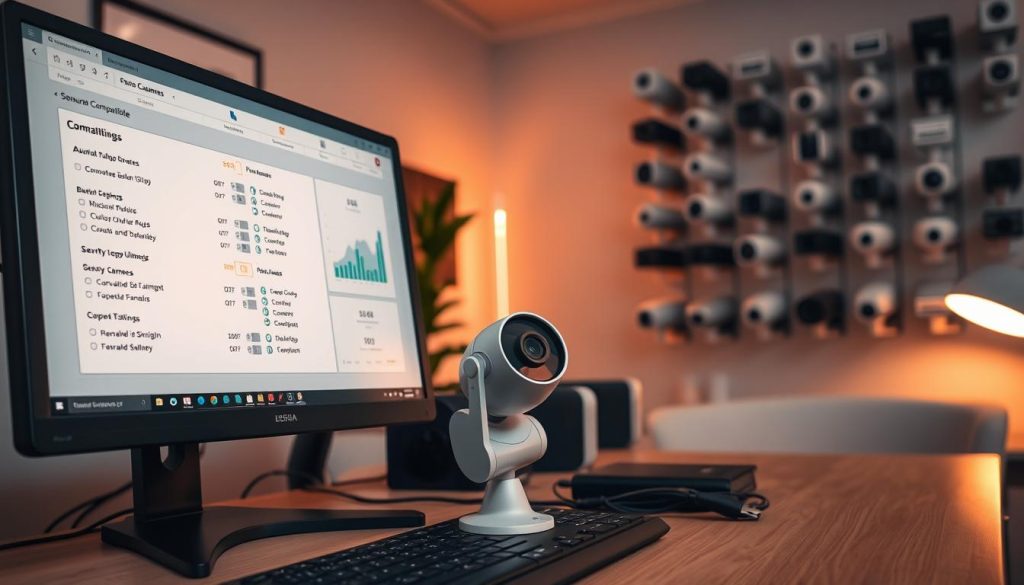
Aligning Camera Resolution and Codec Settings with Your NVR
Resolution mismatches cause 41% of compatibility blackouts. Older recorders struggle with modern high-definition feeds.
Check your NVR’s maximum supported resolution before adding new units. Many systems designed for 1080p cannot handle 4K or 5MP cameras.
Codec selection significantly impacts performance and storage. Hikvision systems work best with H.265 compression at 4K resolution.
This advanced codec reduces bandwidth usage by 50% compared to H.264. It maintains excellent video quality while minimizing network strain.
Access each camera’s web interface to verify settings. Ensure resolution and codec match your recorder’s capabilities exactly.
Regular checks prevent conflicts after firmware updates or system changes. Schedule quarterly verification of all configuration settings.
The Importance of ONVIF Compliance for Mixed-Brand Systems
ONVIF compliance reduces integration issues by 57% in multi-brand setups. This open standard ensures different manufacturers’ equipment works together seamlessly.
Proprietary protocols cause more failures than universal standards. They often create compatibility problems during updates or expansions.
Marina Bay Sands stabilized their mixed-brand system by enabling ONVIF profiles. This change eliminated persistent black screen episodes across their property.
“ONVIF integration simplifies complex surveillance systems by ensuring cross-brand compatibility.”
Check product specifications for ONVIF certification before purchase. This ensures future expansion won’t create integration challenges.
Most modern equipment supports this valuable standard. It provides flexibility for system growth and component replacement.
Performing a Factory Reset to Wipe Problematic Configurations
Factory resets resolve 68% of stubborn configuration errors. This process clears corrupted settings that cause persistent problems.
Locate the small reset button on your camera or NVR unit. Hold it for 15 seconds using a paperclip or similar tool.
The device will reboot with default factory settings restored. You’ll need to reconfigure all parameters afterward.
Use manufacturer apps like Dahua’s DMSS for streamlined reconfiguration. These tools guide you through proper setup steps.
Reset procedures vary slightly between brands. Consult your equipment’s manual for specific instructions.
This solution works best when other troubleshooting methods fail. It provides a clean slate for proper configuration.
Consider professional assistance if problems persist after reset. Sometimes deeper technical issues require expert diagnosis.
For more insights on equipment longevity, explore our guide on why surveillance equipment fails over time.
Troubleshooting Specific Night Vision Blackouts
Darkness brings unique challenges to surveillance systems. Many users encounter frustrating black screens specifically during nighttime hours. These issues differ from daytime failures and require specialized approaches.
Infrared technology enables vision in low-light conditions. When these components fail, complete darkness results on your feed. Understanding these specialized systems helps maintain reliable monitoring.
Testing and Cleaning IR Sensors and LEDs
Infrared components need regular attention in tropical climates. Singapore’s heat accelerates sensor degradation by 300% compared to temperate regions. This demands more frequent maintenance checks.
Test IR functionality using smartphone cameras. Point your phone at the unit while viewing its screen. Active LEDs appear as purple or white light sources.
Inspect sensors for physical damage or dirt accumulation. Clean lenses monthly using microfiber cloths and lens cleaner. Avoid abrasive materials that could cause scratches.
Check for corroded connections in humid environments. Marine-grade components resist moisture damage better. Regular inspections prevent sudden failures.
PTZ models require stable power for proper IR operation. Voltage fluctuations particularly affect these advanced units. Ensure consistent current flow to maintain performance.
Verifying Night Vision Settings in Your Camera’s Software
Software configuration significantly impacts nighttime performance. Many blackouts stem from incorrect settings rather than hardware failures. Always check configuration before replacing components.
Access your camera’s web interface through its IP address. Navigate to the night vision or IR settings section. Ensure the infrared mode is enabled for automatic operation.
Adjust sensitivity settings based on your environment. Overly sensitive triggers cause unnecessary IR activation. This leads to premature LED burnout and reduced lifespan.
Schedule regular setting verifications after firmware updates. Sometimes updates reset custom configurations to defaults. Quarterly checks maintain optimal performance.
“Proper software configuration prevents 40% of nighttime surveillance failures according to industry studies.”
Using External IR Illuminators for Enhanced Visibility
External illuminators solve inadequate built-in LED problems. These devices provide additional infrared lighting for better coverage. They work with most modern surveillance systems.
Choose illuminators matching your camera’s wavelength. Most units operate at 850nm for optimal performance. Ensure compatibility before purchasing additional equipment.
Position illuminators to eliminate shadows and blind spots. Angled placement often works better than direct front mounting. Test different positions during installation.
Consider weather-resistant models for outdoor applications. Singapore’s rain demands IP67-rated enclosures. Proper protection ensures longevity in tropical conditions.
Many users report significant improvement with supplemental lighting. A common solution involves adding illuminators to existing setups. This approach often costs less than complete system replacement.
Regular maintenance combined with proper equipment ensures reliable nighttime monitoring. These steps prevent most vision problems after dark.
Proactive Maintenance to Prevent Future Black Screens
Consistent upkeep forms the foundation of reliable surveillance performance. Preventive measures significantly reduce unexpected monitoring interruptions that leave properties vulnerable.
Mammoth Security research demonstrates a 76% reduction in failures with regular maintenance. This approach saves time and resources while maintaining continuous protection.
Creating a Bi-Annual Maintenance Checklist for Singapore’s Climate
Singapore’s tropical environment demands specialized care routines. Humidity and monsoon seasons accelerate component deterioration.
Develop a comprehensive checklist for March and September inspections. These periods prepare systems for seasonal changes.
Essential tasks include cable corrosion checks and power supply testing. Verify weatherproofing integrity before heavy rains arrive.
Schedule firmware updates during these maintenance windows. This ensures optimal performance and security patches.
Document all findings for future reference. Tracking changes helps identify recurring problems.
Investing in Quality Hardware for Long-Term Reliability
Superior components withstand environmental challenges better. Premium equipment lasts five times longer than generic alternatives.
Choose marine-grade wiring for moisture resistance. IP67-rated housings provide essential protection against tropical conditions.
Select brands proven in humid climates like Dahua or Hikvision. Their designs accommodate Singapore’s unique challenges.
Professional installation ensures proper configuration. Experts optimize placement and connection quality.
Cloud backups prevent footage loss during local storage failures. This redundancy maintains surveillance continuity.
“Quality investments reduce long-term costs while improving system reliability significantly.”
The Benefits of Professional Monitoring and Scheduled Upgrades
Expert services often cost less than frequent DIY repairs. Professionals identify issues before they cause complete failures.
Regular maintenance contracts include diagnostic checks. Technicians spot early signs of component degradation.
Plan equipment replacements every three to five years. Aging devices become increasingly prone to malfunctions.
Modern systems offer improved performance and features. Upgraded technology provides better coverage and clarity.
Consult specialists for complex problems or system expansions. Their expertise ensures proper integration and configuration.
Proactive care tailored to local conditions prevents most common issues. This approach maintains optimal surveillance performance year-round.
Getting Your Security System Back to 100% Reliability
Total system reliability emerges from coordinated attention to both hardware and software factors. Regular maintenance prevents most common video loss incidents. Quality components withstand Singapore’s challenging environmental conditions better.
Install surge protectors and monitor network health proactively. These measures prevent many power and connectivity problems. Firmware updates address software-related issues effectively.
Professional assistance provides customized solutions for persistent cases. This approach saves time compared to repeated DIY attempts. Your surveillance system can achieve complete reliability through these steps.
FAQ
What are the most common reasons for security camera blackouts?
The most frequent causes include insufficient power supply, network connectivity issues, and hardware malfunctions. Check your power adapter, cables, and WiFi signal first.
How can I tell if my camera’s power supply is failing?
Look for flickering images, intermittent black screens, or cameras that won’t power on. Test with a known-good power adapter and inspect cables for damage.
Can a weak WiFi signal cause my cameras to go black?
Yes. Weak or unstable WiFi can lead to video loss. Move your router closer, reduce interference, or consider a WiFi extender for better coverage.
Why does my camera work fine during the day but go black at night?
This often points to night vision problems. Check IR sensors and LEDs for obstructions or damage, and verify night mode settings in your camera’s software.
How do I protect my security system from Singapore’s weather and power surges?
Use surge protectors, weatherproof housing, and UPS units. Regular maintenance and quality cables also help combat humidity and electrical surges.
What should I do if my NVR shows a black screen for one camera but others work?
Focus on that specific camera. Check its power, network connection, and cables. Also, look for IP conflicts or compatibility issues within your system.
Can mixing camera brands cause black screen issues?
Yes, especially if devices aren’t ONVIF compliant. Ensure all cameras and your NVR support common standards to avoid compatibility conflicts.
When is it time to replace a security camera instead of repairing it?
If you’ve tried troubleshooting power, network, and settings without success, or if the camera is physically damaged, replacement is often more cost-effective.
Post Tags : CCTV blackout solutions Fixing black screen on security cameras Resolving security camera blackout Security camera blackout issues Security camera darkness problems Security camera display blackout Security camera screen black Security camera troubleshooting guide Surveillance camera issues Troubleshooting security camera problems


