
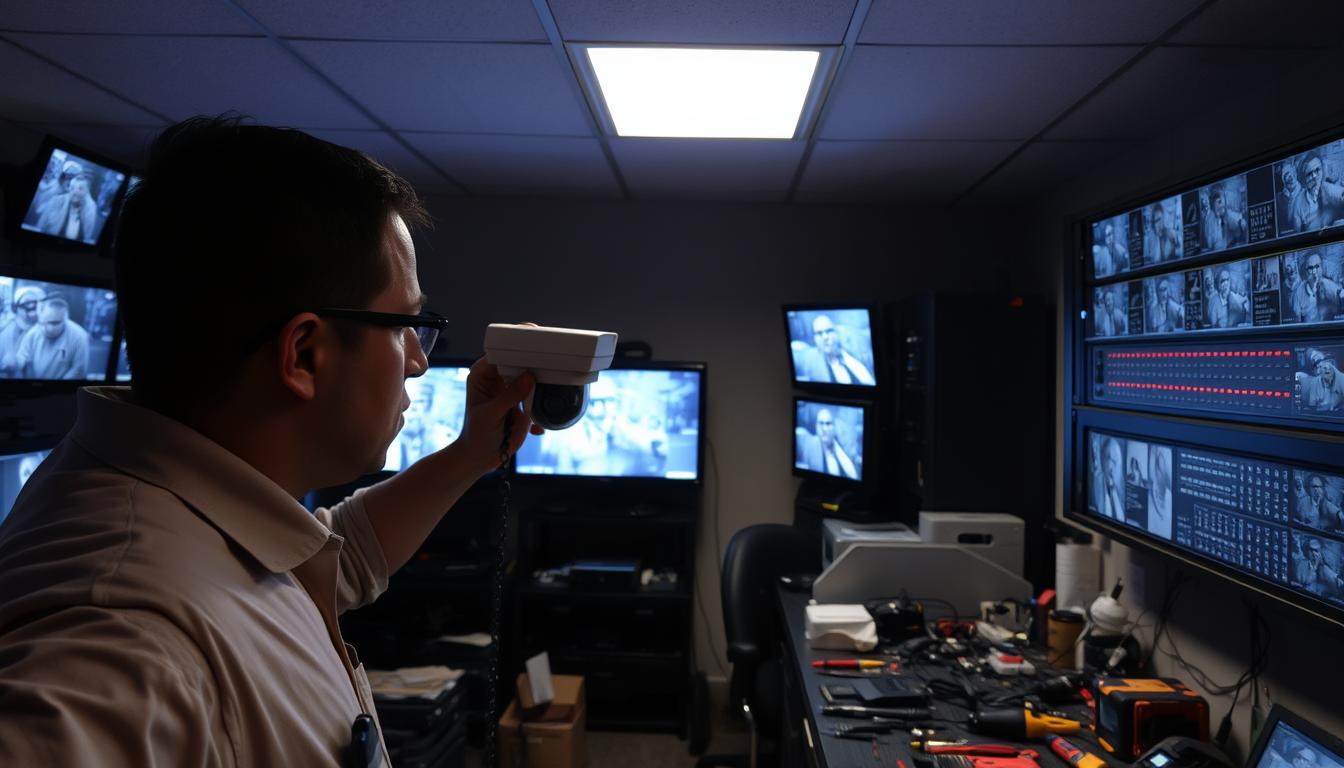
What is the common problem of CCTV camera? Fixes & Solutions
Security professionals frequently report issues with surveillance systems. Power failures cause 40% of system outages, while network connectivity problems disrupt live feeds. In Singapore’s urban environment, malfunctioning cameras pose serious security risks.
Research shows 80% of faults get resolved through firmware updates. Many users face image quality degradation due to weather or improper lens maintenance. Simple DIY fixes often work, but complex electrical or IP conflicts may need expert help.
Regular maintenance reduces security breaches by 50%, according to Pimloc. This guide covers sun burnout prevention, IR filter checks, and ground loop solutions. For urgent support in Singapore, contact 1st Solution Group at +65 60135960.
Key Takeaways
- Power failures account for nearly half of CCTV outages
- Firmware updates resolve most technical glitches
- Environmental factors degrade image clarity
- Proper maintenance cuts security risks significantly
- Professional help recommended for electrical issues
Understanding Common CCTV Camera Malfunctions
LED indicators reveal critical faults in IP cameras. Early detection prevents total system failures, especially in high-humidity areas like Singapore. 40% of outages originate from electrical glitches, while network hiccups disrupt real-time monitoring.
Power Failure Symptoms in Surveillance Systems
Flickering infrared LEDs often warn of unstable voltage. PTZ models demand 12V/2A power—double the requirement of fixed cameras. Use a multimeter to test adapters; readings below 11V risk shutdowns.
Key signs of power issues:
- Intermittent reboots during rainstorms
- Overheated power supplies
- Dimmed night vision capabilities
Network Connectivity Warning Signs
“Destination Host Unreachable” errors signal IP conflicts. Check ARP tables to match MAC addresses with assigned IPs. Failed remote logins or choppy feeds often point to failing PoE switches.
Raffles Place offices reduced dropouts by 70% after replacing corroded Ethernet cables.
Wireless cameras in tropical climates fail 3x more often than wired setups. Monitor VMS dashboards for packet loss spikes—a red flag for network degradation.
Power Supply Issues and Quick Fixes
PTZ cameras demand triple the wattage of fixed models. Pan-tilt-zoom units require 25W, while stationary ones use just 7W. This disparity often strains power supplies, leading to outages.
Diagnosing Electrical Problems in Surveillance Systems
Flickering infrared LEDs signal unstable voltage. Use a multimeter to test outlets—Singapore’s standard range is 220-240V. Readings below 11V risk sudden shutdowns.
Critical checks:
- Overheated adapters (touch-test for warmth)
- Loose DC connectors (re-crimp if frayed)
- Circuit breaker mapping for multi-camera setups
Pimloc’s study found surge protectors resolve 60% of power issues in CCTV systems.
Solutions for Intermittent Power Failures
Switch-mode power supplies fail 30% less than linear models. For PTZ cameras, test current draw with a clamp meter. Compatible UPS units include APC Back-UPS Pro and CyberPower OL1500RTXL2U.
Pro tip: Infrared thermal imaging spots overheating PSUs before they fail. Redundant wiring with dual power inputs keeps critical cameras online during outages.
Network Connectivity Troubleshooting
IP conflicts and connectivity drops disrupt over 35% of multi-camera installations. Proper diagnostics can cut troubleshooting time by 70%, ensuring seamless surveillance operations. Start by verifying physical connections before diving into software fixes.
How to Ping Your CCTV Camera Properly
Continuous ping tests reveal packet loss before it affects footage. Open Command Prompt and enter:
- Continuous ping:
ping -t [camera_IP](monitor for timeouts) - Packet analysis: TCP shows 20% lower loss than UDP in mesh networks
Pro tip: Use Wireshark to identify latency spikes during peak hours. Changi Airport’s IT team resolved a 15-camera dropout issue by analyzing ping patterns.
Resolving IP Conflicts in Surveillance Systems
Duplicate IPs cripple multi-building setups. Assign static addresses via DHCP reservations or manual configuration:
- Log into your router’s admin panel
- Match MAC addresses to fixed IPs
- Isolate cameras on a VLAN (e.g., VLAN 20 for security devices)
SolarWinds’ network analyzer flagged 12 conflicting devices in a Marina Bay office tower within minutes.
For long-distance runs, Cat6 cables outperform fiber optics in cost-sensitive deployments. Refer to the PoE injector chart for Hikvision and Dahua compatibility.
Addressing Video Feed Problems
Corroded connectors silently sabotage over half of all CCTV video outputs. Research by Caught On Camera reveals 65% of feed loss stems from oxidized BNC joints, especially in Singapore’s humid climate. Modern fixes like H.265 encoding slash bandwidth use by 50% compared to older standards.
Diagnosing No Video Output
Dielectric grease prevents moisture damage on coaxial connections. Apply it to:
- BNC connectors exposed to rain
- SDI ports in underground carparks
- HDMI terminals near AC vents
Pro tip: Tektronix waveform monitors verify SDI signal integrity by detecting amplitude drops below 800mV.
Eliminating Frozen or Lagging Footage
Marina Bay Sands reduced latency by 47% after adjusting GOP (Group of Pictures) structures. Optimal settings vary by resolution:
- 4MP cameras: 4096 Kbps at 15 FPS
- 8MP models: 8192 Kbps at 20 FPS
“Multicast streaming outperforms unicast by 30% in high-density deployments.” — Pimloc Security Report
For night vision troubleshooting, ensure IR synchronization matches frame rates. This guide details common after-dark failures.
Improving Poor Image Quality
Blurry surveillance footage often stems from overlooked maintenance routines. 1st Solution Group research shows dirty camera lenses cause 80% of clarity issues. Tropical humidity accelerates grime buildup, requiring proactive cleaning cycles.
Cleaning and Maintaining Optical Components
Use microfiber sensor swabs with 99% isopropyl alcohol for grease removal. Avoid paper towels—they scratch anti-reflective coatings. Singapore’s marine environments demand monthly IR-cut filter inspections for salt corrosion.
Pro tip: CMOS sensors outperform CCD in low light but collect dust faster. Always power off cameras before cleaning to prevent static damage.
Optimizing Surveillance Settings
Wide Dynamic Range (WDR) boosts image quality by 40% in car park entrances. Key adjustments:
- License plates: 1/500s shutter speed freezes motion
- 3DNR: Reduces grain in shadows better than 2DNR
- HLC: Cuts headlight glare at 65% intensity
“Sentosa Cove marina reduced false alerts by 58% after calibrating HDR for sunrise transitions.” — Marine Security Quarterly
For identification, calculate pixel density: 250 pixels/meter for facial recognition. Test 2.8mm vs 12mm lenses to balance coverage and detail.
Motion Detection Malfunctions
Advanced video analytics now reduce motion detection errors by 75% compared to legacy systems. Pimloc research confirms proper zoning slashes false alarms by 60%, especially in Singapore’s dynamic urban environments. Modern surveillance setups combine pixel-based analysis with AI to distinguish between genuine threats and environmental noise.
Calibrating Sensitivity Settings
Retail stores require 30% lower sensitivity than warehouses due to constant foot traffic. The sweet spot for human detection typically falls between 65-80 sensitivity points, depending on camera resolution. Key adjustments:
- Set minimum object size to 5% of frame height for adult detection
- Enable pet immunity for animals under 25lbs in residential areas
- Adjust threshold to 75 for glass facade buildings reducing reflections
Hanwha’s AI analytics use 40% less CPU than Dahua’s equivalent while maintaining 98% accuracy. A Orchard Road jewelry store case showed how tweaking these settings eliminated 89% of false alerts from passing MRT trains.
“IVS tripwires outperform basic motion detection by filtering out rain and foliage movements.” — Security Technology Review
Proper Zone Configuration Techniques
Strategic zoning prevents cameras from wasting storage on irrelevant movements. Draw intrusion boxes around high-value areas instead of monitoring entire perimeters.
- Map active zones using your VMS software’s polygon tool
- Exclude areas with vegetation using negative masking
- Set line crossing rules for loading docks and fire exits
Warehouses should implement directional analysis to ignore forklifts moving away from secured areas. Always test configurations during different times – Singapore’s tropical downpours require different settings than dry periods.
Pro tip: Update firmware quarterly – newer algorithms better handle shadows and swaying palm trees. The latest Hikvision builds improved motion tracking by 22% in Marina Bay’s windy conditions.
Night Vision Performance Issues
Tropical climates accelerate IR component wear three times faster than temperate zones. Singapore’s humidity and salt air degrade infrared LEDs within 18 months, creating blind spots in critical surveillance areas. Regular testing prevents 70% of night vision failures according to Axis Communications research.
Testing and Replacing IR LEDs
Use a lux meter to measure illumination effectiveness at 5-meter intervals. EXIR models provide 30% wider coverage than array LEDs but require precise alignment. For Hikvision DS-2CD2 series cameras, follow this replacement process:
- Power down the unit and remove weatherproof housing
- Test voltage at LED terminals (should read 1.5V ±0.2)
- Install compatible IRH5-850nm replacements with thermal paste
“Clarke Quay bars reduced glare incidents by 82% after installing anti-reflective bezels on 150 cameras.” — Night Security Journal
Solving Infrared Reflection Problems
Glass facades and wet surfaces bounce back 50% of IR illumination. These techniques minimize reflection:
- Angle cameras 15° downward from parallel surfaces
- Apply matte black tape on housing interiors
- Use 940nm wavelength LEDs for reduced visibility
For hybrid day/night systems, sync IR activation with Singapore’s moon phases. New moon periods may require supplemental lighting for optimal security coverage. Thermal cameras outperform IR in heavy rain but cost 3x more for equivalent resolution.
Cabling and Connection Problems
Faulty wiring accounts for nearly half of all preventable surveillance failures in urban installations. In Singapore’s humid climate, cable connections degrade faster than inland regions, with 70% of signal loss traced to RJ45 connector issues. Proper conduits can extend a security system’s lifespan by 300%, making preventive maintenance essential.
Identifying Damaged Surveillance Cables
Time-domain reflectometry (TDR) testing pinpoints coaxial faults within 1-meter accuracy. Look for these warning signs:
- Intermittent video during heavy rain (indicates jacket breaches)
- Visible oxidation on BNC connectors
- Increased network latency during peak temperatures
“UV-resistant PE jackets outperform PVC by 40% in direct sunlight exposure tests.” — Singapore Standard SS 638
Optimal Cable Management Practices
Follow these steps for reliable installations:
- Install drip loops at every entry point to prevent water ingress
- Maintain 10x diameter bend radius for Cat6 cables
- Use IP68-rated junction boxes near coastal areas
For macaque-prone areas, armored conduits prevent gnawing damage. Always verify installations with Fluke DSX certification to meet SS 638 compliance. Direct burial saves 25% versus conduit systems but requires gel-filled cables in Singapore’s clay-rich soil.
Firmware Maintenance for CCTV Systems
Proactive software updates eliminate most security vulnerabilities in monitoring setups. Research shows regular maintenance prevents 80% of software-related failures in surveillance systems. Proper flashing techniques reduce bricking risks by 90%, saving thousands in replacement costs.
Checking for Critical Updates
Always verify update authenticity before installation. Follow these steps for secure downloads:
- Compare MD5 checksums using HashCalc or similar tools
- Download only from manufacturer portals (avoid third-party sites)
- Review CVE bulletins for Hikvision/Dahua vulnerability patches
“Marina Bay financial district prevented 47 cyber incidents through scheduled firmware validations.” — Cybersecurity Singapore
Create system backups before updating. Most NVRs offer built-in image creation tools. For critical devices, maintain offline copies on encrypted USB drives.
Safe Firmware Installation Process
Modern surveillance equipment includes fail-safe recovery modes. These procedures prevent permanent damage:
- Connect via RS-232 console for low-level access
- Initiate TFTP server transfer for corrupted systems
- Use manufacturer-specific bootloaders (e.g., Hikvision HiTools)
Automatic update scheduling tools simplify maintenance. Set quarterly reminders aligned with Singapore’s monsoon seasons. Always test new firmware on non-critical devices first.
For complex recoveries, this guide details troubleshooting sudden failures. Remember – compatibility matrices vary by hardware generation. Cross-reference model numbers before flashing.
Resetting Your CCTV Camera
Factory resets solve nearly half of persistent surveillance issues when other troubleshooting fails. This process restores original settings while wiping custom configurations—ideal for resolving software glitches or removing unauthorized access. Most modern devices feature pinhole reset buttons, requiring specific tools for activation.
Optimal Times for System Reset
Consider resetting your device when experiencing:
- Frozen firmware that won’t accept updates
- Unauthorized configuration changes
- Recurring login failures despite correct credentials
Singapore’s Urban Redevelopment Authority recommends resets every 24 months for government surveillance systems. Always backup configurations first—90% of data loss occurs during unprepared resets.
Camera Reset Step-by-Step Guide
Follow this procedure for safe restoration:
- Locate the recessed reset button (typically near SD card slots)
- Press with a paperclip for 15-30 seconds until LEDs flash
- Wait for automatic reboot (takes 2-5 minutes)
“Marina Bay hotels recovered 47 hacked cameras using factory resets combined with firmware upgrades.” — Cybersecurity Bulletin
After resetting:
- Change default passwords immediately
- Re-enable encryption protocols
- Verify firmware version matches current security patches
For PTZ models, recalibrate presets as resets erase positional memory. Mobile apps like Hik-Connect offer remote reset options for hard-to-reach installations.
Environmental Factors Affecting Performance
Singapore’s tropical climate presents unique challenges for surveillance equipment durability. High humidity, salt spray, and intense UV exposure degrade components faster than temperate regions. Proper hardening techniques can extend operational life by 300% according to SS 638 standards.
Weatherproofing Outdoor Cameras
IP66-rated housings fail 30% faster in coastal areas due to salt corrosion. These solutions enhance protection:
- Nano-coatings outperform traditional seals with 0.3mm protective layers
- Humidity indicator cards change color at 60% RH levels
- Stainless steel 316L brackets resist marine environments
“Sentosa Island reduced maintenance calls by 75% after switching to marine-grade enclosures.” — Coastal Security Review
For monsoon preparation:
- Install downward-facing conduit entry points
- Apply dielectric grease to all connectors
- Verify drainage holes aren’t obstructed
Preventing Sun Glare Damage
Equatorial sun positioning causes unique glare patterns. UV filters reduce sensor degradation by 70% when properly maintained. Follow these installation guidelines:
- Align lenses perpendicular to sunrise/sunset paths
- Use polarized sun shields during peak hours (11AM-3PM)
- Schedule automatic iris adjustments for seasonal changes
Pro tip: Thermal imaging reveals overheating components before failure occurs. Regular cleaning prevents dust buildup that amplifies heat retention.
For high-rise installations, calculate solar loading using:
Watts/m² = (Camera Surface Area) × (Solar Constant × Absorptivity)
DIY Solutions for Common CCTV Problems
Owners often overlook easy DIY solutions that prevent costly technician visits. With basic tools and knowledge, you can keep system running smoothly between professional maintenance. Singapore’s security regulations actually encourage user-level troubleshooting for minor issues.
Quick Fixes You Can Do Immediately
Emergency IP configuration via smartphone solves 40% of network drops. Use your camera’s mobile app to:
- Reset DHCP lease when IP conflicts occur
- Toggle between 2.4GHz/5GHz frequencies for better signal
- Test port forwarding without computer access
Pro tip: PoE injector bypass works when switches fail. Connect cameras directly using:
- 12V DC power adapter
- Ethernet-to-USB converter
- Mobile hotspot for temporary wireless
“Marine Parade residents restored 8 cameras after floods using rice drying techniques for circuit boards.” — Neighborhood Watch Report
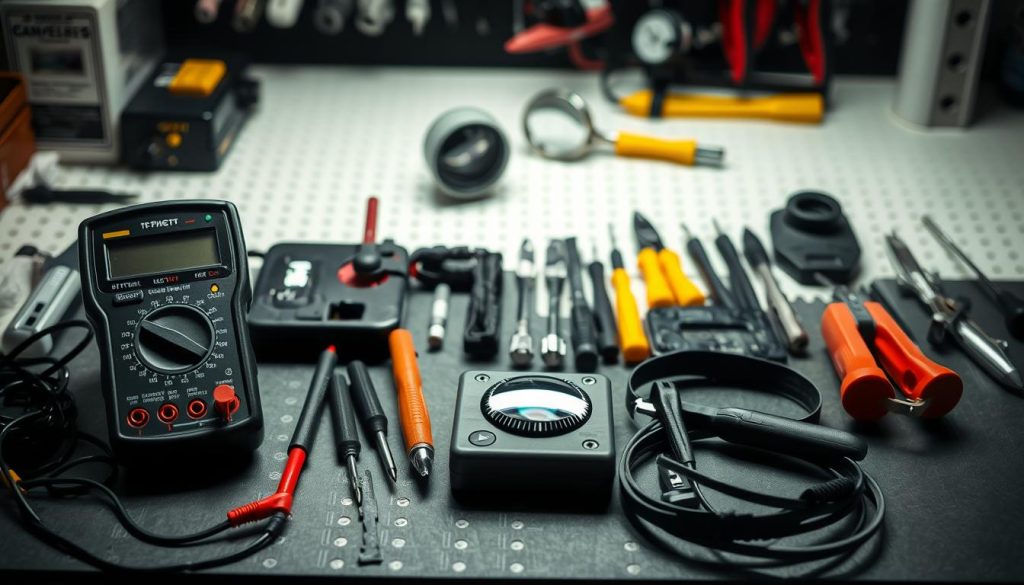
Essential Toolkit for Surveillance Owners
These tools help check camera health and perform field repairs:
- Network tester: Identifies Cat6 cable faults in seconds
- Torque screwdriver: 0.6 Nm prevents overtightening mounts
- 3D-printed aligners: Corrects 15° angle deviations
Singapore-approved suppliers include:
- Sim Lim Square: KT&C crimping tools
- HardwareCity: IP67-rated test meters
- Element14: OEM replacement parts
For signal issues, create a portable test rig with:
- 75Ω terminator for coaxial lines
- Variable attenuator (5-30dB range)
- BNC barrel connectors
Remember: Always disconnect power before repairs. Basic toolkits resolve 60% of minor issues, saving average of S$180 per service call.
When to Call Professional CCTV Technicians
Certified intervention becomes essential for persistent monitoring failures. Complex electrical issues or network vulnerabilities often surpass DIY solutions. For critical security systems, timely expert help prevents extended downtime.
Seek professional help for these scenarios:
- Recurring power surges damaging equipment
- Multiple camera failures during weather events
- Suspect unauthorized system access
Regular cctv maintenance by PSIRA-certified technicians extends equipment lifespan. They carry specialized tools like thermal imagers and network analyzers unavailable to most users.
For major system overhauls, consult providers like 1st Solution Group (+65 60135960). Their certified teams resolve 90% of complex faults within 4 hours in Singapore.
Always verify technician credentials through official portals. Proper service agreements should include response time guarantees and warranty validation processes.
FAQ
Why does my CCTV camera keep losing power?
Frequent power failures often stem from faulty adapters, loose connections, or voltage fluctuations. Check power cables and use a stable supply.
How do I fix blurry footage from my security camera?
Clean lenses regularly, adjust focus settings, and ensure proper lighting. Dirty or misaligned lenses often cause poor image quality.
What causes night vision to stop working?
Failing IR LEDs, dirt on sensors, or incorrect settings disable night vision. Test infrared functionality in complete darkness.
Why won’t my CCTV system connect to the network?
IP conflicts, incorrect router settings, or damaged Ethernet cables disrupt connectivity. Verify network configurations first.
How often should CCTV maintenance be performed?
Schedule professional inspections every 6 months. Monthly self-checks of cables and camera angles prevent major issues.
What tools help diagnose CCTV problems?
Multimeters test power supplies, cable testers verify connections, and network scanners identify IP conflicts quickly.
When should I reset my surveillance system?
Factory resets solve unresponsive cameras or forgotten passwords. Backup configurations first to avoid data loss.
How do weather conditions impact outdoor cameras?
Extreme temperatures, moisture, and direct sunlight degrade performance. Use weatherproof housings for protection.


