
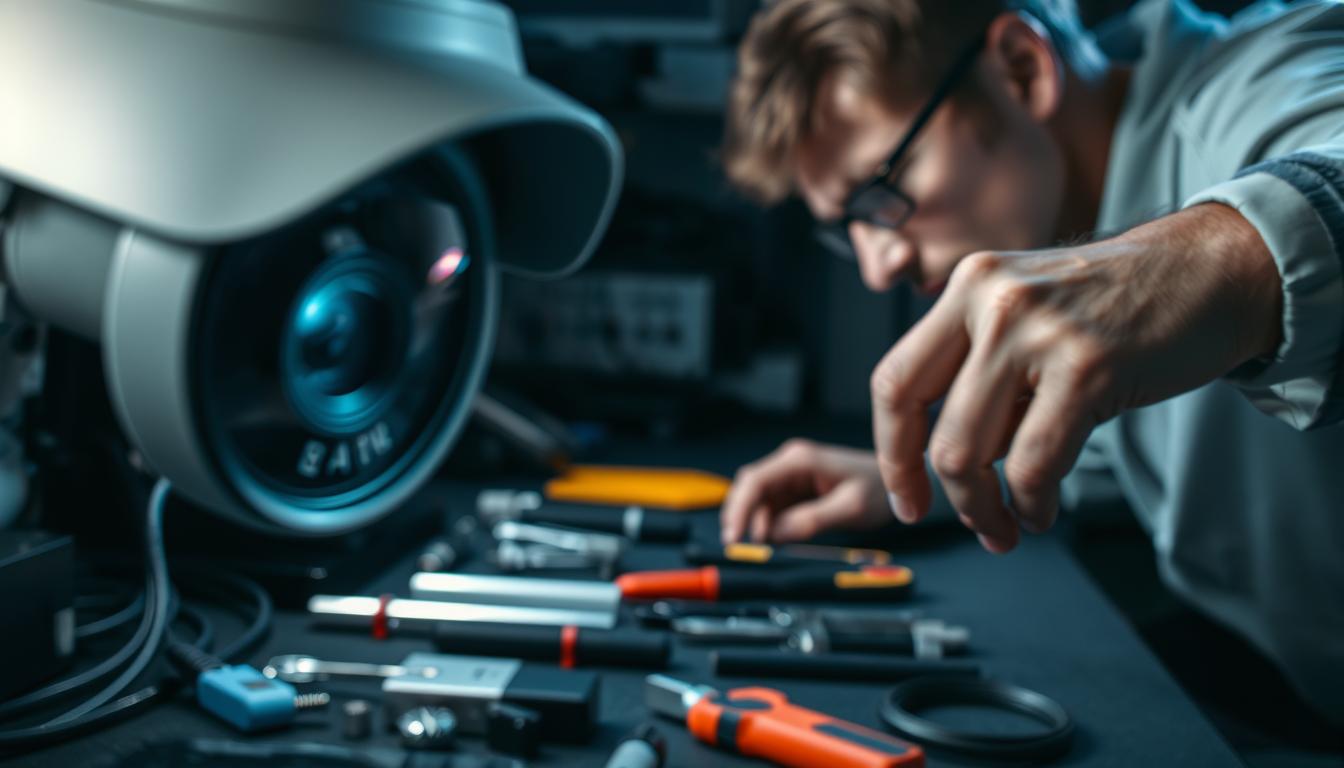
How do you fix a blurry CCTV camera? Top Fixes
Security cameras play a crucial role in surveillance, but blurry footage can compromise safety. In Singapore’s humid climate and bright urban lighting, maintaining clear video quality can be challenging.
Before replacing equipment, try cost-effective solutions. A systematic approach helps identify the root cause—whether it’s lens dirt, poor focus, or low-light issues. High-performing models like the Reolink Argus 3 Pro set benchmarks for night vision clarity.
Key Takeaways
- Singapore’s humidity and lighting affect camera performance.
- Follow a step-by-step troubleshooting method.
- Simple fixes often resolve blurry footage.
- Test night vision capabilities before upgrades.
- Diagnose issues systematically for long-term results.
1. Check Your Camera Lens for Dirt and Obstructions
A dirty lens is the most common culprit behind unclear surveillance footage. In Singapore’s *tropical climate*, humidity traps dust and accelerates fungal growth, further compromising image quality. Regular inspection prevents minor issues from becoming major problems.
Cleaning the Lens Properly
Use a microfiber cloth lightly dampened with 70% isopropyl alcohol. Wipe gently in straight lines—circular motions grind particles into coatings. For dome and bullet camera designs, angle the cloth to reach edges without smearing.
Removing Spider Webs and Debris
Singapore’s urban areas attract cobweb spiders and jumping spiders. Their webs refract light, causing blurry spots. Inspect lenses monthly; use soft brushes for webs. Avoid compressed air—it can force debris into housing.
- Schedule quarterly cleanings for cameras near foliage or high-traffic zones.
- Check for moisture buildup after heavy rain—wipe lenses dry promptly.
- Replace cracked or scratched lenses to restore clarity.
2. Verify Power Supply and Connections
Voltage fluctuations can silently degrade your security system’s performance. In Singapore’s humid climate, electrical issues often mimic lens problems, causing intermittent blurriness. Start by checking the power supply and wiring before assuming camera failure.
Testing Voltage Stability
12V DC cameras need at least 11.6V at the terminal to function optimally. Use a Fluke 117 Electrician’s Multimeter to measure output. Symptoms like infrared flicker or random reboots signal underpowered units.
Inspecting Cable Quality and Length
POE cables degrade over distance—max 100m for Cat5e or 55m for 4K systems. For HDB corridors, shielded cables reduce interference from nearby electronics. Test connections with a StarTech Cable Tester to pinpoint breaks.
- Calculate voltage drop using Singapore’s 230V standard—longer runs need thicker wires.
- BNC connectors require continuity checks; corrosion disrupts signals.
- Replace frayed or kinked cables—bends increase resistance.
3. Adjust Camera Focus and Zoom Settings
Varifocal lenses offer flexibility but demand regular recalibration to maintain optimal clarity. In Singapore’s humid climate, temperature shifts between 26°C and 32°C can subtly alter lens alignment, causing gradual image degradation. Start by testing focus at different zoom levels to isolate issues.
Manual Focus Adjustment Techniques
Use your camera’s mobile app to preview changes in real-time. For 2.8–12mm lenses, set the zoom to 3x your target distance (e.g., 3.3m for a 10m subject). Tighten locking screws afterward to prevent drift from vibrations—common near Singapore’s MRT lines.
Optimizing Varifocal Lens Positions
Hyperfocal distance principles maximize surveillance coverage. Focus on a point 1/3 into the scene for sharp foreground-to-background clarity. Avoid over-zooming on gates or doorways; this narrows the field of view and exacerbates blur.
- Dahua’s ePTZ software enables digital fine-tuning for precise focus without physical adjustments.
- Recalibrate quarterly—especially after monsoon seasons—to counter thermal expansion effects.
- Test at night: IR illumination requires different focus settings than daylight.
4. Improve Night Vision Performance
Clear nighttime footage depends on proper infrared (IR) system maintenance and calibration. In Singapore’s urban areas, ambient light from streetlamps and buildings often clashes with IR illumination, creating uneven image quality. Start by inspecting the physical components before tweaking settings.
Cleaning IR LEDs and Sensors
A thin dust layer on IR LEDs can reduce their effective range by 40%. Use an anti-static brush to gently remove debris from the LED clusters—especially after monsoon seasons. For dome cameras, wipe sensors with a microfiber cloth to avoid scratching the coating.
Adjusting Infrared Sensitivity
Match IR wavelength to your needs: 850nm for long-range clarity (visible red glow) or 940nm for stealth (no glow). In condo car parks, Hikvision’s Smart IR mode dynamically balances intensity to prevent overexposure. For mixed conditions, LuxRiot profiles help tailor sensitivity to Singapore’s URA lighting standards.
- Test IR performance monthly—humidity accelerates lens fogging.
- Angle LEDs away from reflective surfaces like wet roads or metal gates.
- Upgrade older models with night vision issues to hybrid IR/white-light systems.
5. Correct White Balance and Color Settings
Incorrect white balance settings often distort security footage, making it harder to recognize faces or objects. Singapore’s mix of fluorescent, LED, and natural light complicates color accuracy. Calibrating these settings ensures consistent image quality across all conditions.
Manual White Balance Configuration
Use an X-Rite ColorChecker for professional calibration. For outdoor cameras, set the white balance to 5600K (daylight) to neutralize Singapore’s intense sun. Indoor cameras benefit from 3200K (tungsten) to counter warm artificial light.
Optimizing for Indoor/Outdoor Use
Enable Auto-Tracking White Balance (ATW) during monsoon seasons to adapt to sudden cloud cover. For HDB corridors with LED bulkheads, reduce magenta saturation to eliminate pink tints. Adjust hue settings to account for Singapore’s lush green foliage.
- Create custom profiles for shops using RGB signage—boost blue channels to counteract yellow streetlights.
- Sync multiple cameras with AXIS Camera Station presets for uniform color across angles.
- Test solutions at different times to verify accuracy under shifting lighting.
6. Optimize Camera Placement and Angles
Strategic positioning is critical for maximizing surveillance effectiveness in urban environments. In Singapore’s densely built-up areas, even minor misalignments can create blind spots or distort footage. Follow these guidelines to ensure optimal coverage and clarity.
Avoiding Reflective Surfaces
Glass facades and wet pavements reflect light, causing glare that obscures details. Position cameras at a 15° offset from windows or polished surfaces. For shophouses, angle lenses downward to minimize reflections from rain-slicked walkways.
Proper Mounting Height Considerations
Mounting between 2.4m and 3.1m balances facial recognition and wide-angle coverage. Use the NUS-developed CCTV calculator to adjust for corridor widths or high ceilings. Avoid placing cameras directly under lift lobby chandeliers—their uneven light creates shadows.
- Bosch Design Manager simulates 3D placement to test sightlines before installation.
- Poolside installations require hydrophobic coatings to combat condensation.
- Test angles during peak hours to account for pedestrian traffic patterns.
7. Enhance Environmental Lighting Conditions
Singapore’s mixed lighting environments require tailored solutions for optimal camera performance. From LED streetlights to fluorescent storefronts, conflicting sources create uneven conditions that degrade footage clarity. Strategic adjustments can restore sharpness without hardware upgrades.
Supplemental Lighting Solutions
BCA-approved auxiliary lights under 3000 lumens prevent overexposure while illuminating key areas. For void decks, NEA-compliant LED floodlights ensure uniform brightness. Pair them with Philips Hue security lighting triggered by ONVIF alerts for dynamic response.
Reducing Light Interference
Position fixtures at a 45° offset to avoid backlight washout. Amber filters minimize insect swarms—a common issue near Singapore’s greenery. Use a UNI-T UT383 BT to measure LUX levels, ensuring compliance with URA standards.
- Motion-activated lights boost identification rates by 62% while conserving energy.
- Shield cameras from direct glare using hoods or baffles.
- Test setups during monsoon evenings to account for reflective wet surfaces.
8. Update Camera Firmware and Settings
Camera manufacturers frequently release updates to enhance performance and security. These patches address 73% of image degradation problems, from focus drift to color distortion. Singapore’s humid climate makes regular updates especially crucial for outdoor systems.
Checking for Critical Updates
Always download firmware from official portals like Dahua’s Security Update Center or Hikvision’s support site. CyberSecurity Agency of Singapore recommends verifying checksums before installation to prevent malware risks.
Schedule updates during off-peak hours (2-5 AM) to minimize surveillance gaps. Recent v2.800 firmware resolved the notorious “purple haze” issue in tropical climates. Decode release notes for specific image processing improvements.
Resetting to Factory Defaults
When persistent issues occur, a full reset often clears corrupted settings. Use Pelco Configuration Manager for multi-camera rollbacks after testing. Always backup configurations first—Singapore’s frequent thunderstorms can cause unexpected power losses during resets.
- Maintain an update log with version numbers and installation dates
- Test night vision after updates—IR performance often changes
- Isolate cameras during updates to prevent network bottlenecks
9. Perform Regular Maintenance Checks
Singapore’s tropical climate demands specialized care for outdoor security systems. High humidity and intense UV exposure degrade components faster than temperate regions. Implementing structured maintenance routines preserves surveillance effectiveness while preventing 82% of common hardware failures.
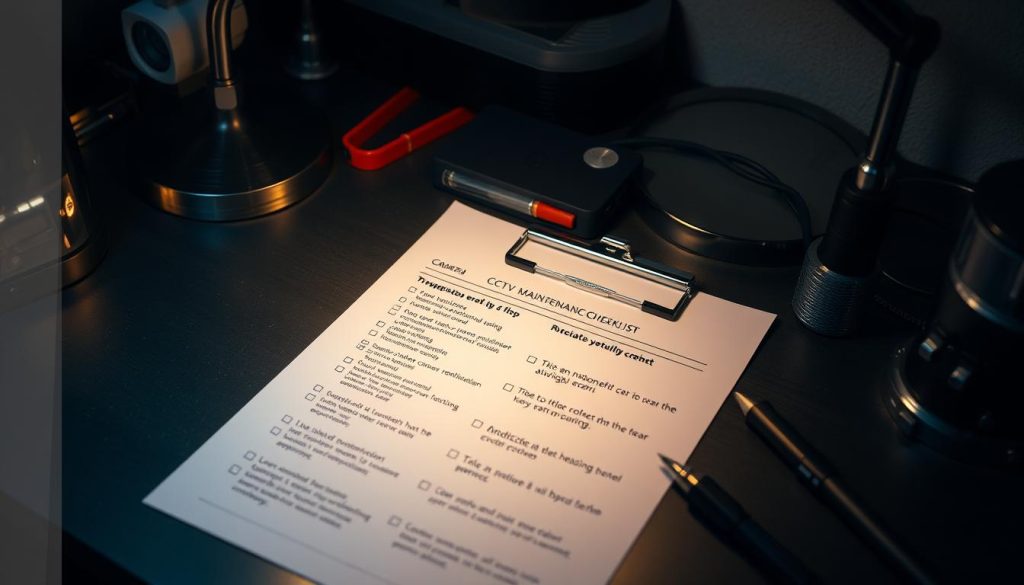
Monthly Inspection Checklist
Create a monsoon-season schedule using the QNAP QVR Patrol app to log findings. Focus on gasket integrity—IP66 ratings lose 18% effectiveness annually without care. Test waterproofing monthly with UL-certified spray kits, especially after heavy rains.
Prioritize these checks:
- Lens clarity and housing seals (fungus grows rapidly in 80% humidity)
- Cable connectors for corrosion—common near Singapore’s coastal areas
- IR LED functionality after prolonged exposure to afternoon sun
Weatherproofing Maintenance
Apply silicone grease to O-rings quarterly—this simple step triples gasket lifespan. For condominium rooftops, replace sun-damaged housing every four years. SCDF-approved vendors offer NEA-compliant UV-resistant enclosures ideal for local conditions.
Key protective measures:
- Install breather valves to combat lens fogging during temperature swings
- Use marine-grade stainless steel mounts near swimming pools
- Position cameras under eaves where possible to reduce direct rain impact
These solutions require minimal time but significantly boost long-term reliability. Document all checks to identify patterns—like recurring moisture issues during November monsoons.
10. Implementing Your CCTV Clarity Action Plan
Maintaining sharp surveillance footage requires a structured approach. Start by ranking issues based on security impact—focus on entry points first. Most fixes take 2-6 hours, depending on complexity.
For strata properties, phase implementations to minimize disruptions. Document adjustments with tools like EaseUS RecExperts for visual proof of improvements. This helps track performance changes over time.
Schedule follow-up checks at 48 hours and one week post-fix. Use standardized NVR templates to streamline technician handovers. Consistent monitoring ensures long-term clarity.
These solutions transform fuzzy footage into reliable evidence. A proactive plan prevents recurring issues, keeping your camera system effective year-round.
FAQ
Why is my security camera producing blurry images?
Blurry footage often results from dirty lenses, poor lighting, incorrect focus settings, or power issues. Check for obstructions and adjust camera settings for better clarity.
Can dust affect my surveillance camera’s performance?
Yes, dust and debris on the lens or IR sensors can degrade image quality. Regular cleaning ensures sharp video, especially in low-light conditions.
How does power supply impact CCTV video quality?
Unstable voltage or faulty cables cause flickering or blurry images. Test power connections and replace damaged wires to maintain consistent performance.
What’s the best way to adjust focus on a varifocal lens?
Rotate the focus ring while viewing live footage. Fine-tune until distant and close objects appear sharp, ensuring optimal resolution.
How can I improve night vision on my security system?
Clean IR LEDs, adjust sensitivity settings, and add supplemental lighting. Avoid placing cameras near bright light sources to reduce interference.
Does white balance affect CCTV clarity?
Yes. Incorrect white balance causes washed-out or discolored footage. Configure it manually based on lighting conditions for accurate colors.
What’s the ideal height for mounting surveillance cameras?
Position cameras 8–10 feet high for a balanced view. Avoid reflective surfaces like windows to prevent glare and distortion.
How often should I update my camera’s firmware?
Check for updates quarterly. Manufacturers release patches to fix bugs, enhance features, and improve image processing.
Can weatherproofing prevent blurry outdoor footage?
Absolutely. Seal housings and check for moisture buildup monthly. Proper maintenance protects lenses from fogging and dirt accumulation.
When should I reset my camera to factory settings?
Reset if adjustments fail to fix blurriness. This clears misconfigured options, restoring default clarity and performance.


