
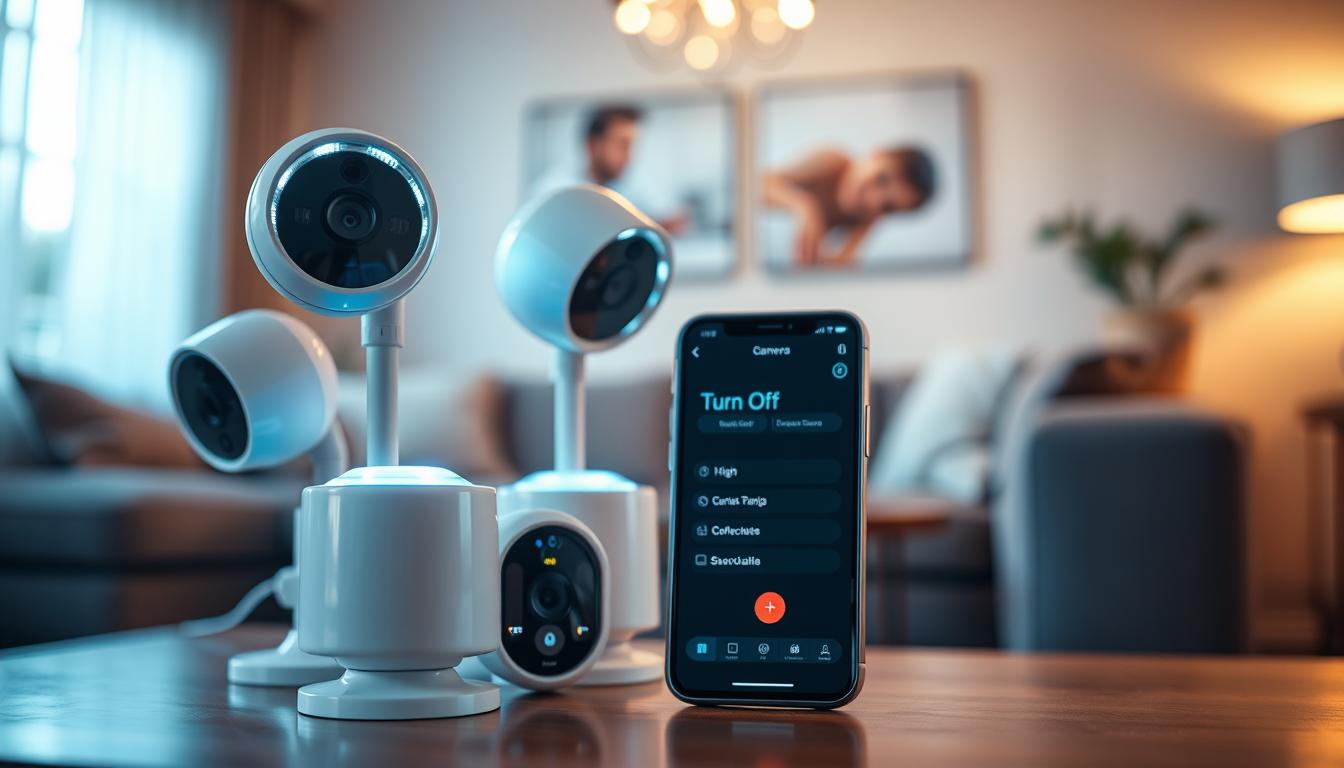
How do I turn off my CCTV camera? Easy Steps
Modern home security has evolved with advanced surveillance technology. Many Singapore households now rely on these systems for property monitoring and peace of mind.
There are various situations where temporarily disabling your security camera becomes necessary. These include routine maintenance, privacy adjustments, or system configuration changes.
Understanding different control methods is essential for proper system management. Options range from physical controls to mobile applications and network settings.
Singapore homeowners should also be aware of local privacy regulations. Balancing security needs with legal compliance ensures responsible surveillance usage.
Key Takeaways
- Modern security systems require occasional adjustments for optimal performance
- Multiple control methods exist for temporary camera deactivation
- Regular maintenance helps prevent unauthorized system access
- Energy conservation is an additional benefit of proper camera management
- Singapore has specific regulations governing surveillance device usage
- Balancing security needs with privacy concerns is crucial for homeowners
- Different camera brands and systems offer varied control options
Understanding Your Home CCTV System Setup
Residential surveillance technology provides comprehensive property protection through visual monitoring. These security systems capture activities around your premises, creating a deterrent against potential intruders.
Modern devices offer various features to meet different security needs. Homeowners benefit from understanding their specific surveillance requirements before selecting equipment.
Common Types of Residential Security Cameras
Wireless WiFi cameras eliminate complex wiring installations. These network-connected devices offer flexible placement options throughout your property.
Dome security cameras provide discreet monitoring with their low-profile design. Their comprehensive viewing angles make them ideal for covering large areas effectively.
Infrared surveillance cameras deliver clear footage in complete darkness. Their night vision capabilities ensure continuous protection during nighttime hours.
Basic Components of a CCTV System
A complete surveillance system consists of several essential elements. Cameras form the primary recording components of the setup.
Recording devices like DVR or NVR units store captured footage. These systems manage video data from multiple camera sources simultaneously.
Power supplies and connectivity cables ensure proper system operation. Some modern systems utilize Power over Ethernet for simplified installation.
Understanding these components helps homeowners maintain their security systems effectively. Proper knowledge enables better troubleshooting and system optimization.
Key Reasons for Disabling Your Security Camera
Strategic camera management involves understanding when deactivation serves important purposes. Several compelling factors justify temporary shutdowns beyond basic maintenance needs.
Protecting Personal and Family Privacy
Home surveillance must balance security with personal space protection. Family members deserve privacy within their living environment.
Constant recording in intimate spaces creates ethical concerns. Singapore’s compact HDB flats present particular challenges for camera placement.
Bedrooms and bathrooms require special consideration. Disabling devices in these areas respects fundamental privacy rights.
Conserving Energy and Reducing Power Costs
Continuous operation significantly impacts energy consumption. Most surveillance cameras consume 4-6 watts during active use.
Annual power costs range between S$15-22 per camera. Multiple devices compound these expenses over time.
Strategic deactivation reduces unnecessary energy usage. This practice also minimizes equipment wear for longer system lifespan.
Preventing Unauthorized Access and Hacking
Inactive cameras present unique security vulnerabilities. Recent data reveals concerning patterns in device compromises.
SECOM’s 2024 report indicates 37% of compromised devices were inactive cameras. Dormant systems attract particular attention from cyber threats.
Proper camera management prevents unauthorized footage access. It also safeguards against potential data breaches.
Complying with Singapore’s Privacy Laws (PDPA)
Singapore’s Personal Data Protection Act establishes clear guidelines. The PDPA regulates surveillance camera usage in residential settings.
Compliance demonstrates respect for legal and ethical standards. It builds trust between homeowners and their guests.
Understanding privacy laws ensures responsible security practices. This knowledge helps avoid potential legal complications.
Regular system reviews maintain alignment with current regulations. Proactive compliance protects both security and privacy interests.
Identifying the Right Time to Turn Off Surveillance
Strategic timing for camera deactivation creates a harmonious balance between protection and personal space. Knowing when to pause monitoring demonstrates thoughtful security management.
During Private Family Moments and Gatherings
Family celebrations deserve complete privacy without electronic monitoring. Special occasions become more meaningful when everyone feels truly comfortable.
Intimate conversations remain confidential when cameras aren’t recording. This practice builds trust among family members living together.
Personal activities like changing clothes or bathing require absolute privacy. These moments should never be captured by any surveillance system.
When Guests are Visiting Your Home
Visitors appreciate knowing their privacy is respected in your home. Many people feel uncomfortable being recorded in someone else’s space.
Temporary deactivation shows consideration for your guests’ comfort. It demonstrates that you value their privacy as much as your security.
Social gatherings flow more naturally without constant monitoring. Conversations become more open and relaxed when cameras are off.
For System Maintenance and Updates
Regular maintenance ensures your security equipment functions properly. Scheduled downtime prevents potential system errors during updates.
Software upgrades often require temporary camera shutdowns. This prevents conflicts between old and new system configurations.
Physical cleaning becomes safer when devices are powered down. Maintenance periods also allow for thorough security checks.
Bedtime represents another important moment for many homeowners. Switching off surveillance before sleep ensures complete overnight privacy.
Proper timing maintains household harmony while preserving security. Thoughtful camera management respects both protection needs and personal boundaries.
Overview of Methods to Deactivate Your CCTV
Effective security system management involves understanding the different pathways to camera control. Property owners can choose between immediate physical actions and remote software solutions for temporary surveillance adjustment.
Each approach offers distinct advantages depending on your specific situation. Knowing both methods ensures comprehensive control over your residential protection setup.
Physical Deactivation: Direct and Immediate
Physical methods provide the most straightforward approach to camera management. These hands-on techniques deliver instant results without requiring technical knowledge.
Direct unplugging represents the simplest way to stop surveillance. This method involves disconnecting the power supply from your security device.
Most modern cameras feature built-in hardware switches for convenient control. These physical buttons allow quick activation and deactivation cycles.
Physical methods work effectively during maintenance periods or emergencies. They provide reliable operation when network connectivity issues occur.
Hardware controls offer 100% reliability during power or network outages
Software Control: Remote and Programmable
Software-based management delivers flexibility for modern security systems. These digital solutions enable remote access through various platforms.
Manufacturer applications provide comprehensive control through mobile devices. Users can adjust settings from anywhere with internet connectivity.
Advanced features include scheduling options for automatic operation. Programming specific timeframes ensures consistent surveillance patterns.
Initial setup requires proper software installation and account configuration. Once established, these systems offer convenient management through intuitive interfaces.
Network integration allows centralized control of multiple security cameras. This approach simplifies management for comprehensive property protection systems.
How do I turn off my CCTV Camera? Physical Methods Explained
Manual techniques provide reliable ways to control your surveillance equipment. These physical approaches offer immediate results without requiring network connectivity or technical expertise.
Step 1: Safely Unplugging the Camera’s Power Supply
Wired security cameras connect directly to electrical outlets. Begin by locating the power cord connected to your device.
Gently pull the plug from the wall socket. Avoid yanking the cord to prevent damage to the connection points.
Power over Ethernet systems require different handling. These setups need unplugging the Ethernet cable from the network switch.
Safety remains paramount during this process. Use insulated tools if you encounter exposed wiring. This prevents potential electrical hazards.
SECOM research indicates frequent power cycling may harm DVR components. Consider scheduled downtimes instead of abrupt shutdowns.
Step 2: Using the Built-in On/Off Switch
Many modern devices feature hardware switches for convenient control. These physical buttons provide quick activation and deactivation.
Manufacturers often hide these switches behind protective panels. Check your security system manual for specific location details.
The Ezviz C6N model houses its toggle inside the base compartment. The Xiaomi 360° camera requires pressing the reset button for three seconds.
Built-in switches offer excellent reliability during network outages. They function regardless of internet connectivity status.
Step 3: Removing Batteries from Wireless Models
Wire-free security cameras operate using removable power cells. The Arlo Pro 4 and similar models use rechargeable battery packs.
Begin by opening the weather-sealed back panel carefully. Slide the battery out gently to maintain waterproofing integrity.
Reinsert batteries carefully to preserve weather resistance. Proper handling ensures continued outdoor performance.
For extended storage periods, follow specific maintenance protocols. Learn proper CCTV storage techniques through our comprehensive maintenance guide.
These physical methods ensure complete camera deactivation when needed. They provide reliable alternatives to software-based controls.
Using Software and Apps for Camera Management
Digital solutions revolutionize residential security management through advanced control features. These technological approaches offer flexible surveillance adjustments from any location.
Modern security systems integrate sophisticated software platforms for comprehensive oversight. Users benefit from remote access capabilities without physical interaction requirements.
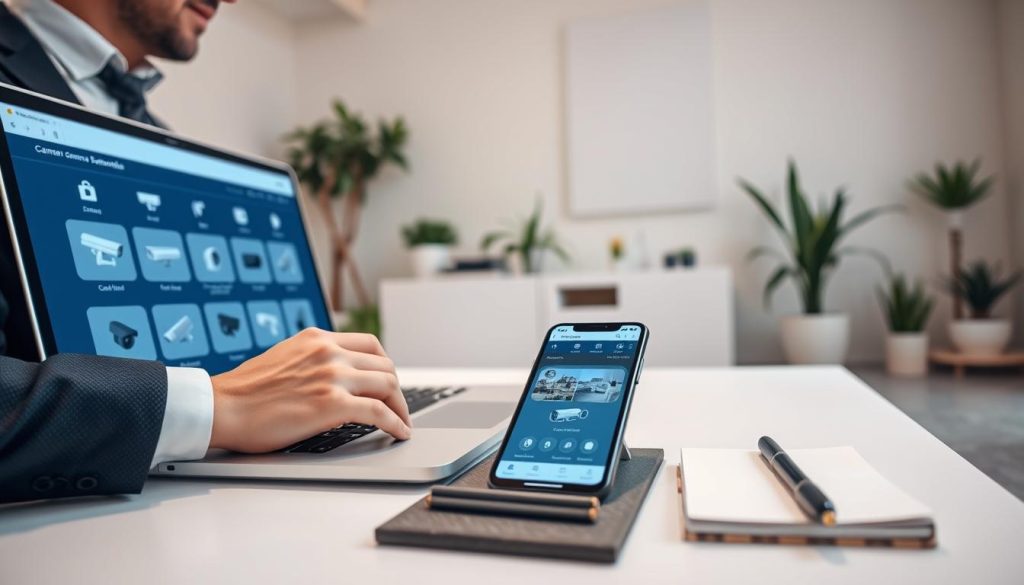
Initial setup involves installing manufacturer-specific applications during system configuration. This foundation enables seamless adjustment of security parameters through intuitive interfaces.
Deactivating Cameras via Manufacturer Mobile Apps
Leading security brands provide dedicated mobile applications for device management. These apps deliver convenient remote control over your entire surveillance network.
Dahua’s DMSS platform offers individual camera toggling through its dashboard interface. Users simply select the desired device and tap the deactivation button.
Hikvision’s iVMS-4500 application features similar functionality for iOS and Android devices. The process involves navigating to device settings and adjusting the status toggle.
Viewtron’s NVR systems allow per-camera control through their proprietary software. This granular approach enables selective deactivation within multi-camera setups.
These applications typically include live viewing capabilities and motion detection settings. Comprehensive features ensure complete system management from mobile devices.
Configuring Schedules for Automatic Shutoff
Advanced software enables programmed operation patterns for security systems. Scheduling features automate camera management based on predetermined timeframes.
Most applications include calendar interfaces for setting daily or weekly schedules. Users define active and inactive periods according to household routines.
Automatic shutoff conserves energy during predictable low-risk periods. This approach balances security needs with efficiency considerations.
Programming typically involves selecting cameras and defining operational time slots. The system then automatically follows these predetermined patterns.
Singaporean homeowners appreciate scheduled operation for consistent privacy protection. This method ensures cameras deactivate during family gatherings or private moments.
Advanced Network Control Through Your Router
Network-level management provides additional options for surveillance control. Modern routers offer administrative tools for connected device management.
MAC address filtering represents a powerful network-based control method. This technique involves identifying devices by their unique hardware identifiers.
TP-Link’s market research indicates 23% of Singaporean users employ MAC filtering for camera control
Router administration panels display connected devices with their MAC addresses. Users can selectively disable network access for specific surveillance equipment.
This approach effectively deactivates cameras without physical power interruption. Network control maintains system integrity while providing management flexibility.
Advanced users appreciate this method for its comprehensive network security benefits. It prevents unauthorized data transmission while maintaining other network functions.
Best Practices for Security and System Management
Implementing proper security protocols ensures your surveillance system remains effective and protected. Set signal loss alerts to receive immediate notifications if devices go offline unexpectedly.
Change default passwords immediately after setup to prevent unauthorized access. Never share WiFi credentials outside your trusted circle to maintain network integrity.
Use manufacturer-provided software for optimal security camera operation and reduced risks. Install devices in strategic locations like entrances and windows while avoiding blind spots.
Conduct regular system checks to ensure all components function correctly. Establish strong password policies for both applications and physical devices.
Maintain a private, secure network dedicated to your surveillance systems. Choose reputable brands like Hikvision or Xiaomi for quality assurance and reliable features.
Regular software updates and proper maintenance schedules enhance system performance. Always comply with Singapore’s privacy laws and consider professional consultations for comprehensive security solutions.
FAQ
What are the most common types of residential security cameras?
Popular options include wired, wireless, and battery-powered models. Brands like Ring, Arlo, and Nest offer various indoor and outdoor devices with features like night vision and motion detection.
Why would I want to disable my home security system?
Key reasons include protecting privacy during family time, saving on power costs, preventing unauthorized access, and complying with privacy laws like Singapore’s PDPA.
How can I physically turn off my surveillance camera?
Safely unplug the power supply, use the camera’s built-in switch, or remove batteries from wireless devices for immediate deactivation.
Can I control my cameras remotely using software?
Yes. Use mobile apps from brands like Google Nest or Amazon Ring to deactivate cameras, set schedules, or manage access through your network settings.
What are the best practices for managing my security system?
Regularly update software, configure motion zones to reduce false alerts, and review recording settings to balance security and privacy effectively.


