
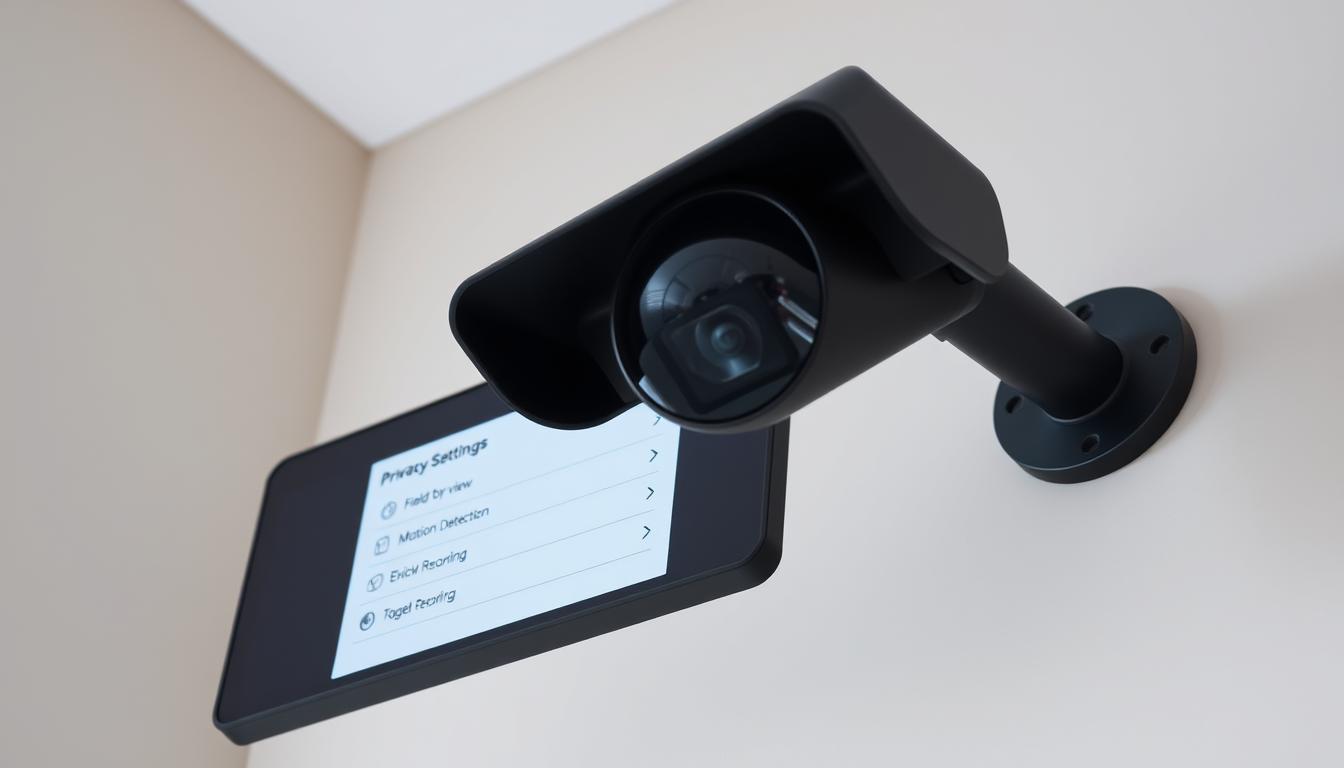
How do I turn off my CCTV camera?
Turning off your CCTV camera is key to keeping your privacy safe, mainly in home settings. In Singapore, many people use these systems for security. But, they might not know how to turn them off properly. This guide will show you how to do it safely and effectively, tailored for Singapore users.
Key Takeaways
- Understand the importance of privacy when turning off CCTV cameras.
- Learn different methods to safely turn off your CCTV camera.
- Identify when it’s appropriate to disable home surveillance systems.
- Explore options for turning off cameras through management software.
- Consider mobile apps available for camera management.
Overview of Home Surveillance Camera Systems
Home surveillance systems are key to keeping homes safe and secure. They come with security cameras that help prevent crime and watch over any home. You can find different types like wireless WiFi cameras, dome security cameras, and infrared ones. Each is made for specific needs in different places.
The benefits of CCTV go beyond just stopping crime. They let parents watch over their kids and make sure they’re safe when they’re not there. These cameras also help protect property by keeping unwanted visitors away. With the right system, you can keep an eye on your home inside and out.
When picking a system, think about the different cameras and where to put them. Knowing what these systems can do helps you choose the best one for your home’s security.
Want to know more? Check out what happens if you unplug a security camera by visiting this link.
Why Do You Need to Turn Off Surveillance Cameras?
Turning off surveillance cameras is important for many reasons. One key reason is to protect privacy during personal moments. Cameras can capture private activities, so it’s vital to ensure they don’t intrude during sensitive times.
Another reason is electricity savings. Cameras use energy, and turning them off saves on electricity bills. This helps save money and is good for the environment.
Preventing unauthorized access to footage is also important. Turning off cameras reduces the risk of footage being accessed by the wrong people. This is true when the property is empty or vulnerable.
Lastly, legal compliance is a big reason. Laws in many places dictate when and where cameras can be used. Turning off cameras during certain times or in private areas helps follow these laws. It protects both users and community rights.
When Should You Turn Off Home Surveillance Cameras?
Knowing when to turn off home surveillance cameras is key. It helps balance security and privacy. For example, turning off the camera at bedtime lets you sleep peacefully without feeling watched.
When you have guests over, think about their comfort and privacy. Many people like to unwind without being recorded. This respect makes your home feel more welcoming and enjoyable. It’s also important to turn off cameras when guests are changing clothes or bathing.
It’s vital to understand these moments to improve your home monitoring habits. Finding a balance between security and comfort is good for everyone.
How do I turn off my CCTV camera?
There are a couple of easy ways to turn off your CCTV camera. The best method depends on your situation and equipment. Here are two simple ways to stop surveillance.
Turning Off Cameras by Unplugging Directly
Unplugging CCTV cameras is a quick way to stop them. It cuts the power right away, making the cameras stop working. But, use this method mainly in emergencies. Frequent unplugging can damage the cameras over time.
Using Camera On/Off Switch
If your CCTV system has a built-in switch, it’s a handy way to turn off cameras. Adding switches in easy spots makes controlling your system quicker. This is useful when you need to stop surveillance fast.
Turning Off Surveillance Cameras Using Management Software
In today’s world, management software is key for home surveillance systems. It lets users change camera settings and control CCTV systems from anywhere. This makes it easy to meet different security needs.
Accessing Management Software Features
To turn off cameras, users first log into their management software. Once in, they can explore various features for camera management. The interface shows all connected cameras, making it easy to pick one.
Adjusting Settings for Individual Cameras
After picking a camera, changing its settings is simple. Users can turn off cameras with just a few clicks. This keeps privacy and security without touching each device. For more on your system, check how do I know if my CCTV is working.
Turning Off Cameras Using Mobile Phone Apps
Mobile control through surveillance apps has changed how we manage CCTV systems. These apps let users quickly access camera settings from their phones. This makes it easy to turn cameras on or off without having to physically go to the system.
To use these apps well, users need to connect their app to their surveillance hardware correctly. Most modern systems work with many apps, making things easier for users. It’s also important to keep your account safe by not sharing login details with others.
Using apps for camera management is not just convenient. It also makes your security setup stronger. With the right setup, turning off cameras is simple. This gives users peace of mind as they manage their surveillance needs.
Tips for Using Surveillance Cameras to Avoid Hacking
Surveillance cameras are key to home security. But, they need protection from hackers. To keep them safe, use strong security measures.
Begin by setting up unique, complex passwords. Change them often for better security. Don’t share your WiFi password, as it can let hackers in.
Set up alert systems for any odd activity or signal loss. These alerts help you act fast against threats. Use software from your camera’s maker to fight malware and keep your system safe.
Always update your software to fix security holes. This is critical in a world where threats keep changing. When you replace old cameras, make sure to wipe out all data to block hackers.
Notes on Installing Home Surveillance Systems
Setting up a home surveillance system needs careful planning for the best security. Camera placement is key to cover all entry points and busy areas. This way, you avoid blind spots that intruders might use.
Regular checks on your cameras ensure they work all the time. This is vital for a dependable security system. Pick brands known for lasting long and being reliable in video surveillance.
Using strong passwords and a private network helps protect against unauthorized access. These steps are very important for home systems. They make your system much safer. With the right steps, you can feel safe with your surveillance system.
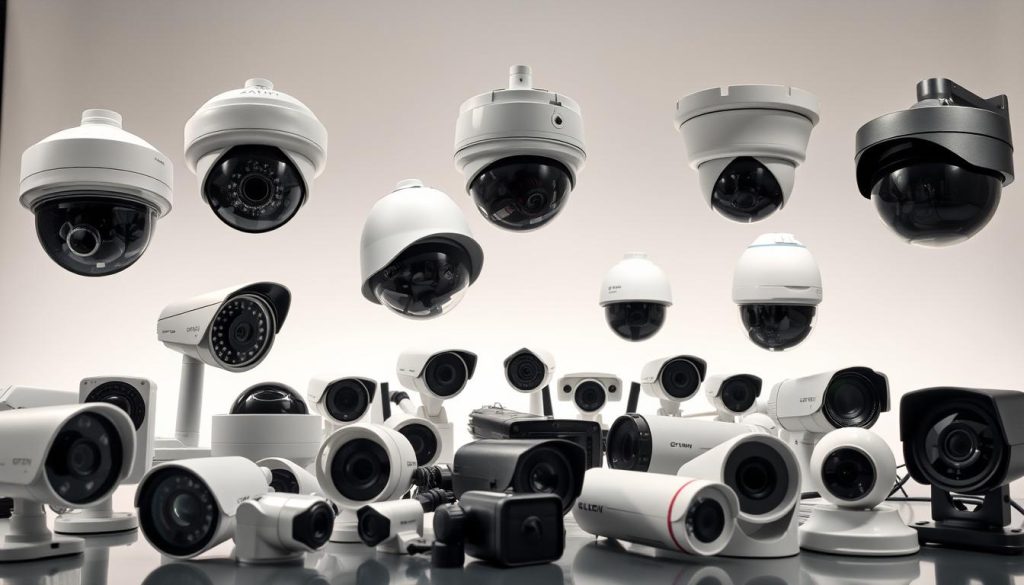
Understanding Different Types of CCTV Cameras
Choosing the right CCTV camera is key for good surveillance. Knowing about different types helps users pick the best one for their needs.
Wireless cameras are great because they’re easy to set up and move around. They don’t need wires, so you can put them anywhere. This is perfect for places where wires are hard to use.
Dome cameras are popular for inside use. They’re small and can be hidden, making them hard to tamper with. You can hang them on ceilings or walls, giving you a wide view.
Infrared cameras work best in dark places. They have special LEDs that let them see in the dark. This is super useful for keeping places safe at night when it’s hard to see.
Knowing what each camera can do helps you plan your surveillance better. Each type has its own strengths for different situations. So, think about what you need before picking a CCTV camera.
Legal Considerations When Turning Off CCTV
It’s key to know the legal considerations of CCTV systems for homeowners and businesses. CCTV laws change a lot based on where you are. Knowing your local privacy regulations helps you follow the rules and avoid legal trouble.
There might be rules about when to turn off CCTV cameras. For example, you might need to turn them off at night or in places like restrooms. Following these laws helps keep a good balance between safety and privacy.
- Always check local CCTV laws before installing cameras.
- Understand the specific privacy regulations that pertain to your location.
- Consider implications of turning off cameras at designated times.
Knowing these things helps avoid legal problems and keeps everyone safe. It’s important to stay up-to-date with the laws around CCTV.
Professional Assistance for CCTV Management
Managing a CCTV system can be tough for both homeowners and businesses. Getting help from CCTV experts is key to making sure your system works right. They guide you in picking the best equipment and setting it up for your security needs.
Working with experts also means you get ongoing support and maintenance. This helps fix problems and keeps your system legal, which is important in places like Singapore. Professional installation saves time and reduces mistakes, giving you peace of mind.
Getting professional help makes your surveillance system better. With the right support, you can trust your system to protect and monitor. This lets you make smart choices about your security.
FAQ
How do I turn off my CCTV camera system manually?
To turn off your CCTV camera system, you can unplug the cameras or use the on/off switch. Unplugging is best for emergencies.
Why is it important to disable surveillance cameras at certain times?
Disabling cameras at specific times protects your privacy. It also saves energy and follows local privacy laws.
Can I control my CCTV cameras remotely?
Yes, most CCTV systems work with mobile apps. This lets you control cameras from anywhere, including turning them off when needed.
What are the risks of not securing my CCTV system against hacking?
Not securing your system can lead to hacking. This can result in privacy breaches and theft of personal info. It’s key to use strong passwords and update software regularly.
What types of cameras should I install for effective home surveillance?
Choose cameras based on your needs. Wireless cameras offer flexibility, dome cameras are versatile, and infrared cameras work well in the dark. The right choice improves your home’s security.
When should I consider hiring professional services for managing my CCTV system?
If you’re unsure about setup or need help with monitoring, consider hiring pros. They can also ensure your system meets legal standards.
Are there legal restrictions on when I can turn off my CCTV cameras?
Yes, laws about CCTV cameras in public spaces exist. Knowing these laws is important to avoid legal trouble.


