
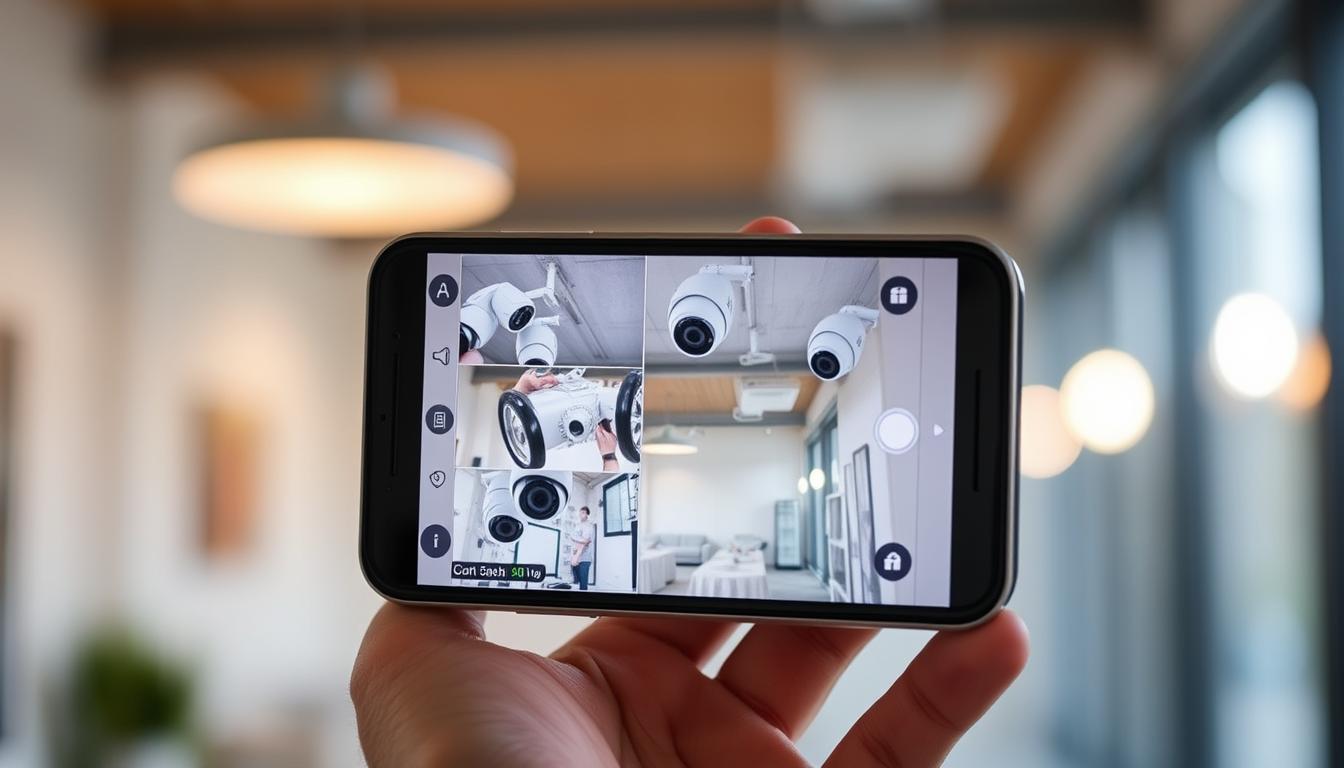
How do I know if my CCTV is working on my phone?
CCTV systems are key for safety and security in busy places like Singapore. With mobile tech playing a big role in our lives, checking CCTV on your phone is more important than ever. It’s vital to make sure your CCTV is working right to feel safe and avoid security worries.
Using mobile apps for CCTV monitoring helps spot problems like connection issues or app problems. This makes your security setup better. It’s all about keeping your space safe and secure.
Key Takeaways
- CCTV systems are essential for security in Singapore.
- Mobile apps allow for easy CCTV monitoring on phone.
- Regular checks confirm CCTV is working.
- Connection problems can stop monitoring.
- Knowing app compatibility makes using it better.
- A strong network is key for good CCTV access.
Understanding the Importance of CCTV Functionality
The importance of CCTV is huge in today’s world. These systems are key to good security monitoring. They let people watch their areas live. Now, they also send alerts for strange happenings, making them even more useful.
In places like Singapore, where safety is a big worry, CCTV is more important than ever. It’s vital to check these systems often to keep them working well. Knowing how they work helps people and businesses stay safe.
Benefits of Remote CCTV Monitoring
Remote CCTV monitoring has changed how we manage security. It lets people and businesses watch their places in real-time from anywhere. This means they can see what’s happening live on their phones.
When something odd is spotted, they get alerts right away. This helps them act fast to any danger.
For companies, the perks are big. They can save up to 60% by not needing people on site all the time. They also get more safety thanks to new tech. Now, they can check their security cameras on their phones, feeling safer no matter where they are.
How do I know if my CCTV is working on my phone?
To make sure your CCTV system works on your phone, follow a few key steps. First, check if your CCTV system works with mobile apps. This makes it easy to verify CCTV on phone without trouble.
After confirming compatibility, open the app for your CCTV system. This lets you see if it’s connected and view live camera feeds. Make sure the right app is on your phone and all settings are correct.
Regular checks are vital for smartphone security monitoring. By checking your CCTV app often, you can spot and fix problems early. This keeps your surveillance system running smoothly and ensures you get updates quickly.
Key Components for Successful CCTV Setup
A successful CCTV setup relies on key elements for smooth operation. It’s important to ensure mobile app compatibility and a stable internet connection. These are vital for effective security monitoring.
Mobile App Compatibility
Choosing the right mobile app is key to accessing your CCTV feeds. Each brand offers its own app for the best user experience. Make sure your app works with your device to avoid issues.
Before you install, check the app’s requirements. This can help you avoid problems and ensure a smooth setup.
Stable Internet Connection
A stable internet connection is essential for real-time video feeds. Poor internet can cause delays or disruptions, reducing the system’s effectiveness. Here are some tips to improve your connection:
- Place cameras near Wi-Fi routers for better signal strength.
- Limit devices on your network to avoid congestion.
- Check your internet speed regularly for optimal performance.
By focusing on these components, you ensure a successful CCTV setup. This brings peace of mind and better security. For more on using CCTV on your mobile, check out this resource.
Checking Your Smartphone CCTV Viewing Apps
To watch CCTV on your smartphone, picking the right app is key. Many security camera brands have their own apps for specific models. These apps work on both iOS and Android. Make sure your app fits your device for the best experience.
Downloading the Correct App
When downloading CCTV app, go straight to your device’s app store. Find the app from your camera’s brand. This keeps you safe from fake apps. Always check reviews and ratings to pick a trustworthy app for smooth monitoring.
Ensuring App Updates
After getting the right app, keep it updated for the best performance. Updates for CCTV apps bring fixes and new features. Go to the app’s settings to turn on auto-updates. This way, you get the latest features and security without manual checks.
Assessing Live Feed Accessibility
Getting to CCTV live feeds on mobile devices is key. A good Wi-Fi signal is what makes it work smoothly. If the Wi-Fi is weak, it can cause problems and lower video quality.
Importance of a Strong Wi-Fi Signal
A strong Wi-Fi signal means no lag or buffering in video feeds. It’s important to check if your internet can handle high-quality streaming. Testing your Wi-Fi in different spots can show where it’s weak.
Potential Connection Issues
There are many reasons for connection problems. Here are a few:
- Network congestion during peak hours
- Firewall settings that may block streaming
- Outdated app versions affecting functionality
Fixing these issues can make the live feed more reliable and accessible.
Setting Up Your CCTV Mobile App
Setting up your CCTV mobile app is key for effective monitoring. First, download the right app from the app store for your CCTV brand. Follow the instructions carefully for a smooth installation. This usually means creating an account and linking it to your CCTV system.
To set up mobile monitoring, connect your device to the same Wi-Fi as your CCTV. This lets you see your security feed in real-time. Also, make sure to give the app the right permissions, like notifications and video storage, to use all its features.
After installing, check all settings in the app. Different brands have different settings, so it’s important to explore them. With everything set up, you can use your CCTV app to keep your security in check.
Common CCTV Connectivity Issues
Keeping your CCTV system and mobile device connected can be tricky. Many users face issues that make monitoring hard and impact security. Spotting these problems early helps keep everything running smoothly.
Troubleshooting Network Problems
Network issues like weak Wi-Fi or too much traffic can cause problems. To fix these, follow these steps:
- Make sure your Wi-Fi signal is strong.
- Try rebooting your router and CCTV devices.
- Update your firmware for better performance.
Identifying App Compatibility Issues
It’s also important to check if your app works with your CCTV camera. Make sure your app is compatible with your camera model. Also, double-check your login details to access your system easily.
CCTV Troubleshooting Guide
To fix CCTV issues, start by checking your network settings. Make sure everything is connected properly. Also, ensure all devices, like cameras and routers, are turned on.
Try rebooting your cameras and routers as a first step. This can often fix minor problems. If issues continue, try turning off firewalls or security software. They might be blocking connections.
- Regular maintenance checks are essential for ensuring ongoing reliability.
- Update your camera software to the latest version.
- Conduct periodic equipment assessments to identify any issues.
Good security camera troubleshooting keeps your surveillance running smoothly. By following these steps, you can quickly solve problems. This way, you can focus on keeping your property safe.
Monitoring Your CCTV Live Feed on Phone
Watching a CCTV live feed on your phone is a great way to stay connected to your security system. It lets you see what’s happening in real-time. This is easy to do by following a few simple steps to access the feed securely and quickly.
Step-by-Step Process for Accessing Live Feed
- Make sure your CCTV system works with mobile apps for remote access.
- Download and install the right app for your system from the app store.
- Log in with your details to avoid any access problems.
- Pick the camera you want to watch from the app.
- Turn on notifications for motion alerts or unusual activity to stay alert.
If you run into problems while watching the live feed, check out the troubleshooting tips. They can help make your smartphone surveillance better.
Recognizing CCTV Camera Status Indicators
Knowing CCTV camera indicators is key for good security monitoring. Status lights for CCTV, often using LED technology, show camera activity right away. For example, a red light might mean the camera is in night vision mode. A green light usually shows it’s recording normally.
It’s important for users to get to know these signals during regular camera functionality checks. By understanding these indicators, people can quickly spot any problems. This ensures their surveillance systems work well and are always ready.
Using CheckMyCCTV™ for Enhanced Security
CheckMyCCTV™ is a top pick for boosting your security. It checks and reviews CCTV systems automatically. This gives users real-time updates on how their systems are doing.
It also alerts security teams to any problems quickly. This helps fix issues fast, making your security better.
Adding CheckMyCCTV™ to your security routine is smart. It keeps your CCTV system in top shape. This is key for keeping your space safe in Singapore.
CheckMyCCTV™ makes managing security easier. It helps users feel safer and more protected. It’s a must-have for anyone wanting to improve their safety and security.
FAQ
How can I check if my CCTV system is operational on my smartphone?
To see if your CCTV works on your phone, first make sure you have the right app. Then, check if you’re connected to the internet. Lastly, use the app to see if the system is showing live feeds.
Why is it important to keep CCTV systems working well?
It’s key to keep your CCTV system running smoothly for security. Regular checks help avoid sudden problems. This is very important in busy places like Singapore.
What advantages does remote CCTV monitoring offer?
Remote CCTV monitoring has many benefits. You can watch live feeds from anywhere. You also get alerts for unusual activity. Plus, it can save businesses a lot of money.
How do I integrate my CCTV system with mobile applications?
To link your CCTV with mobile apps, download the right app for your system. Connect your device to the same Wi-Fi. Then, follow the app’s setup to start watching live feeds and getting alerts.
What are the key components for a successful CCTV setup?
For a good CCTV setup, you need the right app and a stable internet. Make sure you have the correct app and your network supports live feeds without problems.
How do I ensure that I have the correct viewing app for my CCTV?
Get the app from your CCTV brand, available on iOS and Android. Always update the app to avoid connection problems.
What should I check regarding live feed accessibility?
A strong Wi-Fi is key for live feeds. Check your internet strength and watch out for issues like network congestion or outdated apps.
How should I set up my CCTV mobile app for effective monitoring?
Download the app for your CCTV, connect to the same Wi-Fi as your cameras. Allow permissions and set up correctly for the best performance.
What connectivity issues may arise when using CCTV on mobile devices?
Common problems include weak Wi-Fi, network congestion, and app issues. Check the signal, reboot devices, or use the right app to solve these.
What steps should I follow in a CCTV troubleshooting guide?
To fix your CCTV, check network settings and connect cables securely. Reboot cameras and routers. Try disabling firewalls to find problems.
How do I access a live CCTV feed on my smartphone?
To watch live feeds, ensure your app is compatible with your CCTV. Log in, pick your camera, and set up alerts for security.
How do I interpret CCTV camera status indicators?
CCTV status indicators, like LED lights, show if the camera is working. Different colors mean different things. Knowing this helps you quickly see if your camera is working.
How can CheckMyCCTV™ improve my security system?
CheckMyCCTV™ helps monitor and check your CCTV system. It alerts you to problems and improves security by keeping your system in top shape.


