
How do I know if my CCTV is on or off?
It’s important to know if your CCTV system is working. This is key for keeping your place safe, like in Singapore. Making sure your cameras are always on is not just about setting them up. It’s about keeping them running smoothly.
Whether you live in a house or run a business, knowing if your CCTV is on can give you peace of mind. This guide will show you how to check if your CCTV is working. It will help you make sure your security is up to par.
Key Takeaways
- Knowing if your CCTV is operational is vital for security.
- Active surveillance cameras must function properly for effective monitoring.
- CCTV status can be verified through various methods.
- Understanding security camera functionality helps prevent security breaches.
- Regular checks on your cameras ensure they are active when needed.
- Learn the different ways to determine if your CCTV is on by visiting this resource.
Understanding the Importance of CCTV Surveillance
CCTV surveillance is key to keeping places safe and secure. It’s very important, more so in busy cities like Singapore where crime can happen. By using these systems, owners can stop crimes before they start and make people feel safer.
One big plus of CCTV is that it watches over places all the time. This means it can spot trouble right away and stop it from getting worse. Also, it can record important evidence if something bad happens.
It’s important to know how CCTV cameras work to use them well. People should learn how to use their cameras to catch everything. This way, owners can keep their property safe and make sure everyone feels secure.
Types of CCTV Cameras
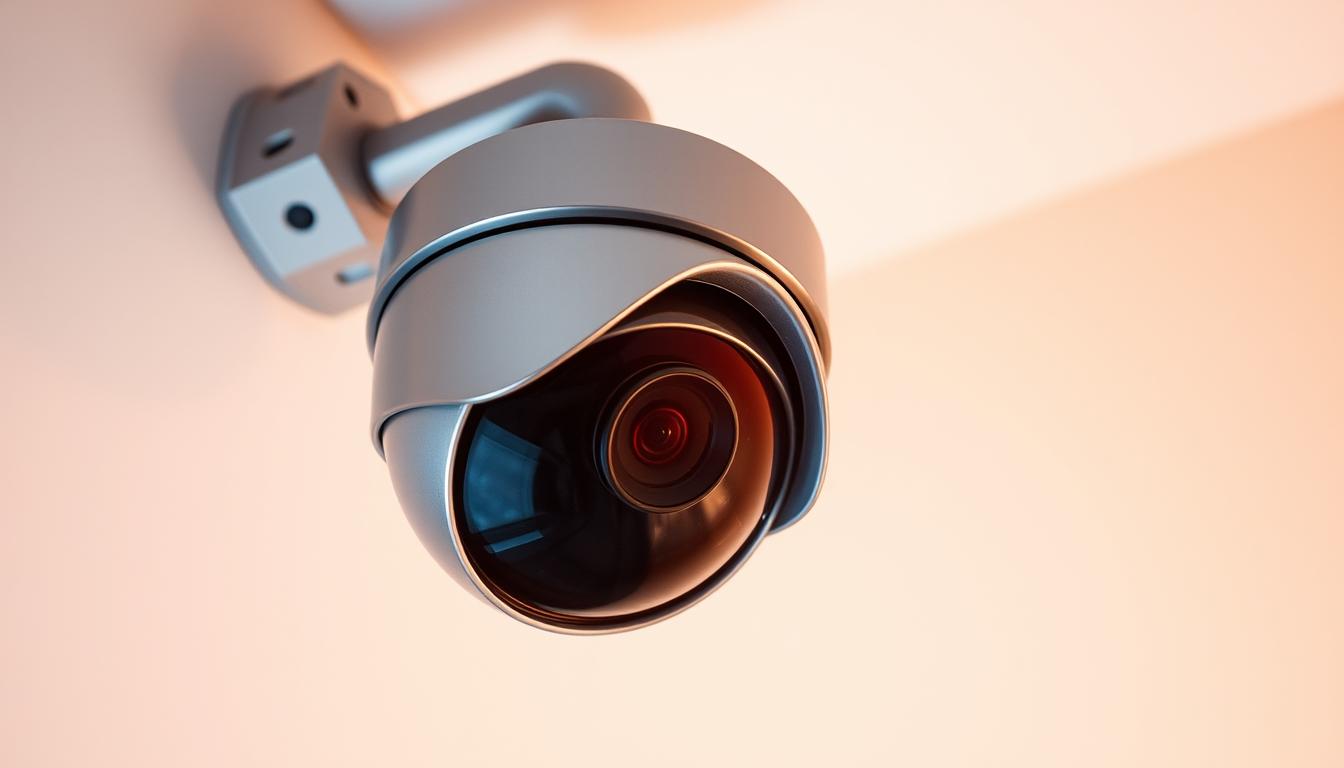
Knowing the different types of CCTV cameras is key for good surveillance. The main types are dome cameras, bullet cameras, and PTZ cameras. Each type meets different needs and uses.
Dome cameras are great for indoor use because they’re small and don’t draw attention. They fit well in places like stores and offices. They also can’t be easily tampered with.
Bullet cameras are made for outdoor use. Their long shape lets them see clearly, even in the dark. They’re perfect for watching over entrances, parking lots, and the outside of buildings.
PTZ cameras, or Pan-Tilt-Zoom cameras, offer a lot of flexibility. You can control them to move left and right, up and down, and zoom in. This makes them great for places that need detailed monitoring.
How do I know if my CCTV is on or off?
To see if a CCTV camera is working, look for visual clues. Knowing these signs helps figure out if a camera is active. It’s key to understand CCTV indicators, like camera power lights, for good surveillance.
Visual Indicators of Active Cameras
Active CCTV systems have clear signs of work. Camera power lights show if it’s on. A steady or blinking LED light means it’s getting power and might be recording.
PTZ (Pan-Tilt-Zoom) cameras move, showing they’re working.
Understanding LED Signals
LED lights tell us important things about camera status. Green lights mean the camera is on and working. Red lights might show issues like recording problems or alerts.
Knowing what different colors mean is important for understanding these lights.
Common Signs that a CCTV Camera is Operational
Knowing if your CCTV cameras work is important. There are clear signs to check if they are active. These signs help you see if your cameras are working right, no matter the situation.
Checking for Movement in Pan-Tilt Cameras
Pan-tilt cameras show they’re working by moving. You’ll hear a soft buzzing sound when they move. This buzzing means the camera is active and watching the area.
Observing Infrared Lights in Low Light Conditions
In low light, infrared camera lights are a clear sign of operation. These cameras light up red when they’re on. Seeing these lights means the camera is capturing footage, even in the dark.
Utilizing Camera Software for Status Confirmation
Many security systems in Singapore use advanced CCTV software. This software lets users check if their cameras are working. They can do this through camera monitoring apps.
These apps let users see live footage from their cameras. This way, they can quickly check if cameras are working. Many apps also send alerts for any issues, so users can fix problems fast.
Using CCTV software makes managing security easier. It lets people check their surveillance systems from anywhere. This gives them peace of mind, whether they’re at home or away.
Testing Power Supply and Connections
Keeping your CCTV system running smoothly depends on testing power supply and connections. Regular checks help spot problems early. This ensures your system works well. It’s important to test the power supply and check cable connections.
Identifying Power Source Indicators
Look for LED lights on cameras or power supplies to see if they’re working. These lights show the camera is getting power. It’s key to watch these signs to keep your cameras powered up.
Examining Cable Connections
Checking cable connections is a must in your maintenance routine. Bad or loose cables can cause big problems. Regular checks help find and fix issues before they harm your system.
Using Electronic Bug Detectors for Extra Assurance
Checking CCTV cameras visually is key to making sure they work. Electronic bug detectors offer a more advanced way to do this. They are essential for anyone wanting to ensure camera functionality well.
Bug detectors use electrical signal detection to see if cameras are sending video signals. This is very useful, mainly for finding hidden cameras. The main benefits are:
- They monitor camera activity well.
- They help spot privacy threats.
- They find hidden surveillance devices accurately.
Buying a good bug detector boosts security at home and work. It also gives you peace of mind. Knowing your CCTV systems work right helps protect against surprises.
Identifying Real vs. Fake Cameras
It’s important to know the difference between real and fake CCTV cameras. This ensures your security system works well. To spot fake cameras, you need to pay attention to details and do some research. There are several ways to check if a camera is real.
Examining Wires and Connectors
Looking at the wires and connectors can help tell if a camera is real or fake. Real cameras usually have:
- Visible wiring that goes to a power source.
- Good connectors that keep electrical connections tight.
- Strong materials that can handle wear and weather.
Fake cameras often don’t have working wires or use cheap parts. This means they can’t work right. Checking the wires and connectors is key to making sure your system works.
Researching Camera Brands Online
Another good way to check if a camera is real is to research the brand online. Reputable brands usually share a lot about their products. Here’s what to look for:
- Read what other customers say about the brand.
- Check the product details on the official website.
- Make sure there are clear return or warranty policies.
By doing these things, you can better tell if a CCTV camera is real or fake. This helps keep your home or business safe.
Troubleshooting Common CCTV Issues
Fixing common CCTV problems is key to keeping places safe. Issues like no video and connectivity problems are common. Knowing what causes these problems helps find quick fixes.
Addressing No Video Signal Problems
First, check all power connections when there’s no video. Make sure cameras are on and wires are good. Also, check the recorder or display for issues.
If everything looks right, see if the camera is on the right channel. A complete diagnostic guide can help find the problem. Keeping records can show if a software update is needed.
Resolving Connectivity Issues for IP Cameras
Weak Wi-Fi is often the cause of connectivity problems. Make sure the camera is in a strong signal area. If it uses Ethernet, check the cables for damage.
Try restarting the camera and router to fix short-term issues. An IP scan can find network conflicts or wrong settings. Spotting these problems early keeps surveillance running smoothly.
Maintenance Tips for CCTV Systems
Regular CCTV maintenance is key to keeping your surveillance systems running well. A routine that includes regular checks helps spot problems early. Simple steps can make a big difference in keeping cameras working right.
Begin by checking the camera lenses often. Dust and dirt can block the view, creating blind spots. Use the right tools to clean the lenses and keep the view clear.
Don’t forget about software updates for CCTV maintenance. Keeping your system’s software current means you get new features and security fixes. Not updating can make your system vulnerable.
Checking cables is also vital in regular checks. Damaged cables can cause signal or power loss. Make sure all connections are tight and in good shape.
By adding these maintenance steps to your routine, your CCTV system will work better. Regular care keeps your surveillance running smoothly.
When to Seek Professional Help for CCTV Issues
Knowing when to get help for your CCTV system is key. If you face constant technical problems, it’s time to call in the experts. They can spot issues you might miss and fix them fast.
Signs of tampering or unauthorized access mean you need help right away. Quick action is vital to keep your property safe. Experts can find and fix any weaknesses in your system.
Dealing with complex software issues also calls for professional help. They know how to set up advanced features and solve tricky problems. Getting their help makes your system more reliable and secure.
FAQ
How can I tell if my CCTV system is operational?
Check the power lights on your CCTV system. These lights usually show if everything is working. For example, red and green lights might mean power and recording. PTZ cameras might move when you activate them.
What types of CCTV cameras should I be aware of?
There are dome cameras for indoors, bullet cameras for outdoors, and PTZ cameras for versatile monitoring. Dome cameras are often used indoors. Bullet cameras are good for the outside and can see in the dark. PTZ cameras can move and zoom in.
What are common indicators of a working CCTV camera?
Working CCTV cameras show movement and might buzz. Infrared cameras glow red in the dark. These signs mean your camera is on and working.
How can software help confirm if my CCTV cameras are on?
Modern security systems have software to check camera status. Log in to the app to see live feeds and check recordings. You’ll also get alerts if there are any problems.
How do I ensure my CCTV cameras have a proper power supply?
Look at the power lights on your cameras. Also, check the cables for damage. This ensures your cameras keep working.
What is the role of electronic bug detectors in confirming camera operation?
Electronic bug detectors check if cameras are sending video signals. They help make sure your surveillance system is working right.
How can I tell if I have real or counterfeit CCTV cameras?
Check if the cables connect to a power source. Look up reputable brands online. Real cameras are important for your security.
What common issues should I troubleshoot for my CCTV cameras?
Troubleshoot issues like no video or connection problems. Check power and cable connections. For IP cameras, make sure Wi-Fi is strong.
What maintenance practices should I follow for my CCTV system?
Clean the lens, update software, and check cables regularly. Keeping your system in good shape prevents problems and ensures it works well.
When should I reach out to a professional for CCTV concerns?
Call a professional for technical issues, tampering, or software problems. Experts can offer valuable help and solutions for your system.


