
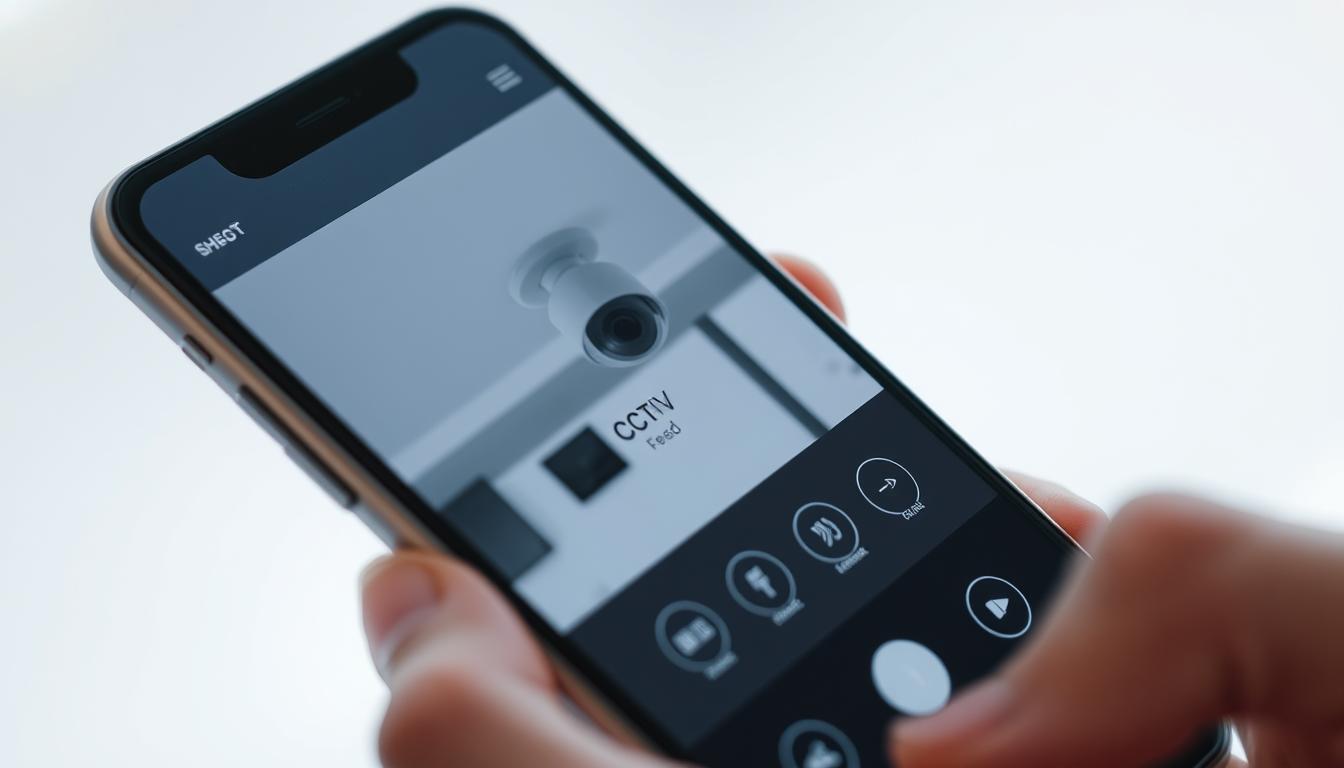
How can I watch my CCTV on my phone?
In today’s world, watching over your home or business is super easy. This is thanks to CCTV on phone tech. With remote access CCTV, you can see what your cameras are capturing right from your phone. This means you can keep an eye on things anytime, anywhere.
This tech lets you watch your property live. It helps you react fast if something unexpected happens. Just a few taps on your phone, and you’ll know your place is safe.
Key Takeaways
- Access your surveillance footage anywhere with CCTV on phone technology.
- Real-time monitoring enhances security and response times.
- Convenient mobile surveillance options for both homes and businesses.
- Remote access CCTV systems are user-friendly and effective.
- Stay informed with alerts and notifications directly to your smartphone.
Understanding CCTV Technology
CCTV technology has become key in making places safer, from homes to businesses. These systems use security cameras to record and send footage. This lets users keep an eye on their areas. Over time, different types of cameras have come out, like analog and digital CCTV.
Digital CCTV gives better image quality and is more reliable than analog. It uses smart compression to save and send video well. DVRs and NVRs play a big role in recording and playing back footage, making it easy for users.
IP cameras have changed surveillance systems a lot, making it possible to access them from anywhere. They offer better quality and can connect with smart home devices. This shows how CCTV is becoming more convenient and connected.
Benefits of Connecting CCTV to Your Smartphone
Connecting CCTV systems to smartphones brings many benefits. It makes managing security easier and more efficient. Users can watch live feeds anytime, anywhere, thanks to real-time monitoring.
This access allows for quick responses to any security issues. It’s a big advantage for keeping properties safe.
Remote surveillance keeps users updated about their properties. Checking on home security is simple, whether at work or on vacation. This feature gives peace of mind, knowing one can watch over their surroundings easily.
Notification alerts are also key. They inform users of any unusual activity or security threats. This feature makes monitoring active and effective, adding a layer of protection.
Together, these benefits create strong security solutions. They give users more control over their properties in today’s digital world.
How can I watch my CCTV on my phone?
Watching CCTV on your phone is key for today’s security needs. It lets you see what’s happening at your place in real-time. This makes keeping an eye on things much easier.
With mobile monitoring, you can know what’s going on when you’re not there. This boosts your peace of mind a lot.
Real-Time Monitoring
Real-time monitoring is a big deal in mobile security. It lets you act fast if something odd shows up on your CCTV. This quick action helps stop problems before they start.
It makes both homes and businesses safer places.
Remote Accessibility
Being able to watch CCTV from anywhere is a big plus. You can check on your property from work or while traveling. This keeps you connected to your security system, no matter where you are.
Notification Alerts
Getting security alerts is another big benefit. These alerts tell you about important events right away. They help you take action fast if something looks off.
This quick communication is key to keeping your place safe. It shows how important smart tech is for security.
Types of CCTV Cameras
It’s important to know about the different CCTV cameras to choose the right security solution. Each type has its own benefits and fits different places. We’ll look at wired and wireless systems and the perks of modern IP cameras.
Wired vs. Wireless Systems
Wired CCTV systems give a steady connection, perfect for places needing constant watch. Setting them up can be tough, needing cables and a good layout. But, many say the benefits of wired CCTV are worth the effort.
Wireless CCTV, on the other hand, is known for its flexibility and easy setup. Without cables, it’s simpler to place cameras anywhere. This makes wireless CCTV a favorite for homes and businesses.
IP Cameras and Their Benefits
IP cameras are getting more popular for their better performance. They offer high-definition video, giving clearer images. This is key for spotting people or events accurately.
Also, IP cameras can link to mobile devices, making them easy to use. They often let you store footage in the cloud, so you can access it anywhere. As they become more common, adding IP technology to your security is a smart move.
How to Connect Your CCTV to Your Phone
Connecting your CCTV system to your smartphone is key for watching over your property. This guide will show you how to link up using Wi-Fi or mobile data. By following these steps, you’ll be able to check your security footage from anywhere.
Connecting via WiFi
To watch your CCTV on your phone via WiFi, make sure your camera can connect to WiFi. Here’s what to do:
- Make sure your WiFi network is strong and stable.
- Download the app your CCTV maker suggests from your phone’s store.
- Open the app and log in or create an account if you need to.
- Follow the app’s instructions to link your camera to WiFi. You’ll need to enter your WiFi details.
- After linking, you can watch your CCTV feed on your phone.
Connecting via Mobile Data
If you prefer or need to use mobile data, here’s how:
- Check if your CCTV camera can connect via mobile data.
- Make sure your mobile app is up to date.
- Set your camera’s app settings to use mobile data instead of WiFi.
- Check your mobile data plan and update it if needed, as video streaming uses a lot of data.
- Now, you can watch your camera feed remotely using mobile data.
Steps to Link Security Systems to Your Phone
Linking your security systems to your phone is easy. Start by downloading the right app for your CCTV system. Many makers offer special apps for a smooth user experience.
After installing the CCTV app, open it to add your camera. You can enter your camera’s model or scan a QR code from the manual. Then, set up your camera’s settings like motion alerts and notifications to fit your needs.
For a detailed camera setup guide, check the app or camera maker’s instructions. Each app might have different steps. Following these instructions will make linking your systems easier and give you better access to live feeds.
Troubleshooting Connection Issues
Connecting CCTV cameras to mobile devices can sometimes be tricky. To fix these issues, we need to look at common problems. These include network issues, app updates, and camera settings.
Network Connectivity Issues
Network connectivity is key for CCTV systems to work well. Both the camera and the mobile device must have a strong internet connection. If you’re having network problems, check your WiFi signal and make sure your device is close to the router.
Restarting your router can also help fix temporary connection issues.
App Compatibility and Updates
It’s important to keep your CCTV app updated. Older app versions can cause problems and limit access to important features. Regular updates can fix bugs and make things run smoother.
Always check for updates and install them right away. This will help keep your system secure and connected.
Camera Configuration Problems
Getting your camera settings right is critical for a good connection. Wrong settings can block the link between your CCTV and mobile device. Make sure your camera settings, like IP addresses and port forwarding, are correct.
If you’re having trouble, try resetting your camera to its default settings. Then, reconfigure it to see if that solves the problem.
Security Concerns When Using Mobile Access
More people use mobile devices to check their CCTV systems. This makes mobile access security risks a big deal. These systems are handy but can put users’ privacy and property at risk. A main worry is hackers getting in because of weak internet connections.
To fight these risks, CCTV hacking prevention steps are needed. Using encrypted systems protects the data sent from cameras to devices. Also, placing cameras in safe spots can stop intruders.
Public Wi-Fi is a big danger for surveillance safety. Watching CCTV on these networks can let hackers steal data. It’s key to use personal, safe networks for CCTV viewing. Staying alert to these dangers can greatly improve mobile access security.
Choosing the Right Mobile App for CCTV
Finding the right mobile app for CCTV monitoring can really improve your security. There are many choices out there, so picking the right one is key. Look for best CCTV apps that are known for being reliable. Make sure they work well with your camera model for smooth performance.
Apps that are easy to use are great for everyone. Check out what other users say to see if they’re happy with the app. Good apps are easy to navigate, saving you time when you need to check your feed.
Also, make sure the app works on different phones, like iOS and Android. This means you can use it on many devices. Taking the time to find the right app will make your CCTV system more secure and useful.
Professional Help for Security Systems
Getting professional CCTV installation can greatly improve your surveillance setup. Experts can help you avoid mistakes that might weaken your system. They know how to install security parts right, ensuring they work well.
Professional support is also key for keeping your system running smoothly. As technology changes, your system might need updates. Experts can help keep your system current and secure.
Choosing specialists for your surveillance system boosts its performance and your peace of mind. For more tips on using mobile devices for security, check out this guide: how to watch your CCTV on your phone.
FAQ
How can I access my CCTV feeds on my smartphone?
To access your CCTV feeds on your smartphone, connect your system through a mobile app. Make sure to follow the setup instructions for your CCTV system and app. This usually involves WiFi or mobile data setup.
What types of CCTV cameras are available?
There are two main types of CCTV cameras: analog and digital. Analog cameras use coaxial cables, while digital ones use IP technology for better quality. Wireless systems offer easy installation without losing functionality.
What are the benefits of linking my CCTV system to my smartphone?
Linking your CCTV system to your smartphone lets you monitor in real-time. You can respond quickly to incidents. It also allows remote access, so you can check your property from anywhere. Plus, you get alerts for any movements or security breaches, boosting your safety.
How do I connect my CCTV cameras to my phone using WiFi?
First, check if your camera works with your WiFi network. Then, download the right mobile app. Configure the settings and follow the app’s instructions to connect your cameras to your phone.
What steps should I follow to effectively link my security system to my phone?
To link your security system to your phone, install the mobile app. Add your camera using its model number or QR code. Then, set up essential settings like motion detection. Remember, steps may vary, so always check your app’s instructions for the best results.
How can I resolve common connection issues?
For network connectivity problems, ensure your CCTV and phone have stable internet. Check if your app is compatible and up-to-date. Also, review your camera settings to ensure they’re configured correctly.
What security vulnerabilities should I be aware of when using mobile-accessible CCTV systems?
Be aware of internet connectivity risks with mobile-accessible CCTV systems. Use encrypted systems and choose the right camera placements to reduce risks. Avoid public Wi-Fi when accessing sensitive footage.
How do I choose the right mobile app for CCTV monitoring?
When picking a mobile app for CCTV monitoring, check if it works with iOS and Android. Look for an easy-to-use interface and read reviews to ensure it improves your system’s performance.
Why should I seek professional assistance for CCTV installations and troubleshooting?
Professional help ensures your CCTV system is set up right and maintained well. Experts avoid common mistakes and keep your system secure, giving you peace of mind.


