
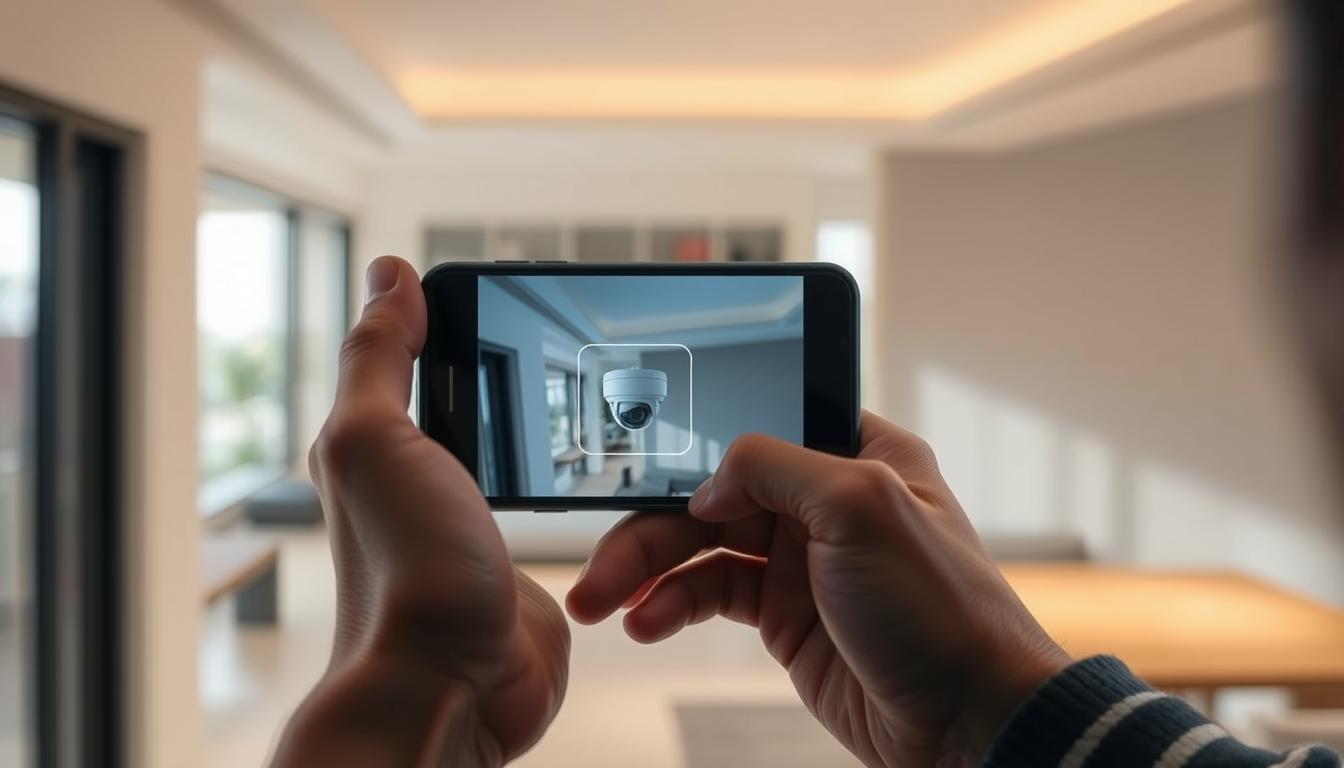
How can I detect my CCTV camera with my phone?
In today’s world, using your phone to check on CCTV systems has changed how we manage security. It lets you see what your cameras are capturing from anywhere, using your smartphone. This tech makes it easy to keep an eye on things, whether you’re at home or at work.
We’ll show you how to find your CCTV cameras on your phone. We’ll also talk about why this is a good idea and how to make it work better for you.
Key Takeaways
- CCTV cameras can be detected and monitored using mobile phones.
- Real-time access to surveillance feeds provides enhanced security.
- Understanding the technology behind CCTV systems is essential.
- Choosing the right mobile app is critical for smooth connections.
- Fixing common connection problems ensures you can monitor effectively.
- Adding security steps protects your mobile access to CCTV feeds.
Understanding CCTV Camera Technology
CCTV technology has changed a lot over time. It moved from old analog systems to new digital ones. This change has made video quality much better and more useful.
IP cameras are key in this new technology. They use the internet to send and get data. This makes them great for high-definition video and other advanced features.
These cameras work well with a network video recorder (NVR). The NVR stores and manages video footage. It lets users watch recordings from different devices, like smartphones.
The NVR is very important. It keeps a lot of recordings and works with many cameras. This ensures everything is covered. Knowing how these parts work together helps users get the most out of their CCTV systems.
Benefits of Connecting CCTV Cameras to Your Phone
Connecting CCTV cameras to your phone offers many benefits, mainly in boosting security. One key advantage is the ability to monitor in real-time. You can quickly respond to any odd activity by watching live footage on your phone.
Having remote access to video feeds means you can stay alert. You’ll get alerts for any unusual movements or events. This keeps you informed and secure, no matter where you are.
High-quality footage from mobile apps makes spotting threats easier. The clear images help in making accurate judgments about incidents. Plus, using cloud services adds an extra layer of security. It ensures your recorded footage is safe and easy to access.
How to Connect Your CCTV Camera to Your Mobile Phone
Connecting your CCTV camera to your mobile phone lets you watch your security system live. It makes you feel safer and more in control. This guide will show you how to set it up right.
Step-by-Step Process for Connection
To connect CCTV to phone, follow these steps:
- Download the mobile app for CCTV from your app store. Pick the app made for your CCTV model.
- Open the app and make an account if needed. Just follow the instructions.
- Add your CCTV camera to your account using its model code or QR code in the app.
- Set up your camera’s settings like motion alerts and remote access.
- Check if everything works by watching the camera feed on your phone.
Choosing the Right Mobile App for Your CCTV Camera
The app you choose is key to your CCTV’s success. Brands offer apps with special features. Make sure your app matches your CCTV brand for the best results.
Apps like Hik-Connect, ZOSI Smart, and TP-Link Kasa offer great features. For more tips on connecting CCTV to phone, check out this link.
How can I detect my CCTV camera with my phone?
To find your CCTV camera with your phone, use special apps for surveillance systems. These apps can show the camera’s IP address, letting you see the live feed. Most CCTV systems today have Wi-Fi, making it easy to watch them on your phone.
Make sure your CCTV camera and phone are on the same network. This is key for them to talk to each other. You can scan the network or type in the IP address in the app. Both ways make it easy to find and watch your CCTV footage.
Common Issues When Connecting CCTV to Mobile Devices
Connecting CCTV cameras to mobile devices is convenient but comes with challenges. It’s important to know these common issues to keep access smooth and surveillance effective. Users often face connectivity problems that make remote monitoring hard. Knowing these issues helps in fixing them quickly.
Network Connectivity Problems
Network connectivity issues are a big problem. A shaky internet connection can break the link between the camera and your phone. Weak signals or a busy network can cut off the video feed. To fix this, check your internet’s stability and bandwidth.
Also, make sure your router is working well and close to the CCTV camera.
App Compatibility and Updates
App compatibility and updates are also key. Old apps can cause problems, making it hard for your camera and phone to work together. Keeping your app up to date ensures you get the newest features and security fixes. Make sure your phone is compatible with the CCTV app you’re using. Using the wrong app can stop you from connecting.
Security Concerns with Mobile CCTV Access
Mobile access to CCTV footage is convenient but comes with security risks. Unauthorized access to visual data can happen, mainly over unsecured internet connections. This opens a door for cyberattacks that could harm the surveillance footage’s integrity.
To protect against these threats, using systems with strong cybersecurity features is key. Features like encryption make it hard for unauthorized people to get to the data. Also, placing cameras wisely can help. By putting them where they’re not easily seen, you lower the risk of being hacked.
Limiting access is another way to keep things safe. Only letting trusted devices connect to the CCTV system helps a lot. By doing this, you reduce the risks of mobile access. These steps help keep surveillance safe, giving people peace of mind when using mobile tech.
Tips to Enhance Your CCTV Security While Using Mobile Access
In today’s world, keeping your CCTV system safe when using mobile access is key. Start by using strong, unique passwords for your CCTV system and apps. A complex password helps block unauthorized access.
Also, update your mobile apps regularly. Updates often include security patches that protect your system.
Always choose secure Wi-Fi when accessing your CCTV system. Public networks can risk your surveillance footage. A secure connection reduces hacking risks.
Following important mobile monitoring tips can also boost your security. These tips help keep your system safe.
Look into adding extra security features from your CCTV system’s maker. Many systems offer two-factor authentication and encryption in their apps. Using these features improves your security and gives you peace of mind.
To learn how to connect your CCTV camera to your phone without Wi-Fi, visit this page for detailed guidance.
Maximizing the Functionality of Your Mobile CCTV Connection
To get the most out of your mobile CCTV system, use all the mobile app features. Cloud storage for your footage is a great way to do this. It saves space on your device and lets you watch videos from anywhere.
Adding features like two-way audio can also improve your experience. It lets you talk in real-time, perfect for checking on pets or speaking with delivery people. Setting up motion detection alerts is also key. This way, you only get notified of important events, cutting down on false alarms.
Keeping your app up to date is important for its performance and new features. Updates often bring better security and cool new tools. By exploring these, you can make your CCTV system work better for you.
FAQ
How do I detect my CCTV camera using my smartphone?
You can find your CCTV camera by using apps that connect to your camera’s IP address. This lets you watch video over Wi-Fi or mobile data.
What are the benefits of connecting CCTV cameras to smartphones?
Connecting your CCTV cameras to your phone has many advantages. You can watch live footage, access it from anywhere, get alerts for odd activities, and see things clearly with HD video.
What steps should I follow to connect my CCTV camera to my mobile phone?
First, download the right app for your camera. Then, add your camera using its model code or QR code. Lastly, set up motion detection and other features for better security.
How can I ensure that my CCTV camera is compatible with my mobile app?
Check the specs of your camera and the app you want to use. Make sure the app works with your camera model for easy connection.
What common issues might I encounter when connecting my CCTV to my mobile device?
You might face network problems, app bugs, or device issues. Ensure a stable internet, update apps, and verify your camera’s login details to avoid these problems.
Are there security concerns related to accessing CCTV footage via mobile devices?
Yes, using mobile devices to view CCTV footage can be risky. There’s a chance of unauthorized access and cyber threats. Use encrypted cameras and secure your Wi-Fi to protect your system.
What tips can enhance the security of my CCTV system when accessing it with my phone?
Improve your CCTV system’s security by using strong passwords, updating apps, choosing secure Wi-Fi, and avoiding public networks. This reduces the risk of unauthorized access.
How can I maximize the functionality of my mobile CCTV system?
Get the most out of your mobile CCTV system by using cloud storage for footage, using two-way audio, and adjusting motion detection. This helps manage your surveillance better.


