
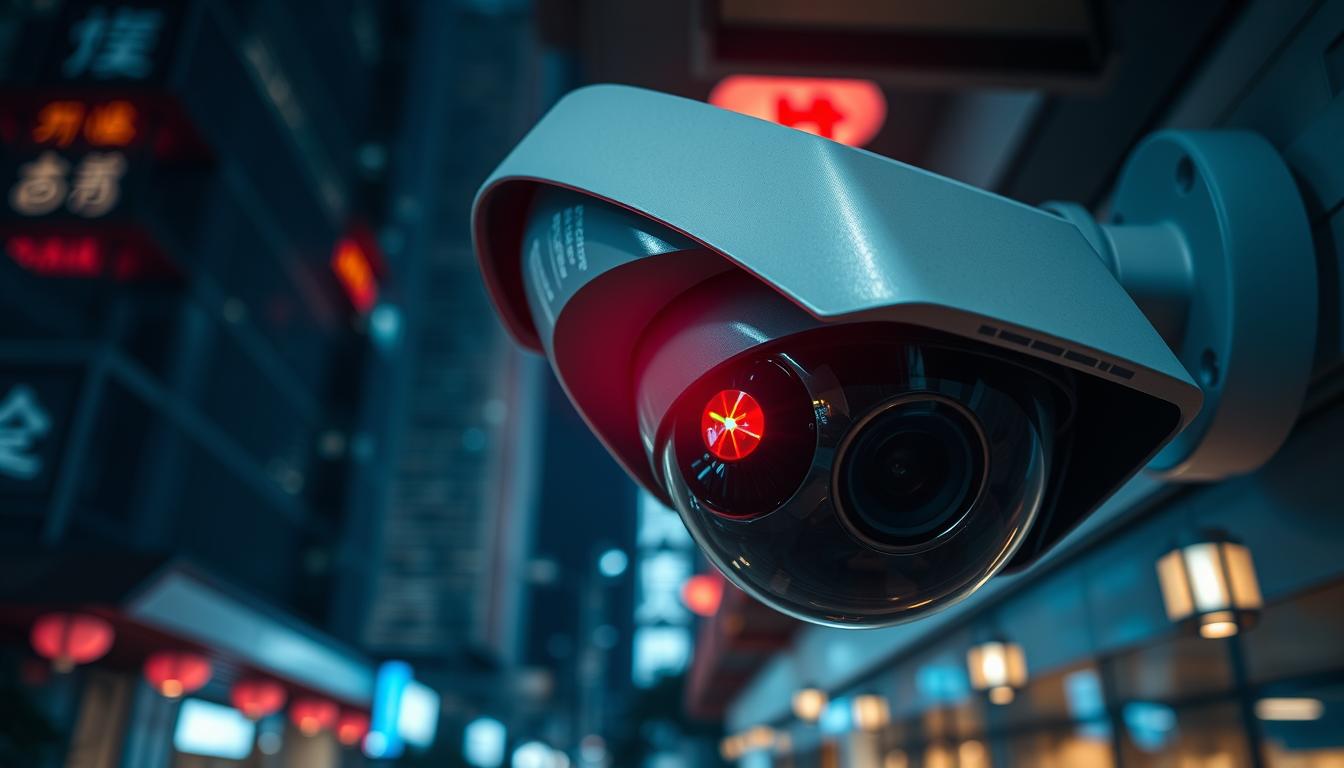
Blinking Red Light: Does It Signal Recording?
Ever wondered what a blinking red light on your surveillance camera means? Does it show recording, or is it just a power sign? Many users of recording devices, like CCTV systems, face this confusion. As tech gets better, knowing what these lights mean is key for good monitoring and security.
In this article, we’ll explore the meaning behind blinking lights. We’ll clear up common mistakes and tell you how to check if your device is recording. This will help you understand your CCTV system better.
Key Takeaways
- The blinking red light on CCTV cameras can signal multiple statuses.
- Different manufacturers may implement their own indicators for recording.
- Physical camera inspection can often clarify whether recording is active.
- The importance of understanding the device’s manual for accurate indicators.
- Open communication with technical support can resolve blinking light concerns.
Not sure about your CCTV system’s work? Want to check out the latest tech? Contact CCTV Maintenance today at +65 60135960. Learn more about our top-notch CCTV options and deals.
Understanding the Blinking Red Light Indicator
The blinking red light on a camera often means it’s recording. Many IP security cameras have this feature. It lets users know if the camera is on.
But, a blinking red light doesn’t always mean it’s recording. Knowing the different camera status lights helps understand these signals better.
Some brands use blue lights to show when recording. This can cause confusion. Fake security cameras also use blinking red lights to look real. Choosing a good security camera from a trusted brand is important.
Checking the red light on camera in different lights helps see if it works. Knowing state laws about audio recording is also key. This ensures users follow the law while using their systems.
Want to improve your security? Contact CCTV Maintenance at +65 60135960. They offer the latest CCTV solutions and deals.
The Significance of a Red Light on Cameras
A red light on a camera usually means it’s on and ready to go. It’s important to know what this light means, as it can change from one camera to another. For example, many cameras show a red light when they’re recording or watching for movement.
But, some infrared cameras have a red light around the lens. This light might show the camera is using night vision. Yet, it doesn’t always mean it’s recording video.
Understanding the red light helps us know how our cameras work. Some cameras use different colors for different actions, like recording or being on standby. Not all CCTV cameras have a blinking red light. The design of these lights depends on the camera’s purpose.
When using security cameras, remember a blinking red light doesn’t always mean it’s recording. It could also mean the camera is in standby or watching for movement. Thinking the red light always means recording can lead to confusion about the camera’s status.
Knowing these details helps us choose the right cameras for our needs. If you’re unsure about your security setup, it’s best to ask for help. Contact CCTV Maintenance today at +65 60135960 to learn about the latest CCTV solutions and offers.
CCTV Cameras: What Does a Blinking Red Light Mean?
In the world of surveillance, knowing what a blinking red light on a CCTV camera means is key. This red light usually shows the camera is recording. It’s a common feature in many cameras today, giving users quick feedback on the camera’s status.
But, it’s vital to remember that different CCTV cameras work in different ways. Some older models might act differently, and new tech brings new signals. Always check your camera’s manual to understand the light indicators. Also, environmental factors can make the red light hard to see, leading to confusion.
Many wireless IP surveillance cameras have a status LED to show if they’re working. Interestingly, real security cameras rarely have blinking red lights. Most fake cameras do, making them look like they’re recording. So, checking your camera’s brand can help you tell real from fake.
When picking a security camera, choose a well-known brand that offers warranties. A good warranty, like a 2-year guarantee, shows the maker trusts their product.
If you’re looking to improve your security, call CCTV Maintenance today at +65 60135960. They can help you find the best CCTV options and deals for your needs.
Does a Blinking Red Light Mean Recording?
Many people wonder if a blinking red light means a camera is recording. They think any blinking red light is a sign of recording. But this isn’t true for all devices.
Common Misconceptions about Recording Indicators
Some believe a blinking red light always means a camera is recording. But, a solid red light usually means it’s recording. A blinking red light can mean different things depending on the camera.
For example, the Reolink Altas PT Ultra has a 4K UHD Continuous Recording feature. Knowing what each light means helps avoid confusion.
Different Manufacturers, Different Signals
Every camera maker has its own rules for flashing lights. Some use blue lights for recording, while others use red lights for different reasons. For example, a blinking red light on some cameras might mean there’s a connection problem.
On some branded homebase units, like Eufy, a blinking red light might mean there’s a connectivity issue. It doesn’t always mean the camera can’t record. So, it’s important to check what the manufacturer says about their camera’s lights.
Is your device showing a blinking red light? Contact CCTV Maintenance today at +65 60135960. They can help with the latest CCTV solutions and offers.
How to Determine If Your Device Is Recording
Figuring out if a camera is recording can be easy or tricky. There are several ways to check if your live streaming cameras are working right. Here are some key methods to find out camera recording status.
Physical Inspection of the Camera
One way to check if a camera is recording is by looking at it. Look for these things:
- Check for status LEDs that show if the camera is on. Many modern IP cameras have these lights.
- Look for small red lights around the lens on infrared IP security cameras. This usually means night vision is on, so the camera is working in the dark.
- See if any parts are moving, like pan-and-tilt features. This means the camera is working.
- Some electronic bug detectors can find the video signals from active CCTV cameras. This can confirm if the camera is recording.
Using Software to Check Live Status
Modern security systems have software that lets you see your camera’s live streaming status. With this software, you can:
- Log in to the camera system to see live feeds and check if the camera is recording.
- Check if the camera can record audio. Many IP security cameras can, and you can see this in the app or software settings.
- Know the difference between camera types. Traditional CCTV cameras usually don’t record audio, but many IP cameras do.
To learn more about camera functionality or the latest in CCTV technology, contact CCTV Maintenance today at +65 60135960. They offer the latest CCTV solutions and deals.
Common Devices with Red Light Indicators
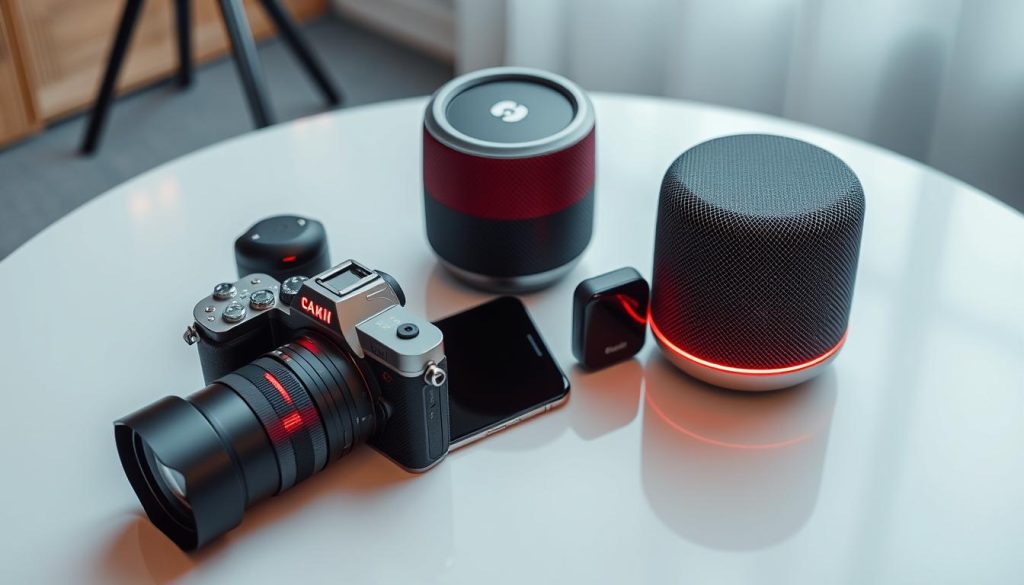
Many devices use a blinking red light to show they’re working. This includes digital cameras, smartphones, and home security systems. In dark places, small red lights on IP security cameras mean they’re on and working.
It’s key to know the difference between various devices. For instance, real security cameras usually don’t have blinking red lights. But fake or dummy cameras do, to look like the real thing. Remember, not seeing a red light doesn’t mean a CCTV camera is broken.
Some cameras also have blue lights, which can mean they’re recording. But what these lights mean can change with each camera model. So, it’s important to know your camera well to understand these signals.
- Digital Cameras: Often use red lights to show power or recording status.
- Smartphones: May have blinking red LEDs to indicate low battery or charging status.
- Home Security Systems: Utilize various colored lights, including red, to signal operational conditions.
- Blink Cameras: Flash red to indicate low battery levels or when connecting to the internet.
Seeing a red light on a camera or device can be a clue. It helps users stay updated on their tech. If you have questions about CCTV systems, contact CCTV Maintenance today at +65 60135960. They can tell you more about the latest CCTV solutions and offers.
Red Light Flashing: A Signal of Activity
Flashing red lights usually mean a camera or surveillance device is on. This flicker can show different statuses, like power or recording. But, it doesn’t always mean video is being captured.
Modern devices, like the Reolink Altas PT Ultra, use different colors or no light to show activity. Some cameras use light indicators to show their status. It’s important to check the camera’s manual to understand what each color means.
Traditional cameras often need cables for power. This can help tell real cameras from fake ones. Real security cameras usually don’t have blinking red lights.
Knowing what flashing red lights mean is important. It’s also key to know local laws about recording with security devices. At least one person should know if audio is being recorded. Talking to the security camera company can help clear up any doubts.
If you’re unsure about your device or want to learn more about CCTV, call CCTV Maintenance at +65 60135960. They can help you understand modern surveillance systems better.
Red Light Recording Symbol: What It Represents
The red light recording symbol is key in camera iconography. It shows a camera is recording. This symbol is used by many brands, but its main purpose stays the same. It helps users know if their camera is working right.
Security cameras, like the Reolink Altas PT Ultra, use this symbol to show they’re recording in 4K UHD. Cameras with infrared technology often have red lights around their lens. But, real security cameras don’t have blinking red lights. This is a trick used by fake cameras.
Some cameras might use different colors or patterns to show they’re recording. For example, some use blue lights. This makes it easier for users to see if their camera is working.
It’s important to know what these lights mean. Using electronic bug detectors can help find hidden cameras. Also, blocking the light on a camera can tell you if it’s recording.
Security companies offer warranties for their products. This shows they’re reliable. Knowing how and when these devices record is key to following the law.
If you’re interested in CCTV solutions, contact CCTV Maintenance at +65 60135960. They can help you understand your camera systems better.
Understanding the Technology Behind Recording Indicators
Recording indicators are key in today’s surveillance systems. They come from new recording technology. These indicators change based on the device and maker, showing how complex camera tech is. They use light signals to show if cameras are working right.
In a good network video recorder (NVR), a steady green light means everything is okay. But a red light means there’s a big problem. New tech uses infrared for better night vision, but it also changes the lights on devices.
It’s easy to get confused by these lights. A blinking blue light might mean the NVR is starting up again. But if the lights keep flashing, it might not be recording as you think. Knowing what these lights mean helps you use your surveillance tech better.
It’s very important to watch these lights closely. A red light on the Recording LED means there’s a big problem with recording. These signs are key for quick action. You can also use the GURU Smartphone App for more help when you need it.
Stay ahead in surveillance by learning about these blinking lights. Contact CCTV Maintenance at +65 60135960 for the latest in CCTV tech and custom solutions for you.
Not All Blinking Lights Mean Recording
It’s important to know the difference between blinking lights in camera systems. Many people get confused about the light signals. A blinking light doesn’t always mean the camera is recording.
Users often mix up power indicators with recording indicators. This can lead to confusion about their device’s status.
Power Indicators vs. Recording Indicators
Power indicators blink to show energy levels or issues with the device. Recording indicators, on the other hand, show if the camera is capturing footage. Knowing the difference helps avoid mistakes about the device’s status.
Many cameras, like the Reolink Altas PT Ultra, have a small LED that flashes when recording. But, some high-end cameras might not have visible lights.
Users might try troubleshooting steps to see if recording is enabled. This could include checking software versions or adjusting settings. Knowing these signals improves the user experience and helps interact with devices better.
If you want reliable maintenance and monitoring of your security system, consider a professional. Contact CCTV Maintenance today at +65 60135960 to learn more about CCTV solutions and offers.
Situations Where the Blinking Red Light Could Be Misleading
Blinked red light indicators can confuse users, often due to camera malfunctions or unclear light meanings. For example, bright ambient light or camera damage can change how we see things. This shows that not every blinking red light means the camera is recording.
Devices with two uses might show false indicators when not recording. Regular checks and following the maker’s advice can help avoid mistakes. Problems like weather debris or camera misalignment can also confuse us.
Adding new tech to security systems makes things more complex. Knowing how your device works can help avoid mistakes.
If you’re unsure about your devices, get expert help. Contact CCTV Maintenance at +65 60135960 to learn about the latest CCTV options and deals.
Conclusion
Understanding recording signals is key for camera users. A blinking red light often means recording is happening. But, different brands like Reolink and Blink might show different signs. These signs can mean many things, like connection issues or power problems.
Knowing how your camera works is important. This way, you can tell if it’s working right. State laws also play a role in how you use recording devices. This adds more to what a blinking light might mean.
Cameras can show steady red lights for power issues or flash for warnings. It’s important to know what your camera’s lights mean. This helps you keep your space safe and secure.
If you’re unsure about your camera or want to learn more, call CCTV Maintenance at +65 60135960. They can help you make sure your system is working well. This ensures your security needs are met.
FAQ
Does a blinking red light on my camera always mean it’s recording?
Not always. While many cameras show a blinking red light when recording, it’s not true for all. Always check your camera’s manual to know what the light means for your model.
What does a solid red light indicate on surveillance cameras?
A solid red light usually means the camera is on and working. But, it can also mean recording for some brands. Always check the manufacturer’s info.
How can I check if my camera is recording?
Look at the camera for status lights or check the software. Many cameras show alerts in apps or web interfaces.
Are all recording indicators the same across different camera brands?
No, each brand uses its own way to show recording status. It’s key to know what your camera’s indicators mean.
Can environmental factors affect the visibility of the red light indicator?
Yes, things like lighting and obstructions can make the red light hard to see. This might cause confusion about the camera’s status.
What should I do if my camera’s red light is behaving erratically?
If the red light acts strangely or doesn’t follow the manual, try troubleshooting or contact the maker. There might be a problem.
Are there other colors of lights I should be aware of on my camera?
Yes, cameras often have different colored lights for different things. For example, green for connection and blue for night vision. Check your manual for more info.
Source Links
- https://support.blinkforhome.com/issues-with-your-camera/red-light-on-a-camera
- https://discussions.apple.com/thread/2621801
- https://reolink.com/blog/how-to-tell-if-a-security-camera-is-on/?srsltid=AfmBOoqUzwtd-q-hkCeF2ZO72VdLDDuzGqPg8J3D3Q5SoAyR_IYDWAYq
- https://www.openacousticdevices.info/led-guide
- https://reolink.com/blog/how-to-tell-if-a-security-camera-is-on/?srsltid=AfmBOooe_RrBOWLSBbXIb-CjvnobrknDa2LUeGOt9QYDUBrjhpj-XP2z
- https://alfred.camera/blog/how-to-tell-if-a-security-camera-is-on/
- https://reolink.com/blog/how-to-tell-if-a-security-camera-is-on/?srsltid=AfmBOorLf3hP4sTox_rKYDZPFuxXUA29EC-bM8yN3uPG9qjzG5B8fEb-
- https://callawaysecurity.com/how-to-tell-if-a-security-camera-is-recording/
- https://cctvcameravision.com/how-to-know-cctv-camera-is-on-or-off/
- https://reolink.com/blog/how-to-tell-if-a-security-camera-is-on/?srsltid=AfmBOorsqTEYWDZYzn7uTsADwRt8fHO6vSu4r9r59nsYVsxQ59fArT4t
- https://community.security.eufy.com/t/red-light-on-homebase-when-im-not-using-cameras-thoughts/1191861
- https://reolink.com/blog/how-to-tell-if-a-security-camera-is-on/?srsltid=AfmBOoq2hzHHrR-gNsY8ojHp77DNIJoRlOHjXkfU63PnoOHyUxPjUnW_
- https://alfred.camera/blog/how-to-tell-if-security-cameras-have-audio/
- https://reolink.com/blog/how-to-tell-if-a-security-camera-is-on/
- https://www.sony.com/electronics/support/articles/00145302
- https://wasserstein-home.com/blogs/smart-home/why-is-my-blink-camera-flashing-red-top-reasons-fixes
- https://reolink.com/blog/how-to-tell-if-a-security-camera-is-on/?srsltid=AfmBOopQGN1PFnCtz9r8QjKkJovRA3gwFDLI1tw0Z2tNdY8yhsWUXJ0E
- https://www.tapo.com/sg/faq/66/
- https://www.sony.co.uk/electronics/support/articles/00145302
- https://reolink.com/blog/how-to-tell-if-a-security-camera-is-on/?srsltid=AfmBOooOzubj27cN8BmrzSOWebeKkzs2AxQ7SHbctNRkMu48UP26nQ7c
- https://discussions.apple.com/thread/255698789
- https://www.marchnetworks.com/intelligent-ip-video-blog/understanding-leds-march-networks-nvr/
- https://discussions.apple.com/thread/253557163
- https://discussions.apple.com/thread/2491937
- https://reolink.com/blog/how-to-tell-if-a-security-camera-is-on/?srsltid=AfmBOoqIKJfuR7J3vXH7zhGSgA8jfdgSKPkb83s0J79Z0NVmpjdOEyym
- https://reolink.com/blog/how-to-blind-security-camera/?srsltid=AfmBOorVpScTbRj5w8RxcSv713wTLuiagBL3ejGGTLrGXFOTPUzMM-qY
- https://www.nsw.gov.au/sites/default/files/2021-11/demerits-general.pdf
- https://www.ncbi.nlm.nih.gov/pmc/articles/PMC9709211/
- https://reolink.com/blog/how-to-tell-if-a-security-camera-is-on/?srsltid=AfmBOordUjz6q-rn8YvaTEBW-rfxAzyHN2tGIcRnlFpjMYT9576CwFUn
- https://litokam.com/blogs/how-tos/how-to-diagnose-and-resolve-when-the-litokam-camera-is-offline
- https://www.electronicshub.org/blink-camera-flashing-red/


