
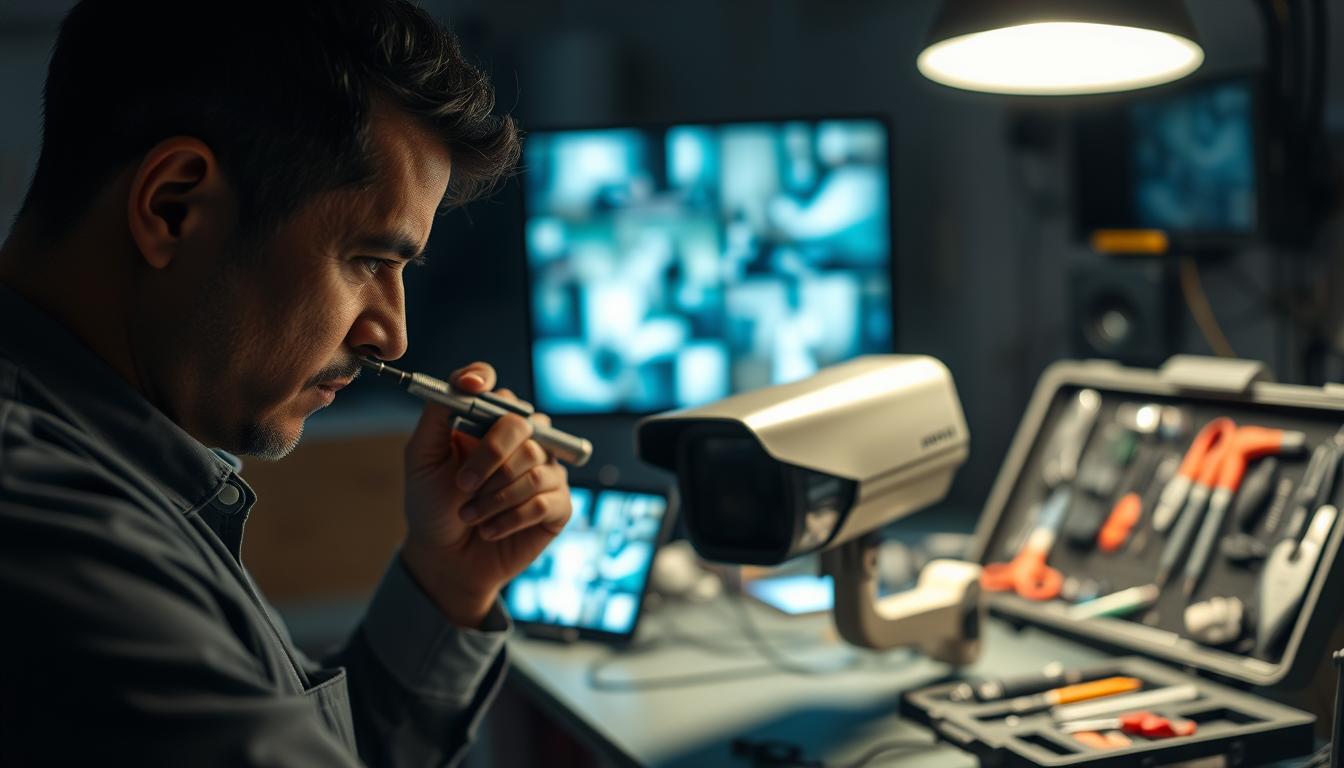
Step-by-Step Guide: How do you fix a blurry CCTV camera?
Clear surveillance footage is essential for property security. When video becomes fuzzy, it compromises your entire system. This problem leaves homes and businesses vulnerable.
In Singapore’s environment, maintaining sharp images presents unique challenges. High humidity can fog a camera lens. Intense urban lighting creates glare. These factors often degrade cctv footage quality.
Before considering expensive replacements, try practical solutions. A systematic approach identifies the root cause. Is it dirt on the lens? A focus issue? Or poor lighting conditions?
This guide walks you through effective troubleshooting. We cover basic cleaning to advanced settings. The goal is to restore performance without professional help. Proper maintenance prevents most common issues.
Understanding different problems is key. Night vision blur has different causes than daytime image problems. Each requires a specific solution for clear surveillance.
Key Takeaways
- Blurry security camera footage significantly reduces surveillance effectiveness and can leave properties exposed.
- Singapore’s tropical climate with high humidity and bright city lights creates specific challenges for CCTV systems.
- A methodical troubleshooting process can pinpoint whether blurriness comes from lens contamination, focus problems, or environmental factors.
- Many image quality issues can be resolved through simple maintenance and configuration changes before considering hardware replacement.
- Different problems require different fixes—night vision clarity issues have different solutions than daytime image problems.
- Regular upkeep and correct setup can prevent the majority of common blurriness problems in security cameras.
- Implementing the right solutions transforms unclear footage into sharp, reliable evidence that enhances property protection.
Start with These Basic Inspection Steps
Before adjusting complex settings, always perform a fundamental physical check of your security hardware. Over half of all image quality complaints are resolved at this stage. A methodical look at the equipment itself often reveals simple, correctable issues.
This process saves time and money. You avoid unnecessary technical troubleshooting for a problem caused by dust or a loose wire. Establish a routine inspection to maintain peak system performance.
Clean the Camera Lens Thoroughly
A dirty camera lens is the top cause of fuzzy security footage. In Singapore’s climate, humidity traps dust and can encourage fungal growth on glass surfaces. This film drastically reduces clarity and image details.
For effective cleaning, use a soft microfiber cloth. Lightly dampen it with 70% isopropyl alcohol. Wipe the lens gently in straight lines—avoid circular motions that can grind particles.
- Inspect monthly for spider webs, which are common in urban areas and create blurry spots.
- Use a soft brush to remove webs and debris without touching the lens directly.
- Avoid compressed air, as it can force contaminants into the housing.
Regular maintenance prevents minor problems from becoming major hardware failures. Clear video starts with a clean view.
Check for Loose or Damaged Cables and Connections
Physical connections are a common weak point. Loose cables or corroded terminals interrupt the signal and data flow. This leads to distorted images or complete video loss.
Examine all power and data connections at the camera and recorder. Look for green corrosion on BNC or RJ45 connectors, especially after rainy seasons. Make sure each plug is seated firmly and securely.
Also, check the entire cable length for damage. Fraying from weather exposure or pests can disrupt transmission. A simple connection check resolves many intermittent issues.
Verify Power Supply Stability
An unstable power supply is a stealthy culprit. Voltage fluctuations can cause cameras to reboot, flicker, or produce grainy footage. In humid climates, electrical problems often mimic lens factors.
Most CCTV cameras require a steady 12V DC. Use a multimeter to test the voltage at the camera terminal. It should read at least 11.6V for optimal performance.
Symptoms like infrared lights flickering at night or the system rebooting at specific times point to power problems. Verifying stable electricity is a critical step for reliable surveillance.
How Do You Fix a Blurry CCTV Camera? Address Power and Signal Issues
Beyond physical cleaning, the quality of your CCTV footage depends heavily on stable power delivery and clean data transmission. Electrical inconsistencies often manifest as graininess, flickering, or intermittent video loss. These problems typically worsen during nighttime operation when infrared lights demand more current.
Singapore’s urban environment presents specific challenges. High humidity accelerates connector corrosion. Dense electrical infrastructure creates electromagnetic interference. Addressing these factors restores image clarity and system reliability.
Test for Voltage Drops and Use Quality Cables
Voltage drops along lengthy cable runs starve security cameras of necessary power. This results in blurry or unstable footage, particularly after dark. The problem intensifies with distance from the power source.
For installations in HDB corridors, use 22AWG gauge wires. These reduce voltage drop by 37% compared to thinner 24AWG cables. Thicker copper conductors maintain stable transmission over longer range.
Calculate potential voltage drop using this formula: (Cable length × Current × 0.017) ÷ Wire area. For Singapore’s 230V standard, longer runs require proportionally thicker wires. Always measure voltage at the camera terminal with a multimeter.
Healthy systems maintain within ±5% of rated voltage. A 12V DC power supply should deliver at least 11.6V at the endpoint. Regular testing prevents gradual performance degradation.
Inspect BNC/RJ45 Connectors for Corrosion
Singapore’s humid climate promotes connector corrosion. Green oxidation on BNC or RJ45 terminals disrupts both power and signal integrity. This corrosion creates intermittent connections that mimic lens issues.
Perform continuity checks on all connectors quarterly. Use a dedicated cable tester like the StarTech model to pinpoint breaks. Replace any connectors showing visible oxidation or physical damage.
For outdoor installations, specify waterproof RJ45 connectors with silicone seals. These protect against monsoon rains and persistent humidity. Proper sealing extends connector lifespan and maintains video quality.
Regular maintenance includes cleaning connector contacts with electrical contact cleaner. This simple step prevents signal degradation and preserves surveillance details.
Consider Cable Length and Interference
Every cable has maximum effective length. Standard Cat5e cables should not exceed 100 meters. High-resolution 4K systems have more restrictive limits around 55 meters.
Electromagnetic interference from nearby electronics creates visual artifacts. In urban Singapore environments, use shielded cables when cameras are near electrical equipment. This shielding prevents signal contamination from adjacent wiring.
For Power over Ethernet (PoE) systems, ensure voltage drop does not exceed 3% over the entire run. Installations longer than 60 meters benefit from CAT6 cables. These provide better performance for demanding security applications.
Implement proper cable management to avoid sharp bends. Kinks increase electrical resistance and can cause signal problems. Replace any cables showing signs of aging, fraying, or damage.
Outdoor-rated insulation withstands Singapore’s tropical weather. Copper conductors with ≥98% purity ensure minimal resistance. These specifications make sure your CCTV cameras receive clean, stable power regardless of environmental times.
Manually Adjust Camera Focus and Zoom
Achieving razor-sharp surveillance imagery often requires precise manual adjustments to your camera‘s optical components. Varifocal lenses provide excellent flexibility for different surveillance scenarios. However, they demand regular recalibration to maintain optimal image clarity.
Proper focus settings transform unclear footage into detailed evidence. This process involves both physical adjustments and digital configuration. Mastering these techniques ensures your security system performs at its best.
Techniques for Fine-Tuning Varifocal Lenses
Begin by rotating the focus ring while monitoring live video through your camera‘s mobile app. This provides real-time feedback on image quality. Test different zoom levels to isolate specific problems.
For common 2.8-12mm lenses, set the zoom to approximately three times your target distance. A subject 10 meters away requires about 3.3 meters of zoom. This ratio optimizes the lens’s optical range.
Apply hyperfocal distance principles for maximum coverage. Focus approximately one-third into your surveillance scene. This technique delivers sharp images from foreground to background areas.
Avoid excessive zoom on specific spots like gates or doorways. Over-zooming narrows the field of view dramatically. It can exacerbate blurriness in other parts of the monitored area.
Recalibrating Focus for Singapore’s Climate
Singapore’s temperature fluctuations between 26°C and 32°C affect lens materials. Thermal expansion and contraction subtly alter alignment. This causes gradual image degradation over times.
Quarterly recalibration counters these environmental factors. Pay special attention after monsoon seasons. Humidity and temperature changes are most pronounced during these periods.
Tighten locking screws firmly after achieving optimal focus. This prevents vibration-induced drift in your camera settings. It’s particularly important near MRT lines and construction sites.
Test focus under both day and night conditions. Infrared illumination requires different adjustment points than visible light. Your security cameras must perform well in all lighting conditions.
Using Digital Tools for Precise Adjustment
Modern CCTV cameras offer digital fine-tuning capabilities. Software like Dahua’s ePTZ enables precise adjustments without physical contact. This reduces the risk of accidental misalignment.
Document successful settings for each camera in your system. This streamlines future recalibrations and maintains consistency. Uniform focus across all units is critical for comprehensive coverage.
Consider professional calibration services for complex installations. Multi-camera systems with overlapping fields require coordinated adjustment. Experts ensure optimal performance across the entire surveillance network.
Regular maintenance of your camera lens and adjustment mechanisms prevents most common issues. Clear CCTV footage depends on both proper setup and ongoing care. Make sure your hardware receives the attention it needs.
Solve Common Night Vision Blurriness
When the sun sets, maintaining sharp video quality requires addressing specific infrared system factors. Singapore’s urban environment creates unique problems for after-dark surveillance. Streetlamps and building lights often clash with your camera‘s infrared illumination.
This conflict produces uneven images with washed-out spots. Clear nighttime footage depends entirely on proper IR system maintenance and calibration. Start with physical inspection before adjusting digital settings.
Clean IR LEDs and Sensors
A thin layer of urban dust on infrared LEDs cuts their effective range by 40%. This drastically reduces night vision clarity. Singapore’s humid air traps particulates on camera hardware.
Use an anti-static brush to gently clean LED clusters. Pay special attention after monsoon seasons. For dome cameras, wipe sensors with a microfiber cloth.
Avoid scratching the protective coating during cleaning. Regular maintenance prevents this common source of blurry nighttime footage. Establish a monthly cleaning schedule for optimal performance.
Adjust Infrared Sensitivity and Positioning
Match IR wavelength to your specific security needs. The 850nm wavelength provides maximum range with a visible red glow. Choose 940nm for discreet surveillance without visible light.
Implement Smart IR technology available in brands like Hikvision. This feature dynamically balances intensity based on subject distance. It prevents overexposure of nearby objects.
“Smart IR automatically adjusts illumination to maintain consistent image quality across different distances.”
Position IR illuminators to minimize reflections from common surfaces. Angle them away from wet roads and metal gates. Make sure your security cameras have clear lines of sight.
Create custom infrared profiles using software like LuxRiot. Tailor sensitivity to Singapore’s Urban Redevelopment Authority lighting standards. This addresses local environmental factors.
Reduce Environmental Glare and Reflection
Singapore’s frequent rain creates additional reflective surfaces. These degrade image quality after dark. Angle cameras approximately 15° downward from reflective walls.
Use matte finishes on nearby surfaces to diffuse unwanted light reflections. Test night vision performance during different weather conditions. Monitor for IR hotspotting where areas appear washed out.
- Supplement built-in IR with additional illuminators for large areas
- Add diffusers to create even illumination across the scene
- Consider hybrid IR/white-light systems for color night vision
- Test monthly as humidity accelerates camera lens fogging
Upgrade older models with persistent night vision issues. Modern CCTV cameras offer better power supply stability for consistent IR operation. These improvements transform unclear cctv footage into reliable evidence.
Proper configuration addresses most common night problems. Your system will deliver sharp details regardless of the times. Consistent maintenance ensures long-term security effectiveness.
Correct Image Settings for Day and Night Clarity
Mastering your camera‘s software settings ensures reliable performance across Singapore’s diverse lighting conditions. Digital configurations transform unclear footage into sharp, usable evidence. Proper calibration addresses color distortion and graininess that physical cleaning cannot fix.
Singapore’s environment presents unique challenges. Fluorescent, LED, and natural light mix constantly. This requires precise adjustments for consistent image quality. Your security system must adapt to these changing factors.
Configure White Balance for Accurate Colors
Incorrect white balance distorts security footage. It makes recognizing faces or objects difficult. Singapore’s intense sunlight and artificial lights create color inaccuracies.
Calibrate using tools like an X-Rite ColorChecker. For outdoor cameras, set white balance to 5600K (daylight). This neutralizes the harsh tropical sun. Indoor units benefit from 3200K (tungsten) settings.
Enable Auto-Tracking White Balance during monsoon seasons. ATW adapts to sudden cloud cover changes. It maintains color accuracy throughout weather fluctuations.
Create custom profiles for specific locations. Reduce magenta saturation in HDB corridors with LED bulkheads. Boost blue channels near yellow streetlights to counteract their effect.
Adjust hue settings for Singapore’s lush green foliage. Sync multiple cameras using AXIS Camera Station presets. This ensures uniform color across all surveillance angles.
Optimize Resolution and Digital Noise Reduction (3D-DNR)
Balance resolution with storage capacity and bandwidth needs. Higher detail (4MP or 8MP) captures finer details. Consider Singapore’s urban infrastructure limitations.
Activate 3D Digital Noise Reduction in low-light conditions. This technology minimizes graininess in night vision video. It preserves important motion details without sacrificing clarity.
“3D-DNR analyzes adjacent frames to distinguish between actual motion and digital noise, providing cleaner images in challenging lighting.”
Configure bitrate settings based on your monitoring requirements. Higher bitrates improve image quality but consume more storage. Find the optimal balance for your security needs.
Test different compression formats like H.264 or H.265. The latter offers better efficiency for high-resolution cameras. This is crucial for Singapore’s bandwidth-conscious environments.
Set Proper Exposure and Backlight Settings
Correct exposure prevents washed-out images in bright areas. It also avoids overly dark footage in shadows. Singapore’s contrast-rich urban environment makes this challenging.
Configure backlight compensation for entrance areas. BLC handles scenes with both interior and exterior lighting differences. For extreme contrasts, use Wide Dynamic Range technology.
Adjust shutter speed based on time of day. Faster speeds freeze motion during daylight hours. Slower speeds gather more light for night vision clarity.
Set gain control to minimize digital noise. Higher gain amplifies the signal in dark conditions. Balance this with noise reduction settings for optimal results.
Test all configurations at different times of day. Verify performance under various weather conditions. Singapore’s rapid changes require thorough validation.
Document successful settings for each camera location. This streamlines future adjustments and maintenance. Consistent image quality depends on proper documentation.
Synchronize configurations across your entire surveillance system. Uniform settings ensure cohesive monitoring coverage. Your security cameras will deliver reliable evidence year-round.
Optimize Camera Placement and Angles
Optimal angles and mounting positions are foundational to capturing clear, usable footage. In Singapore’s dense urban landscape, strategic placement maximizes your security investment. Even high-quality hardware fails when positioned poorly.
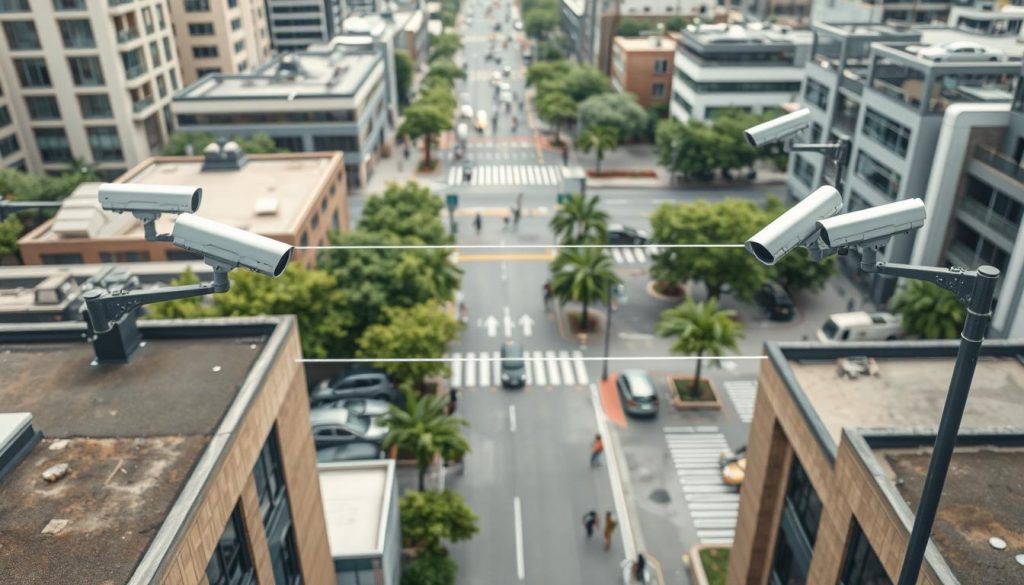
Reflective surfaces and architectural features create unique challenges here. Glass facades dominate the cityscape. Wet pavements after rain amplify glare issues. Proper positioning addresses these environmental factors directly.
Avoiding Reflective Surfaces and Glare
Singapore’s modern architecture creates constant reflection problems. Position cameras at a 15° angle from glass windows and metal surfaces. This simple adjustment minimizes glare that obscures critical details.
For traditional shophouses, angle lenses downward slightly. This monitors five-foot ways without capturing reflections from rain-slicked walkways. Test placements during both dry and wet conditions.
Avoid positioning security cameras directly under bright lights. Lift lobby chandeliers create uneven shadows. Street lamps cause overexposure in specific spots.
“Strategic angling reduces glare by up to 70% compared to direct-facing placements, significantly improving facial recognition capability.”
Ideal Mounting Height for Urban Singapore
Mount CCTV cameras between 2.4 and 3.1 meters high. This range balances facial recognition with wide-area coverage. It suits Singapore’s built environment perfectly.
Higher placements in HDB corridors require adjustment. Use the NUS-developed CCTV calculator for precise positioning. It accounts for corridor widths and ceiling heights.
Consider pedestrian traffic patterns during installation. Position cameras to capture faces at natural walking heights. Avoid angles that only show the tops of heads.
Ensuring a Clear Field of View
Remove obstructions that block surveillance coverage. Foliage grows rapidly in Singapore’s climate. Trim plants quarterly to maintain clear sightlines.
Architectural elements like signage can create blind spots. Reposition or remove items that interfere with your camera‘s view. Document these decisions for future maintenance.
Use simulation tools before physical installation. Bosch Design Manager creates 3D models of placement options. Virtual testing prevents costly repositioning later.
- Implement overlapping coverage from multiple units
- Account for future vegetation growth in placement plans
- Test angles during peak hours for traffic patterns
- Create photographic documentation of all placements
Proper placement transforms your system‘s performance. It ensures reliable footage regardless of lighting conditions or time of day. Strategic positioning is the final piece for crystal-clear surveillance.
Enhance Environmental Lighting Conditions
Mixed lighting sources in urban environments create uneven illumination that degrades video quality. Singapore’s landscape combines LED streetlights, fluorescent storefronts, and natural light. These conflicting sources produce challenging conditions for security cameras.
Strategic adjustments restore sharpness without hardware upgrades. Tailored solutions address Singapore’s unique lighting factors. Proper environmental management transforms unclear footage into reliable evidence.
Supplemental Lighting Solutions for Low-Light Areas
Install BCA-approved auxiliary fixtures under 3000 lumens. This provides adequate illumination without overwhelming camera sensors. For void decks, NEA-compliant LED floodlights ensure uniform brightness.
Pair them with Philips Hue security lighting triggered by ONVIF alerts. This creates dynamic response to movement. Position fixtures at a 45° offset to prevent backlight washout.
Apply amber filters to minimize insect swarms near green spaces. White light attracts pests that obscure camera views. This is particularly important in Singapore’s lush environment.
“Motion-activated lighting systems boost identification rates by up to 62% while conserving energy through precise illumination timing.”
Reducing Light Pollution and Interference
Measure ambient light levels with tools like the UNI-T UT383 BT lux meter. Ensure compliance with Urban Redevelopment Authority standards. Regular measurements identify problematic spots.
Create layered lighting approaches for comprehensive coverage. Combine general ambient light with targeted illumination. Focus on key areas like entrances, pathways, and parking spaces.
Coordinate with neighboring properties to minimize conflicting sources. Conflicting lights create uneven conditions. This coordination is essential for consistent surveillance performance.
Test setups during monsoon evenings when surfaces become highly reflective. Wet pavements amplify glare issues. Adjust positioning or add diffusion as needed for these specific times.
Using Baffles and Hoods to Block Stray Light
Install sunshades or hoods to block stray light from street lamps. Passing vehicles and neighboring buildings create lens flare. These accessories significantly improve image clarity.
Position baffles to shield cameras from direct glare sources. This prevents washed-out images in specific spots. Proper shielding maintains night vision effectiveness throughout the night.
Document all lighting configurations and their effects on camera performance. This optimization addresses seasonal changes in natural light patterns. Consistent documentation supports ongoing system maintenance.
For persistent night vision problems, consider specialized solutions like those discussed in our guide on CCTV night operation issues. These resources provide additional strategies for challenging lighting conditions.
Implement a Regular Maintenance Schedule
A structured maintenance schedule transforms reactive troubleshooting into predictable, preventative care for your security investment. Singapore’s tropical climate demands specialized routines to combat humidity and UV exposure. Consistent maintenance prevents up to 82% of common hardware failures.
This disciplined approach preserves surveillance effectiveness and image quality over time. Document every activity to establish patterns and predict future needs. Tools like the QNAP QVR Patrol app help log findings efficiently.
Monthly and Quarterly Cleaning Checklists
Develop specific checklists for different timeframes. Monthly tasks focus on surface-level problems. Wipe each camera lens with a microfiber cloth to remove dust and grime.
Inspect housings for spider webs and debris. These accumulate rapidly in our urban environment. Remove obstructions to ensure a clear field of view.
Quarterly routines are more thorough. Perform a complete inspection of all cables and connections. Clean infrared LEDs and sensors to maintain optimal night vision range.
- Schedule deeper cleaning before monsoon seasons.
- Increase frequency after periods of heavy construction dust.
- Check for pest nests that can block camera views.
Weatherproofing for Humidity and Rain
Singapore’s rain challenges even the best protective housings. An IP66 rating can lose 18% effectiveness annually without care. Test weatherproofing monthly with UL-certified spray kits.
“Focus on gasket integrity—regular maintenance triples the lifespan of critical seals in high-humidity environments.”
Apply silicone grease to O-rings and gaskets every quarter. This simple step maintains waterproofing integrity. Pay extra attention after heavy downpours.
For rooftop installations, replace sun-damaged camera housings every four years. Use SCDF-approved, UV-resistant enclosures. These are designed for our local conditions and preserve system performance.
Firmware Updates and System Resets
Manufacturers release updates to enhance security and performance. These patches address 73% of image degradation issues. Updates improve focus stability and color accuracy.
Always download firmware from official portals like Dahua’s Security Update Center. The CyberSecurity Agency of Singapore recommends verifying checksums before installation. This prevents malware risks during the update process.
Schedule these updates during off-peak hours, like 2-5 AM. This minimizes surveillance gaps. Your cameras benefit from the latest image processing improvements with little disruption.
Perform a system reset to factory defaults if persistent image problems occur. Make sure you back up all configurations first. This preserves your customized settings for lighting and night operation.
A regular schedule is your best defense. It ensures your CCTV system delivers clear footage and reliable security year-round.
Your CCTV Clarity Action Plan and Next Steps
Implementing a systematic action plan transforms unclear footage into reliable security evidence. Start by ranking issues based on their impact. Entry points and high-traffic zones deserve immediate attention.
Allocate appropriate time for each task. Basic cleaning takes thirty minutes. Focus adjustments require one to two hours. More complex solutions like cable replacement need three to six hours.
Document all changes with before-and-after recordings. This creates visual proof of improvements. Schedule follow-up checks at forty-eight hours and one week later.
A proactive maintenance plan prevents recurring problems. It keeps your surveillance system effective throughout the year. Consistent monitoring ensures long-term clarity and performance.
These structured approaches turn fuzzy images into sharp evidence. Your security cameras will deliver the reliable protection you need.
FAQ
Why is my security camera blurry only at night?
Night vision blur often stems from dirty infrared (IR) LEDs or sensors. Dust on these components scatters light, creating a hazy image. Adjusting the infrared sensitivity and ensuring the camera isn’t facing reflective surfaces like glass can also dramatically improve after-dark footage quality.
Can a bad power supply cause blurry video footage?
Absolutely. An unstable or underpowered supply can cause voltage drops, leading to a weak signal and poor image performance. Using a high-quality, dedicated power adapter and checking all connections for corrosion are essential steps to restore clear surveillance video.
How often should I clean my CCTV camera lens?
For clear images, a monthly lens cleaning is recommended in urban environments. In humid places like Singapore, more frequent checks prevent moisture and dust buildup. Use a microfiber cloth and gentle lens cleaner to avoid scratching the glass.
What camera settings improve daytime image quality?
Configuring the white balance correctly prevents color distortion. Optimizing the resolution and enabling 3D Digital Noise Reduction (DNR) sharpens details while reducing grain. Proper exposure settings prevent washed-out or overly dark images during different times of day.
Does cable length affect my camera’s video signal?
Yes, excessive cable length can degrade the signal, causing a loss in detail and potential blur. Using quality, shielded cables and avoiding runs near electrical interference are crucial. For long distances, consider using signal boosters or fiber optic solutions.
Should I update my security system’s firmware?
Regular firmware updates from manufacturers like Hikvision or Dahua can fix software bugs that impact focus and overall performance. A periodic system reset can also clear glitches and restore optimal surveillance system operation.


