
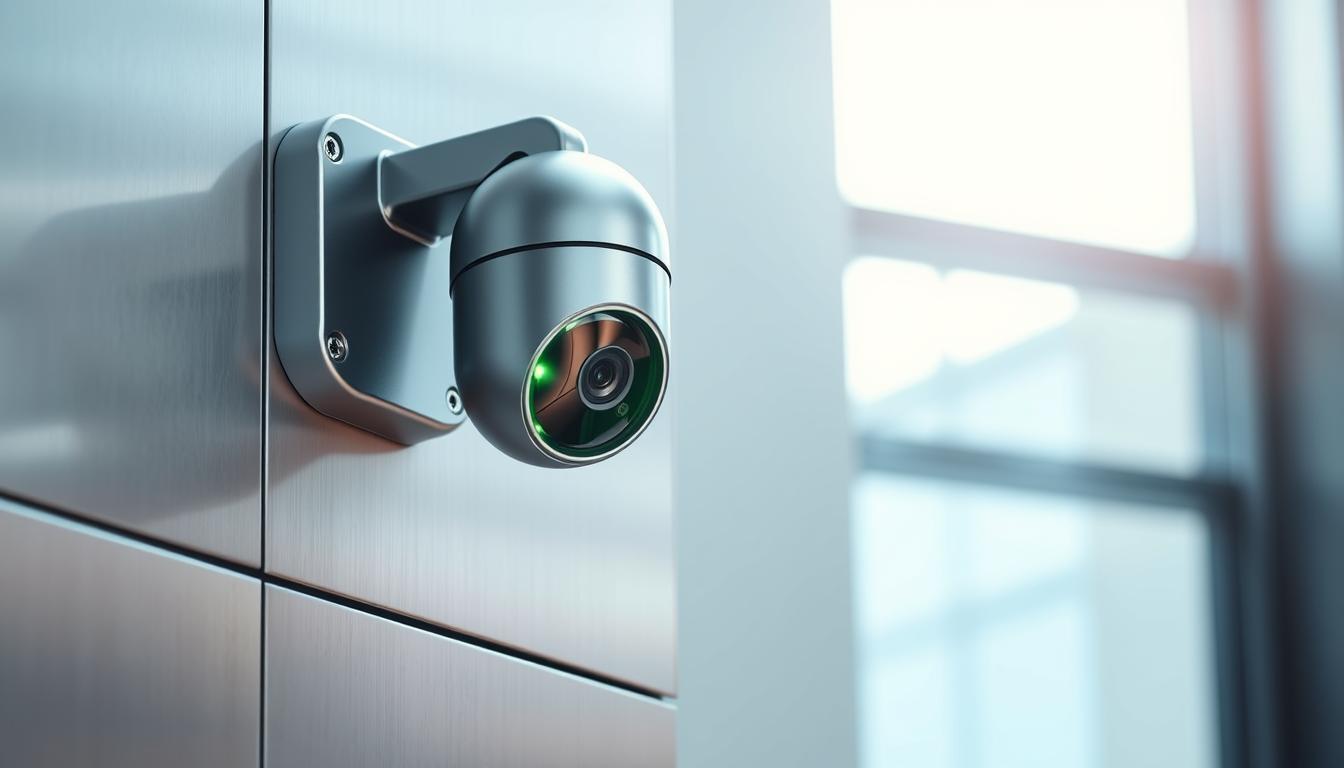
What does a green light on a camera mean?
The green light on a camera is a key camera status indicator. It tells users if the camera is working right. Knowing what the green light camera meaning is can make using the camera better, whether for work or fun. This light shows if the camera has power and is connected, but it can also raise privacy concerns.
With so many camera types out there, it’s important to know what the green light means. This is true for both photographers and regular users.
Key Takeaways
- The green light indicates the camera’s operational status.
- It provides insights into power levels and connectivity.
- Understanding camera indicator lights is key for users.
- Privacy concerns may arise with the camera status indicator.
- Different camera models may interpret the green light differently.
Understanding Camera Indicator Lights
Camera indicator lights are key visual signs that tell users if their device is working right. These lights change color and pattern to show different states like power, recording, or connection problems. For example, a green light means the camera is on and working well.
Knowing what these lights mean helps users keep an eye on their camera’s status. Being familiar with the different lights can make fixing problems faster. This way, users can keep capturing moments without any hitches.
Significance of the Green Light on Cameras
The green light on cameras is very important. It shows if the camera is working and connected to the internet. This means the camera is ready to use right away.
Green lights help make using cameras better. When it’s on, it means the camera is working well. This gives users peace of mind, knowing their security is good.
The green light also tells users if the camera sees something. It makes users feel in control and aware. Knowing about the green light helps use cameras better, whether at home or work.
What does a green light on a camera mean?
The green light on a camera is key to knowing if it’s working right. A steady green light means the camera is on and connected. This could be through a cable or wirelessly.
This shows the camera is not just working but also ready to be set up.
Indication of Power and Connection
The green light tells you the camera power status. It means the camera is fully working and ready to go. Users can count on the camera to work well.
This clear sign helps avoid confusion. It makes it easier to manage settings and use features.
Alert for Camera Activity
The green light also acts as a camera activity alert. It’s important when using certain apps or features. If the camera is in use, the green light lets users know right away.
This helps users stay connected with their cameras. They know exactly how the camera is doing.
Green Light on Different Camera Models
It’s important to know what the green light means on different cameras. This light shows if a camera is connected and if it’s safe to use. The green light’s meaning changes depending on the camera type.
IP Cameras and Their Indicators
IP cameras, like the D-Link DCS-2100, use a green light to show they’re connected. A steady green light means the camera is online and working right. This gives users confidence that their camera system is up and running.
Smartphone Cameras and Privacy Indicators
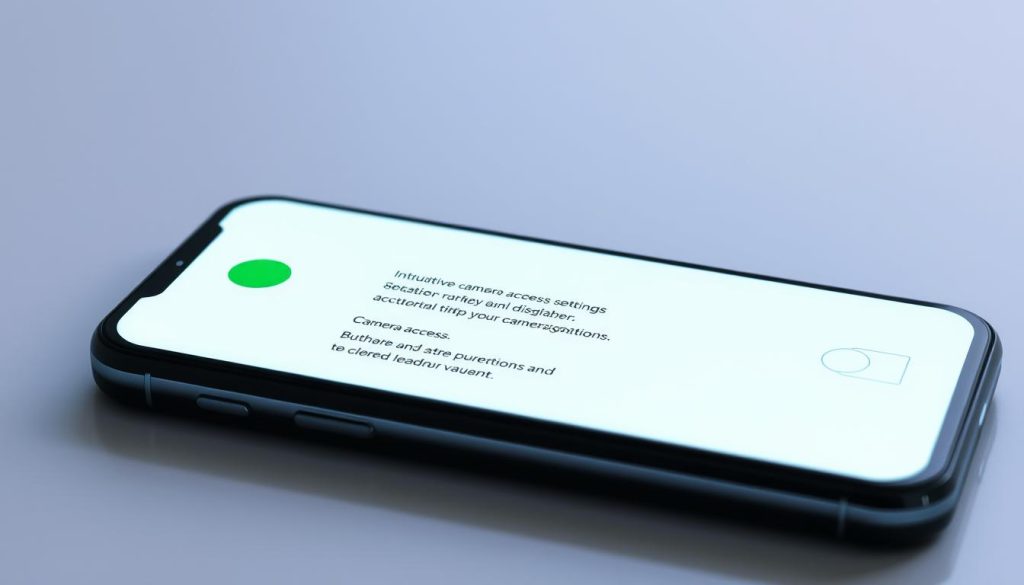
Smartphone cameras have a different green light meaning. Now, a green dot shows up on the screen when an app uses the camera. This helps users keep an eye on their camera’s activity, making sure their privacy is protected.
Other Camera Light Indicators Explained
Cameras use different light indicators to show their status. It’s key to understand these lights for the camera to work right. These signals tell us about the camera’s power, connection, and health.
A red light means there might be a problem with power or connection. This is a sign to check the camera right away. On the other hand, a blinking light could mean the camera is working on something or is ready to be set up.
Knowing what these lights mean helps users find and fix problems quickly. This knowledge makes using cameras easier and less frustrating.
Common Reasons for a Steady Green Light
A steady green light on a camera is a good sign. It means the camera is working well and ready to use. Knowing what this light means can make using the camera better.
Power and Network Status
A steady green light shows the camera is on and stable. It means the camera power network status is good, whether it’s wired or wireless. This connection is key for live streaming or remote access.
With a strong connection, you can watch what’s happening around you without worry.
Ready for Configuration
This green light also means the camera is camera ready for configuration. If you need to set it up, this light tells you it’s time to start. It’s a sign that the camera is ready to be adjusted or added to a security system.
Flashing Green Light: What It Indicates
A flashing green light on a camera means it’s talking to other devices. This could be when you’re streaming video or tweaking settings. It shows the camera is working right and doing its job.
Activity Between Devices
The flashing green light shows data is moving or the camera is working. It means the camera is chatting with devices like phones or computers. This makes sure your device is capturing and sending info, making your experience better.
Configurations and Access
The light also means settings or updates are being made. This includes changing settings or updating the camera’s software. Knowing these signs helps keep your camera running smoothly and lets you use it better.
Privacy Concerns Regarding Green Light Indicators
The green light on cameras is a big deal in today’s tech world. It tells us when a camera is recording or streaming. Knowing about these lights is key as our privacy needs change with new tech.
Green light privacy issues make us think about who’s watching us. Cameras are everywhere, in our homes and at work. Knowing when they’re on helps keep our privacy safe.
It’s important to know about these warning lights. We should watch out for apps and services that use our cameras. Being careful with our privacy helps us stay in control of our digital lives.
How to Manage Camera Access on Mobile Devices
It’s important to manage camera access on mobile devices for privacy and security. Users should know which apps are using their cameras. Luckily, new tech makes this easy, thanks to features like the control center on iOS and Android.
Using Control Center to Monitor Camera Usage
The control center makes it simple to manage camera access. Just swipe up or down to see which apps are using the camera. This lets users act fast if they see unauthorized apps.
Android 12 Enhancements for Privacy
Android 12 brought new privacy features for cameras. It shows when apps use the camera, keeping users informed. This helps users choose whether to let apps access their camera, making their experience safer.
Troubleshooting Your Camera’s Green Light Status
If your camera’s green light is missing or off, it usually means a power or connectivity problem. Start by looking into possible reasons for these camera connection issues. A step-by-step approach to troubleshooting can help find and fix problems, getting your camera working right again.
When the Green Light is Missing or Off
When the green light isn’t working, consider these points:
- Make sure the camera is plugged into a power source.
- Check if any cables or connections are loose.
- Look at the Wi-Fi or Ethernet connection to see if it’s working.
Steps to Diagnose Connection Issues
Here are steps to diagnose camera status effectively:
- Restart the camera and watch the green light.
- Reset the network connection to refresh it.
- Use the camera’s app or software to check for updates.
- Look in the user manual for tips on the green light issue.
Final Thoughts on Camera Indicator Lights
Understanding camera lights is key to a better user experience. The green light means more than just power and connection. It also alerts us to the camera’s status.
This knowledge helps users use their devices with confidence. They know what their camera is doing all the time.
As technology grows, knowing about these signals is more important than ever. It helps address privacy concerns. By watching these indicators, users can use their cameras better while keeping their security in mind.
For more details on indicator lights, check out understanding camera indicators. Knowing these visual signals helps users work more efficiently. It also keeps their privacy safe while using camera technology.
FAQ
What does a green light on a camera signify?
A green light means your camera is on and connected to the internet. It’s ready to use. It also tells you if the camera is doing something, like recording.
How can I tell if my camera is actively recording?
A steady or flashing green light usually means your camera is recording. This includes when it’s streaming video.
Why is the green light important for user privacy?
The green light is key for privacy. It tells you when your camera is being used. This helps you stay aware of your privacy and who might be watching.
Do different camera brands have varying light indicator functions?
Yes, different cameras work differently. For example, some IP cameras have solid green lights for being connected. Smartphones might show a green dot when the camera is in use because of privacy settings.
What should I do if my camera’s green light is off?
If the green light is off, it could mean a few things. It might be a power issue or a problem with the internet. First, check the power and internet connections to see if you can fix it.
What does a flashing green light mean?
A flashing green light usually means data is being sent or received. This could be when you’re streaming video or setting up your camera.
How can I monitor camera usage on my mobile device?
You can keep an eye on camera use through the Control Center on iOS or Android’s notification settings. These tools let you know when apps are using your camera. This helps you stay in control of your privacy.
What other light indicators should I be aware of on my camera?
Cameras also have red lights for power or internet problems. And there are blinking lights that show the camera is ready or active. Knowing these helps you understand what’s going on with your camera.


