
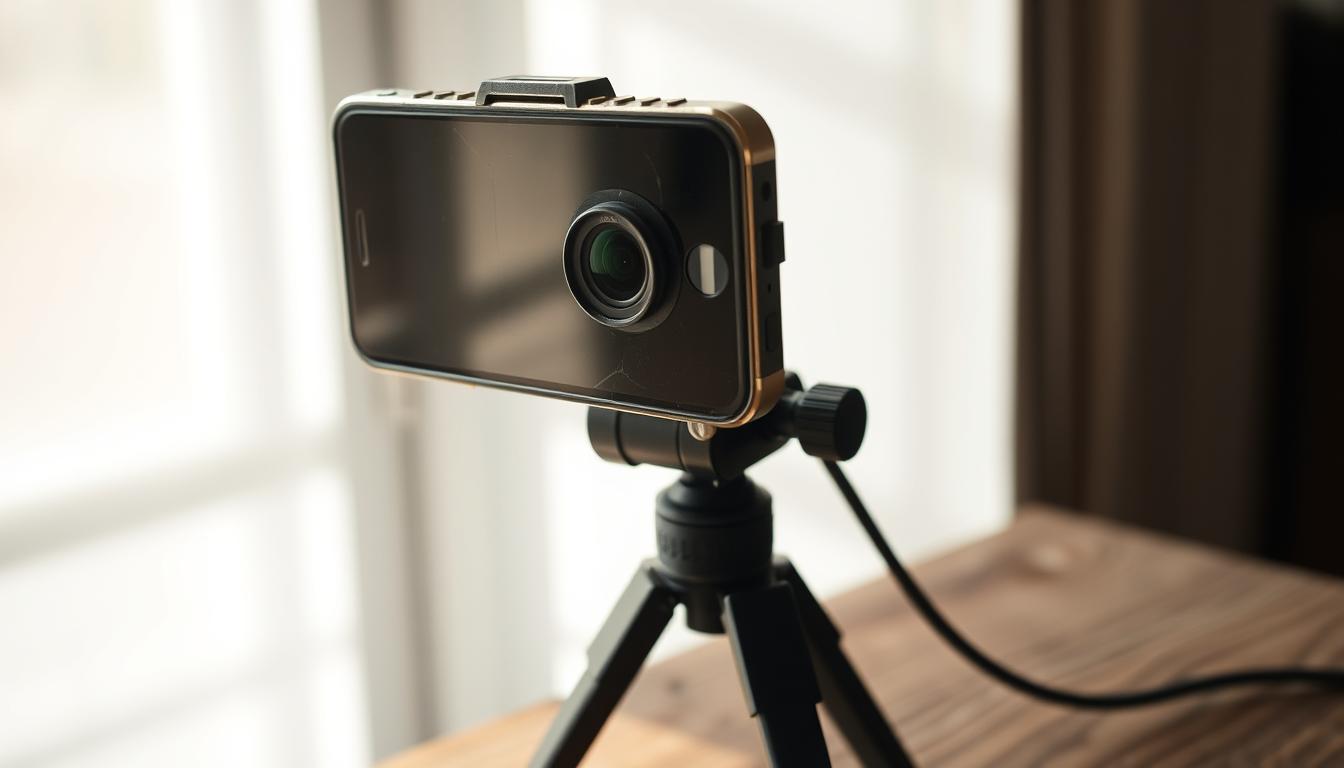
Can I use my old smartphone as a security camera?
In Singapore’s fast-paced city, keeping homes safe is a big concern. Theft and burglary are on the rise. So, finding good and affordable ways to protect homes is key.
One smart idea is to turn old smartphones into security cameras. This DIY method boosts your home’s watchfulness. It’s also a budget-friendly way to avoid throwing away useful devices.
Key Takeaways
- Repurposing old smartphones can save money on home security.
- DIY security cameras are an eco-friendly option.
- Old smartphone security camera setups can be effective for monitoring.
- Utilizing discarded devices helps reduce electronic waste.
- Simple to set up and manage using convenient apps.
Understanding Home Security Needs
Home security is key to keeping families safe from crime. With more package theft happening, it’s important to check your safety. Knowing where your home is weak helps you choose the right security measures.
Focus on areas like doors, garages, and windows. Understanding these high-risk spots helps you focus on where to improve security. Being proactive makes your home safer and gives you peace of mind. Knowing the risks helps you stay ahead of any danger, keeping your home secure for all.
Benefits of Using an Old Smartphone as a Security Camera
Turning an old smartphone into a security camera has many benefits of smartphone security cameras for homeowners. Many people have old phones that are not being used. By turning these into security cameras, you save money and avoid big costs for traditional systems.
The advantages of DIY security go beyond saving money. Setting up a smartphone camera is easy and quick. It uses technology you already know, making it simple. Plus, it helps the environment by reducing waste.
Also, using an old smartphone encourages creativity. Homeowners can tailor their security to fit their needs. This not only improves security but also brings a sense of accomplishment from a DIY project.
Can I use my old smartphone as a security camera?
Using an old smartphone for security is a smart and budget-friendly idea. It turns your phone into a surveillance system without the high cost of regular cameras. This way, you can help keep your home safe without spending a lot of money.
Easy Setup Process
Setting up your phone as a security camera is easy. Start by picking a simple app like Alfred. It connects your old phone to your current one, letting you watch your home from anywhere. Just download the app, set it up, and place your phone to watch the area you want.
Cost-Effectiveness Compared to Traditional Cameras
Choosing an old smartphone for security is a cost-effective choice. Regular security systems can be very expensive. But using your old phone saves you money and lets you customize your security setup.
Choosing the Right Security Camera App
Finding the right security camera app for your old smartphone is key for good surveillance. The best app can boost your device’s security and give you peace of mind. Apps like Alfred, Faceter, and iVCam have features for different security needs.
Popular Apps: Alfred, Faceter, and iVCam
Alfred is a top choice for its easy-to-use design and strong features. Faceter is great for places with a lot of movement thanks to its advanced motion detection. iVCam is perfect for those who want to see live video feeds easily and without hassle.
Key Features to Look For
When picking a security camera app, look for these important features:
- Remote Recording Capabilities: This lets you record footage from anywhere, which is key for keeping an eye on things.
- Cloud Storage Options: Good storage solutions are important for keeping your recordings safe and easy to access.
- Two-Way Communication: This feature lets you talk to people in the area you’re watching, making your security better.
These features are what make a security app effective. They’re important to think about when you’re choosing.
Preparing Your Old Smartphone for Use
To turn an old smartphone into a security camera, you need to prepare it. Start by cleaning it thoroughly to remove personal data and apps that might slow it down. This step helps protect your privacy and gets the device ready for its new job.
Next, consider doing a factory reset to start fresh. It’s also important to update the software. This keeps the device secure and running smoothly. Making sure the operating system is current is essential for a good security camera.
After these steps, your old smartphone will be ready to keep your place safe. It will give you peace of mind and make the most of your old device.
Finding the Perfect Location for Your Security Camera
Choosing the right spot for your security camera is key to keeping your place safe. The right placement makes sure you can see everything clearly. This way, you can watch over your property better.
Ideal Spots for Camera Placement
Think about these spots for your security cameras:
- Main entry points, such as doors and gates
- Driveways to monitor vehicles and visitors
- Windows that may serve as a way in
- Garages or outdoor sheds with valuable stuff
- Backyards, if privacy fences block your view
Putting cameras up high helps prevent them from being messed with. It also lets you see more. Using old smartphones in different spots around your home can also boost your security.
Mounting and Powering Your Smartphone Security Camera
Setting up your old smartphone as a security camera needs careful thought. You must choose the right mounting solutions and power supply. Good mounting and steady power are key for a reliable security system.
Recommended Mounting Options
There are many ways to mount your smartphone, depending on where you want to place it. Tripods are great for indoor use because they are stable and adjustable. Suction mounts are perfect for attaching to windows, giving you a clear view without needing to install anything.
Choosing the right mount helps keep the camera hidden while making it easy to adjust or maintain.
Ensuring Continuous Power Supply
Keeping your smartphone camera powered for a long time requires planning. Make sure it’s always plugged in to avoid battery drain from video streaming. Use long charging cables or a good power bank to keep it charged anywhere.
Testing Your Smartphone Security Camera Setup
After setting up your smartphone security camera, it’s important to test it. This ensures everything works well and meets your needs. You’ll need to check the live feed and adjust the camera settings for better performance.
Verifying Live Feed Quality
Start by watching the live feed on your chosen device. Look for clear video and quick response. If you see lag or low quality, fix it right away to keep your setup secure.
Adjusting Camera Settings for Optimal Performance
After checking the live feed, adjust your camera settings. Pay attention to motion sensitivity and alert settings. Making these adjustments can improve your surveillance and cover more of your property.
Limitations of Using an Old Smartphone for Security
Using an old smartphone as a security camera has its downsides. It might save money, but it could also affect how well it works and how safe it is.
Battery Life and Maintenance Concerns
Battery life is a big issue. Using it a lot can make the battery wear out faster. This means it might not work when you need it most.
Keeping the camera in good shape is key. You might have to charge it often or keep it plugged in. This helps avoid any breaks in your watch.
Potential Security Vulnerabilities
Old smartphones often don’t get the latest security updates. This makes them more vulnerable to hackers. A hacked device can risk your privacy and security.
It’s important to fix these smartphone security limitations. But, many people don’t think about it enough.
When to Consider Professional Security Solutions
Figuring out when to get professional security is key. You need to know what keeps you safe. If you’re looking for advanced security options like live monitoring, DIY solutions might not cut it. That’s when professional security systems become a must for solid, all-around safety.
Professional systems offer cool features like top-notch video and constant monitoring. These add a big layer of security. Think about your property’s value, where it’s located, and any threats you face. Making smart choices is critical for boosting your safety plan.
Conclusion: Making the Most of Your Old Smartphone
Turning your old smartphone into a security camera is smart and green. It’s a way to boost your home’s safety without spending a lot. Just pick the right app, get your phone ready, and place it where it’s most useful.
This method has its perks and downsides. It’s not as good as professional systems, but it’s a great choice for those on a budget. It’s a DIY solution that works well for many people.
Using your old phone for security makes your home safer and helps the planet. It’s a chance to improve your home’s safety and be eco-friendly at the same time. Take advantage of this to keep your home safe and make a smart choice for the environment.
FAQ
Can I really use my old smartphone as a security camera?
Yes, you can turn an old smartphone into a security camera. It’s a smart and green way to watch over your home. You can use apps to do this without spending a lot of money.
What are the benefits of converting an old smartphone into a security camera?
Using an old phone as a camera is cost-effective and easy to set up. It also helps the environment by reducing waste. Plus, you’re reusing technology you already have.
How do I set up my old smartphone as a security camera?
Setting up your old phone is simple. First, download a security app like Alfred. Then, connect it to your current phone for remote monitoring.
Which apps are recommended for turning a smartphone into a security camera?
Apps like Alfred, Faceter, and iVCam are great for this. They offer features like motion detection and live streaming. You can also record remotely.
Do I need to prepare my old smartphone before using it for security?
Yes, prepare your old phone by removing personal data and updating its software. This makes it more secure and ensures it works well for monitoring.
Where is the best place to position my smartphone security camera?
Place your camera at main entry points, driveways, or where valuables are kept. Make sure it’s mounted high for the best view.
What mounting options are available for my smartphone security camera?
You can use tripods or suction mounts for easy mounting. Choose a spot that’s hard to reach but has a good view. Remember to keep it plugged in for continuous use.
How can I ensure my smartphone security camera is properly powered?
Keep your phone plugged in to avoid battery drain from video streaming. Use long cables or power banks for constant power.
How do I test my smartphone security camera setup?
Test your setup by watching the live feed on your device. Adjust settings like motion sensitivity and alerts for better performance.
What are the limitations of using an old smartphone for security?
Old phones have limited battery life and may lack recent security updates. This makes them vulnerable to hacking.
When should I consider investing in professional security solutions?
If you need better video quality, live monitoring, or smart home integration, consider professional cameras. They offer more reliability and support.


