
How do I know if my CCTV is recording?
It’s important to know if your CCTV is recording to keep your property safe. Checking if your security camera is working can give you peace of mind. We’ll show you how to find out if your CCTV system is recording.
We’ll cover simple signs and advanced software tools. With this info, you can keep your place secure.
Key Takeaways
- Know the signs that indicate your CCTV system is recording.
- Familiarize yourself with different recording modes of your security camera.
- Utilize software tools to check recording status efficiently.
- Regularly perform physical checks to ensure all components are functional.
- Stay informed about common issues that may disrupt CCTV recording.
- Adopt best practices for regular maintenance of your CCTV system.
Understanding CCTV Functionality
Knowing about CCTV functionality is key to getting the most out of security systems. CCTV, or Closed-Circuit Television, has three main parts: cameras, recorders, and monitoring software. These work together to capture, store, and review footage. Learning how CCTV works helps you use these systems better.
Security camera basics include knowing the different ways they operate. CCTV systems can either record continuously or only when there’s movement. Continuous recording captures everything all the time, giving a full archive. Motion-activated recording saves space by only recording when something moves.
Understanding these parts helps you see how your CCTV is set up. This knowledge tells you what to look for when checking the recording status. Knowing these features lets you monitor better and improve your security.
How do I know if my CCTV is recording?
It’s important to know how your CCTV system shows it’s recording. Learning about CCTV recording indicators helps you check if it’s working right. Look for specific signs that show your system is capturing footage.
Identifying the Indicators of Recording
CCTV systems have signals that show when they’re recording. You’ll see:
- LED lights that change color or blink when recording is in progress.
- On-screen displays presenting the recording status, usually accessible through the camera’s interface.
- Auditory cues, such as beeps, when motion is detected or recording begins.
Different Recording Modes and Their Functions
Knowing about recording modes helps you monitor better. For example:
- Continuous Recording: The camera records all the time, shown by steady LED lights.
- Motion-Activated Recording: This mode starts when there’s movement, with signals that change.
Understanding these modes helps you set up your security system right. This ensures you’re always watching over what matters.
Signs Your CCTV Camera is Active
It’s important to know if your CCTV system is working right. There are clear signs to check if your camera is recording. Look for LED lights and camera movement to see if everything is okay.
Observing LED Light Indicators
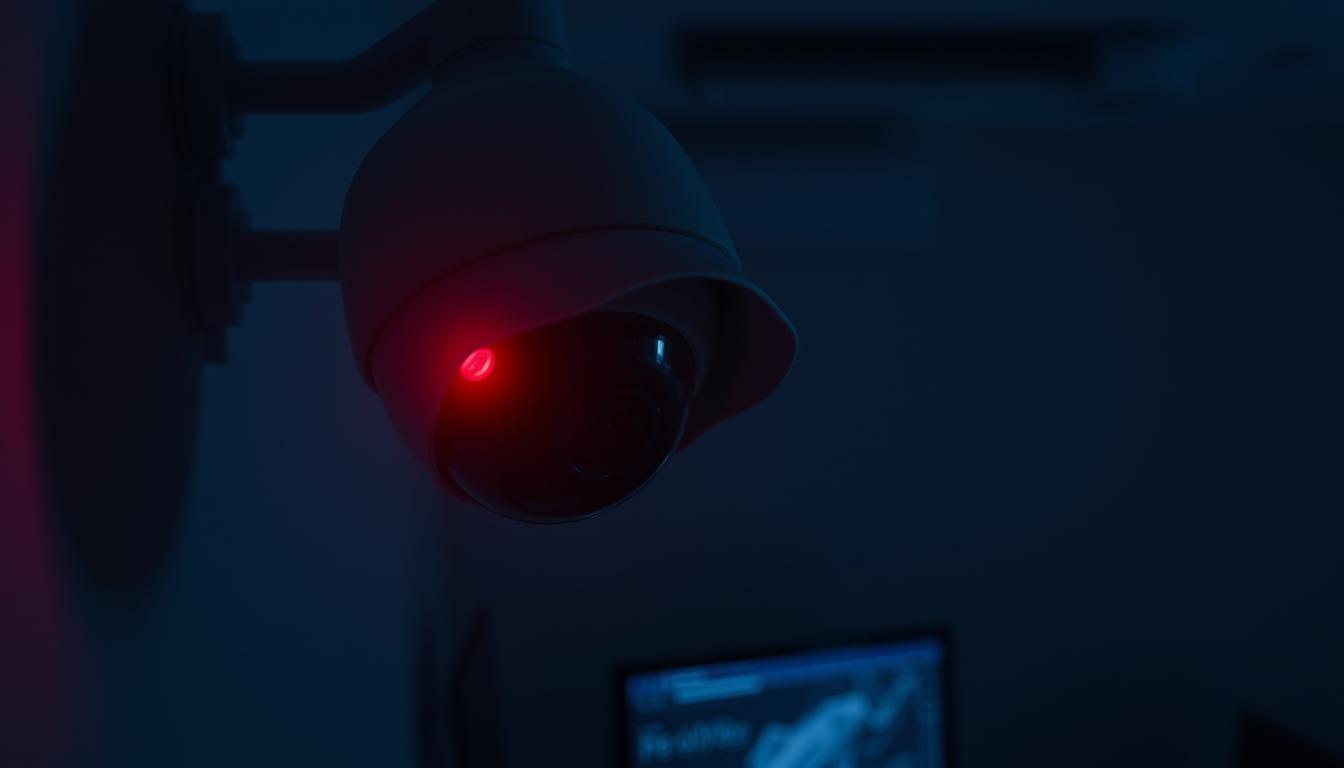
LED lights on your CCTV camera are key indicators of activity. A steady red light means it’s recording. Some cameras also have infrared lights for night vision.
Watching these lights helps you know if your camera is working. This gives you peace of mind when you’re watching important areas.
Paying Attention to Camera Movement
Camera movement is also important to notice. If your camera can move, any changes in direction show it’s active. You might also hear a slight buzzing sound.
By watching both the LED lights and camera movement, you can be sure your system is working well.
Utilizing Software to Check Recording Status
Today’s CCTV systems use advanced software that makes them easier to use and monitor. This software has a simple interface for users to see live footage and check recording status. When users log in, they can quickly see if the camera is recording.
Live streaming is a reliable way to check if the camera is working. Users can also check their recording settings to make sure everything is right. Plus, modern CCTV software sends out alerts and notifications about any changes in recording.
Physical Checks to Confirm Recording
It’s important to do a detailed check of your CCTV system. Start by making sure the power supply is working right. This is key for your system to keep recording.
Inspecting the Power Supply and Cables
First, look at the power supply for any damage or loose connections. A steady power source is vital for your system. Also, check the camera cables for any signs of wear or loose connections. Tight and undamaged connections help your system work better.
Listening for Audio Recording Capabilities
When checking out a CCTV system, listening for audio recording capabilities is key. Many modern cameras can record sound along with video. This is vital in places where sound helps understand what’s happening.
When you test the sound detection, notice how clear the sound is. Good microphones make sounds sharp, while bad ones might muddle or miss quiet sounds. It’s important to see if your camera can really capture sound well.
Knowing what your CCTV system can do with sound is important. It helps make sure it works right. Here are some things to think about:
- Check if your camera has a built-in microphone.
- Test the microphone with different sounds at various distances.
- See how the sound quality matches the video.
Using Digital Displays on Your CCTV
CCTV digital displays are key to showing real-time info about your security system’s status. By learning to read CCTV indicators, you can quickly see if your system is recording or on standby. The camera interface often uses symbols and colors to show the camera’s state and recording patterns.
How to Read Indicators on Digital Displays
Understanding your CCTV system’s signals is vital. Here are some common indicators:
- Green lights mean the system is recording.
- Red lights show errors or issues, needing a closer look.
- Flashing icons might point to connectivity problems or maintenance needs.
Using these insights from digital displays boosts your CCTV camera monitoring skills. Knowing what each light or symbol means helps you stay informed about every recorded moment.
Testing Your CCTV Footage
Checking your CCTV system’s work is best done by reviewing CCTV footage. First, go to the storage device or cloud service connected to your camera. This lets you see the video clips and understand how well your system is working.
Make a timeline for footage verification to check how well your system is working. This helps match what’s recorded with your previous checks. It also shows any missing or faulty parts that need fixing. Regular testing security cameras is key to good security management.
Common Issues Affecting CCTV Recording
CCTV systems can face many problems that affect their recording. These issues often come from software bugs and hardware failures. It’s important to know and fix these common problems to keep your surveillance working well.
Checking for Software Glitches
Keeping your CCTV’s software up to date is key. Software glitches, like old firmware, can cause recording problems or lost footage. Make sure your system has the latest software. This boosts performance and security.
Fixing software issues quickly helps avoid recording breaks. It keeps your surveillance system safe.
Identifying Hardware Malfunctions
Hardware issues can also mess with recording. Check cameras for damage and make sure all connections are tight. Power outages can also stop cameras from working.
Regular checks can spot problems early. This lets you fix them fast and keep your recording working right.
Tools to Determine CCTV Functionality
Checking your CCTV system’s functionality is key to good surveillance. Many tools help with surveillance system checks. Electronic bug detectors are top picks for spotting if systems work right and if there are security issues.
Using Electronic Bug Detectors
Electronic bug detectors are vital for checking CCTV systems. They find hidden cameras and see if systems are working and sending signals. By looking at the frequencies cameras send out, these detectors tell us if our systems are working.
Using these detectors keeps you calm, knowing your CCTV is working right. Regular checks with the right tools make sure you’re covered and find any weak spots. For more help, check out this guide on CCTV recording checks.
Best Practices for Regular CCTV Maintenance
Regular CCTV maintenance is key to keeping your surveillance system working well. Start by checking the hardware, like the power supply, connectors, and cables. This ensures they are in good shape and prevents any issues.
It’s also important to keep the camera lenses clean. Dust and debris can block the view and make images blurry. Also, updating the software regularly improves performance and security.
Don’t forget to check the storage devices’ lifespan. Make sure hard drives or cloud storage are working right. Replace them when needed to avoid losing data or system failures. Following these tips will help your CCTV system last longer and work better.
FAQ
How can I tell if my CCTV system is recording?
Check for LED lights, digital displays, and software status. A solid red LED light means it’s recording. You can also see real-time footage in the software to confirm.
What do the different LED light indicators mean?
LED lights can mean different things depending on the camera. A solid red light usually means it’s recording. Blinking lights might mean it’s not recording or connecting. Always check your camera’s manual for exact meanings.
What are motion-activated and continuous recording modes?
Motion-activated recording saves space by only recording when there’s movement. Continuous recording records all the time. Knowing these modes helps you understand the indicators and check recording status.
Can I check my CCTV system remotely?
Yes, many CCTV systems can be accessed remotely. You can log in to see live footage and check recording status from anywhere. This makes monitoring your security easier.
How can I perform physical checks on my CCTV system?
Check the power supply to make sure it’s working and connected. Also, look for any worn or loose cables. These checks are key to ensuring your system works well.
What role does audio recording play in CCTV functionality?
Some CCTV cameras can record sounds, in addition to video. Knowing if your camera has audio and how well it captures sounds helps confirm it’s working right.
What should I look for on the digital display of my CCTV system?
Digital displays show real-time status, like if it’s recording. Knowing what these indicators mean helps you monitor your system better.
How can I access and review recorded footage?
To see recorded footage, go to the storage device or cloud service linked to your system. Reviewing it lets you check if everything is working and if there are any gaps.
What common issues could prevent my CCTV system from recording?
Issues like software glitches, outdated firmware, hardware problems, or power failures can stop recording. Regular maintenance and updates can fix these problems and keep your system running smoothly.
How do electronic bug detectors help with CCTV systems?
Bug detectors can find hidden cameras and check if your CCTV system is working. They respond to camera frequencies, giving you insight into their status and recording ability.
What are the best practices for maintaining my CCTV system?
To keep your CCTV system in good shape, do regular hardware checks, make sure cables are good, update software, and clean camera lenses. Knowing when to replace storage devices can also prevent losing data.


