
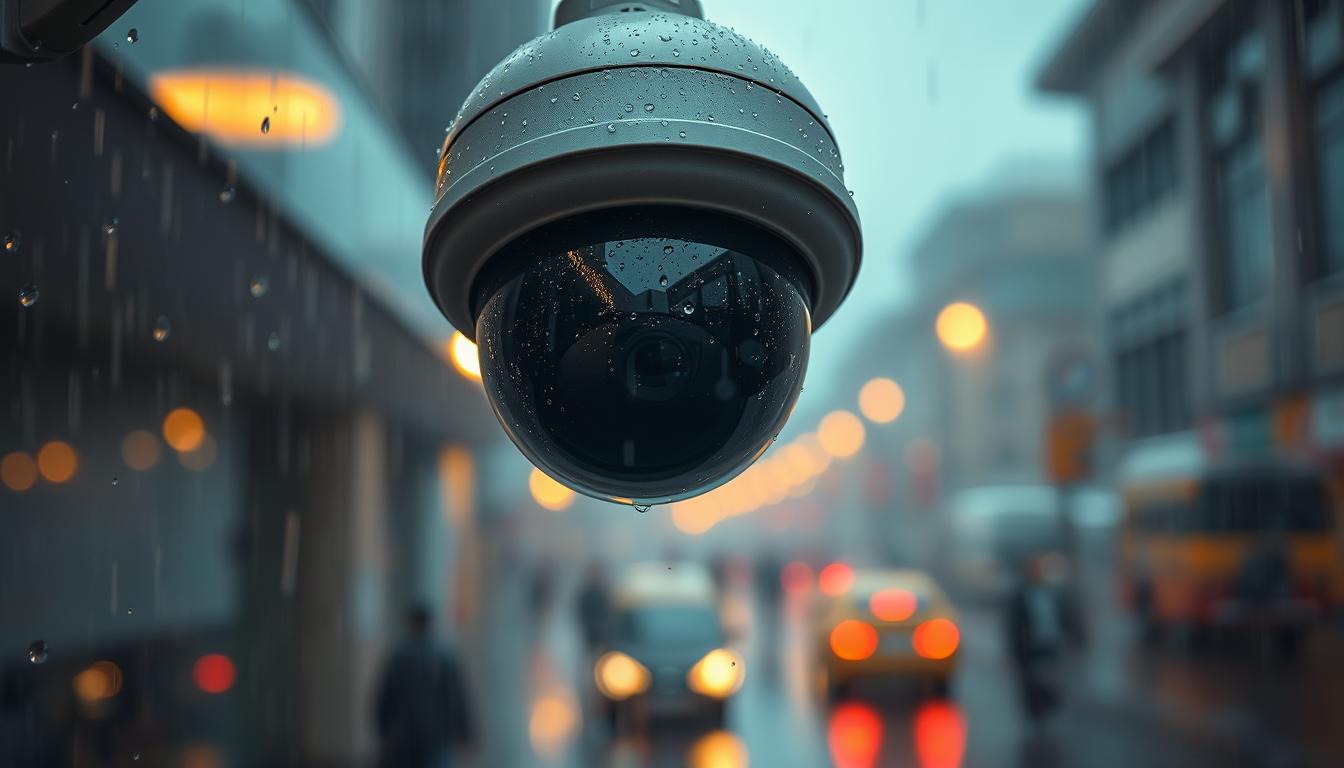
How do I stop my CCTV from picking up rain?
In Singapore’s tropical climate, rainy weather can make your CCTV system less effective. Homeowners and business owners need to keep their surveillance footage clear. Knowing how to handle CCTV rain detection helps you avoid rain-related issues.
By making a few adjustments and using rain motion alert solutions, you can improve CCTV performance. This ensures your camera captures important moments. This article will show you how to stop CCTV rain alerts and boost your security system during bad weather. For more info on how weather affects your CCTV, check out this resource.
Key Takeaways
- Adjust settings to minimize rain detection issues.
- Utilize features that distinguish between rain and actual movement.
- Reposition cameras for better angles during rainy conditions.
- Consider models with built-in weatherproof capabilities.
- Regular maintenance helps sustain optimal performance.
Understanding the Basics of CCTV Motion Detection
CCTV motion detection technology is key in today’s surveillance systems. It works by watching for changes in image frames in real-time. When a camera sees a difference between frames, like an object moving, it sends out an alert.
Anything that moves, like people or raindrops, can set off the alert system. It’s important for users to understand these CCTV basics. By setting up their cameras right, they can cut down on false alerts, even in bad weather.
How do I stop my CCTV from picking up rain?
It’s important to know how rain affects your CCTV system. Rain can mess with video quality and motion detection. This is more noticeable at night when infrared lights are on, making rain look like movement.
The Impact of Rain on CCTV Footage
Rain can really mess up your CCTV system. It makes videos blurry and can distort images. Heavy rain can make recordings less clear, making it hard to see what’s happening.
Common Issues with Motion Detection During Wet Weather
Motion detection problems are common in the rain. Raindrops and moving leaves can trigger too many false alerts. This can lead to missing important events. Cameras have trouble telling real movement from rain or leaves, affecting their performance.
Adjusting Camera Settings for Optimal Performance
To get clear footage from your CCTV system, even in heavy rain, you need to tweak the settings. Many people face issues with poor image quality due to weather. So, it’s key to adjust these settings right.
First, check the CCTV camera settings for motion detection sensitivity. Lowering this can cut down on false alarms from rain or other unwanted movements. Also, setting motion detection zones to focus on important areas can greatly improve camera performance.
Don’t forget to use rain detection alerts. These settings help by filtering out unnecessary footage from bad weather. Keeping your CCTV system’s firmware up to date can also boost these features.
Learning how to adjust CCTV for rain can really change your surveillance game. By regularly checking the weather and making the right changes, you’ll get clearer images and more useful alerts. This means you can stay calm, even when it’s raining.
Using Object Classification Features
CCTV object classification is key to making surveillance systems better. It helps cut down on false alerts from things like rain or animals. Knowing how it works can lead to better security and fewer mistakes.
What is Object Classification?
Object classification in CCTV means cameras can spot and sort out moving things. They look at video to tell humans, cars, and other objects apart. The goal is to send alerts only when something important happens, making monitoring easier.
How to Enable Object Classification
To turn on object classification, go to your camera settings. You can find this in the app or web interface of your system. Look for “Object Detection” or “Smart Features”. Here’s what to do:
- Choose the object classification feature.
- Set up the feature to focus on certain objects, like people or cars.
- Change the sensitivity to get better at telling objects apart in CCTV.
With this feature on, your system will be more accurate and reliable. You’ll get alerts that really matter, not just random ones.
Fine-tuning the Detection Zone and Sensitivity
Getting your CCTV system’s detection settings right is key for good monitoring. By setting a specific CCTV activity zone, you can focus on certain areas for motion detection. This helps avoid getting alerts from things like rain or moving trees. It makes your surveillance better, with more control and less noise.
How to Set an Activity Zone
To set an activity zone, you need to get into your CCTV camera’s settings. You can do this through the app or web interface. Here’s how:
- Open the camera settings from your device’s app.
- Find the “Activity Zone” or similar option.
- Choose the area on the camera’s live view where you want to detect movements. Avoid areas with lots of rain or trees moving a lot.
- Save your changes to make the activity zone active.
Finding the Right Sensitivity Level
Adjusting sensitivity settings is important for your CCTV’s performance. The right sensitivity can cut down on false alerts. Here are some tips:
- Start with the default sensitivity and see how the system reacts to motion.
- Slowly lower the sensitivity until only important movements trigger alerts.
- Keep watching and adjust until you find the perfect balance.
Repositioning Your CCTV Camera
Getting your CCTV camera in the right spot is key to avoiding false alarms and improving surveillance. Choosing the best angles and spots can make a big difference in how clear the footage is. Here are some important things to think about when moving your CCTV cameras.
Choosing the Right Angle for Installation
Figuring out the best camera angles means looking at the area you want to watch. Think about these points for the best placement:
- Field of View: Make sure the camera sees important spots and areas that are hard to see.
- Height of Installation: Put cameras up high to stop people from messing with them and to see more.
- Lighting Conditions: Place cameras so they don’t get hit by light from streetlights or the sun.
Ideal Camera Locations to Minimize False Alerts
Putting cameras in the right spots helps make the video clearer and cuts down on false alerts. Keep these tips in mind:
- Put cameras where they won’t get wet from rain or water.
- Install cameras in places that make intruders think twice.
- Use corners or edges of buildings to cover more ground.
Benefits of Using Cameras with PIR Sensors
PIR sensors in CCTV systems bring big advantages. They use passive infrared sensors to spot changes in heat, like from people and animals. This makes them better at catching motion than regular cameras.
Unlike other cameras, PIR sensors don’t get fooled by things like rain or wind. This means fewer false alarms.
- Enhanced Accuracy: PIR sensors focus on heat, so they catch threats better and avoid false alarms.
- Low Power Consumption: They use less energy than old motion detection systems, saving money.
- Improved Night Vision: PIR cameras work well in the dark, so you don’t need extra lights.
- Integrated Alarm Functions: Many PIR cameras send alerts when they see motion, keeping you safe.
Using cameras with PIR sensors boosts security and works well. It’s a strong choice for keeping an eye on things.
Regular Maintenance Practices for Your CCTV System
Regular maintenance is key for your CCTV system’s long life and good performance. CCTV maintenance tips help avoid future problems. Keeping your system in top shape is vital, even when the weather is bad.
To keep your CCTV system clear, follow these important steps:
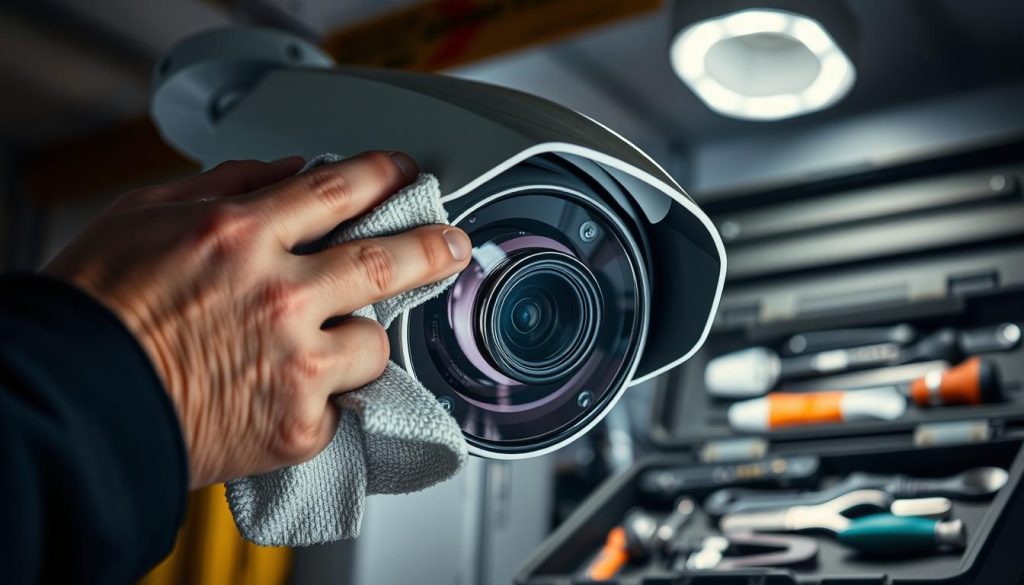
- Clean the lens covers often to stop dirt and moisture from building up.
- Check all hardware for wear and tear signs.
- Make sure all connections are tight and corrosion-free.
- Keep your software and firmware updated for the best performance.
Also, regular checks can spot weather resistance problems early. Good surveillance system upkeep means your cameras will work right when you need them.
By following these steps, you improve your CCTV system’s performance and protect your investment. A proactive approach helps avoid unexpected issues.
Evaluating Weatherproof Solutions
For effective outdoor surveillance, investing in weatherproof solutions is key. This section looks at protective housing options and models made for wet conditions. Making sure your CCTV system is weather-proof can greatly improve its life and performance.
Protective Housing for Cameras
A protective housing for surveillance cameras is vital to keep them safe from rain and moisture. These housings vary in design, providing different levels of protection. When picking a protective housing, think about:
- Durability against physical weather conditions.
- Compatibility with specific camera models.
- Ease of installation and maintenance.
Using a good protective housing will protect your investment and keep your cameras working well. This ensures weatherproof CCTV cameras keep giving high-quality footage.
Choosing a Weatherproof CCTV Model
Choosing a weatherproof CCTV model is critical when security matters. Look for waterproof CCTV solutions that meet or exceed industry standards for moisture resistance. When checking models, consider:
- The IP rating, which shows the environmental protection level.
- Reviews on how well they perform in wet conditions.
- The brand’s reputation for reliable weatherproof CCTV cameras.
By carefully looking at these points, you can make your surveillance system better against harsh weather.
Exploring Software Solutions to Reduce Noise
In the world of CCTV surveillance, keeping video clear in bad weather is key. Modern CCTV software solutions help by removing noise from rain or other weather. These solutions use advanced tech to make surveillance systems work better.
Utilizing AI Features in Modern Cameras
AI in surveillance has changed how we handle security. Today’s CCTV systems have smart software that spots and cuts out video noise. This lets users see what’s important without distractions.
- Advanced filtering algorithms help detect and eliminate distractions.
- Real-time analysis of video streams enables instant adjustments to clarity.
- Integration with cloud services allows for intelligent storage and retrieval of critical footage.
Choosing cameras with these AI features boosts performance. It also makes your security system more reliable, even in heavy rain or storms.
Understanding Different CCTV Models and Their Features
Choosing the right CCTV system is key to your security. VIGI CCTV features and the Tapo cameras comparison help you see what each offers. This is important for picking the best system for your needs.
Comparing Options: VIGI and Tapo Cameras
The VIGI series is known for its strong design and weatherproofing. It’s great for outdoor use. VIGI cameras have high-quality footage and better night vision.
On the other hand, Tapo cameras are easy to use and affordable. They work well for homes and small businesses. They’re also smart home compatible.
When comparing Tapo cameras, look at installation, mobile access, and cloud storage. Each series meets different needs. VIGI is for tough jobs, while Tapo is easy for families and small businesses. Knowing the strengths and weaknesses helps you choose the right camera for your space.
The Future of CCTV Technology and Weather Adaptability
Looking ahead, CCTV technology is evolving to better handle tough weather. Weather adaptive CCTV solutions are changing how security systems work in rainy and other harsh conditions. Old cameras often struggle with rain, but new smart tech is improving their performance.
New sensor tech lets CCTV systems adjust to weather changes. This means rain won’t cause false alarms or mess up video quality. This makes surveillance more reliable, even when it’s bad outside.
Also, CCTV will soon work with other smart devices in a security network. This connection will help adjust to weather changes in real-time. As tech keeps improving, weather adaptive CCTV will be key in upgrading security for homes and businesses.
FAQ
How do I stop my CCTV from picking up rain?
To reduce rain impact on your CCTV, adjust sensitivity settings and use object classification. Also, reposition cameras to avoid rain. Regular upkeep and weatherproof housing are key.
What are the common issues with motion detection during wet weather?
Rain can cause too many alerts by triggering the system with raindrops. This can make surveillance footage unclear and less useful.
How can I improve the performance of my CCTV system during rain?
Adjust camera settings like motion sensitivity and alert parameters. Define specific activity zones to boost performance in wet weather.
What is object classification in CCTV systems?
Object classification lets cameras focus on humans, ignoring rain, animals, or other environmental factors. It improves surveillance accuracy.
How do I enable object classification on my CCTV camera?
Find object classification in your camera’s menu. Enable it to filter out unnecessary alerts and enhance surveillance.
How do I set an activity zone for my CCTV camera?
Go to your camera settings, then the detection or activity zone section. Choose the area you want to monitor and exclude rain-affected zones.
What should I consider when choosing the right angle for my CCTV camera?
Position the camera to avoid rain and foliage. A well-angled camera reduces false alerts and improves surveillance.
Why are cameras with PIR sensors beneficial?
PIR sensors detect heat signatures, ignoring rain or snow. This reduces false alerts and improves surveillance accuracy.
What routine maintenance should I perform on my CCTV system?
Clean lens covers, check for weather resistance, and update software regularly. These steps ensure optimal performance in bad weather.
How can I weatherproof my CCTV system?
Use protective housings to shield cameras from rain. Choose durable models for reliable operation in wet environments.
What innovative software solutions can help reduce noise in CCTV footage?
Modern cameras use AI to filter out environmental noise like rain. This improves footage clarity and surveillance effectiveness in bad weather.
How do VIGI and Tapo cameras compare in wet weather scenarios?
VIGI is durable, while Tapo has advanced motion detection. Choose based on your environmental challenges and needs.
What are the emerging trends in CCTV technology regarding harsh weather adaptability?
New trends include better motion detection, weatherproofing, and AI. These advancements make CCTV systems more adaptable and effective in harsh weather.


